





Session Recording Tool
Stop guessing how to improve your website. A next-gen user session recording tool with powerful smart search.
Record and watch what users are doing on your site. Easily find users who meet certain criteria or act in a specific way.
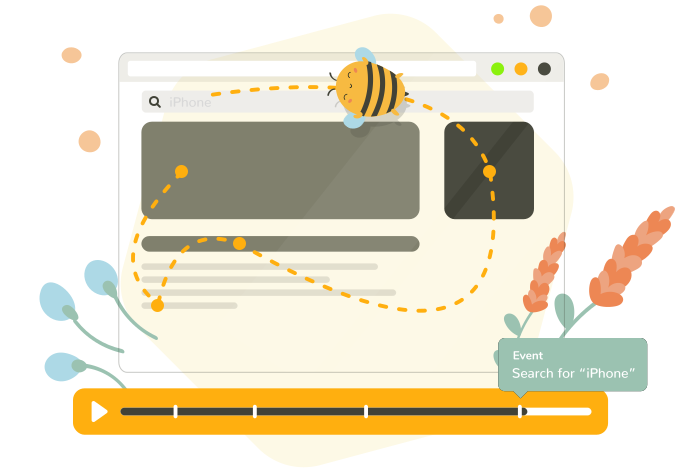








How it works
1. Set up and record
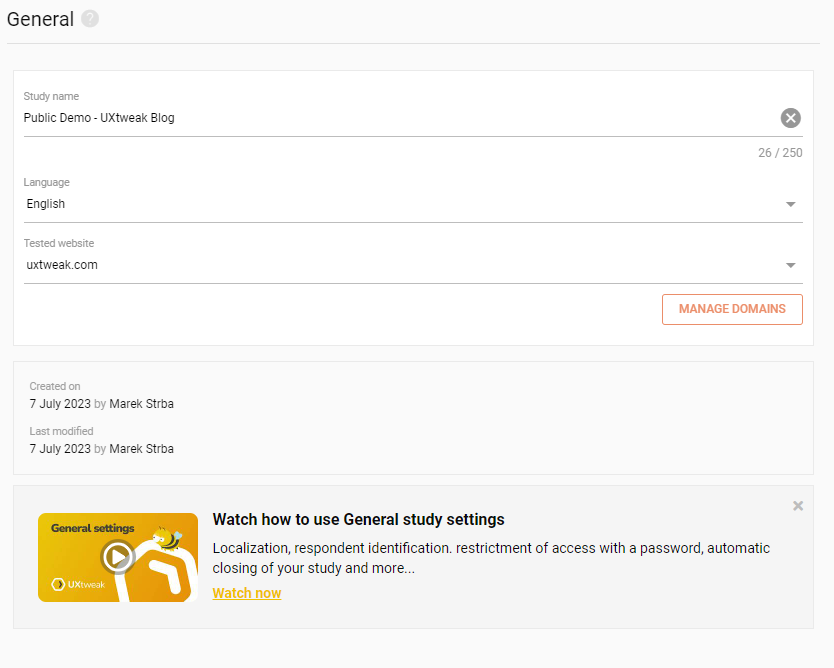
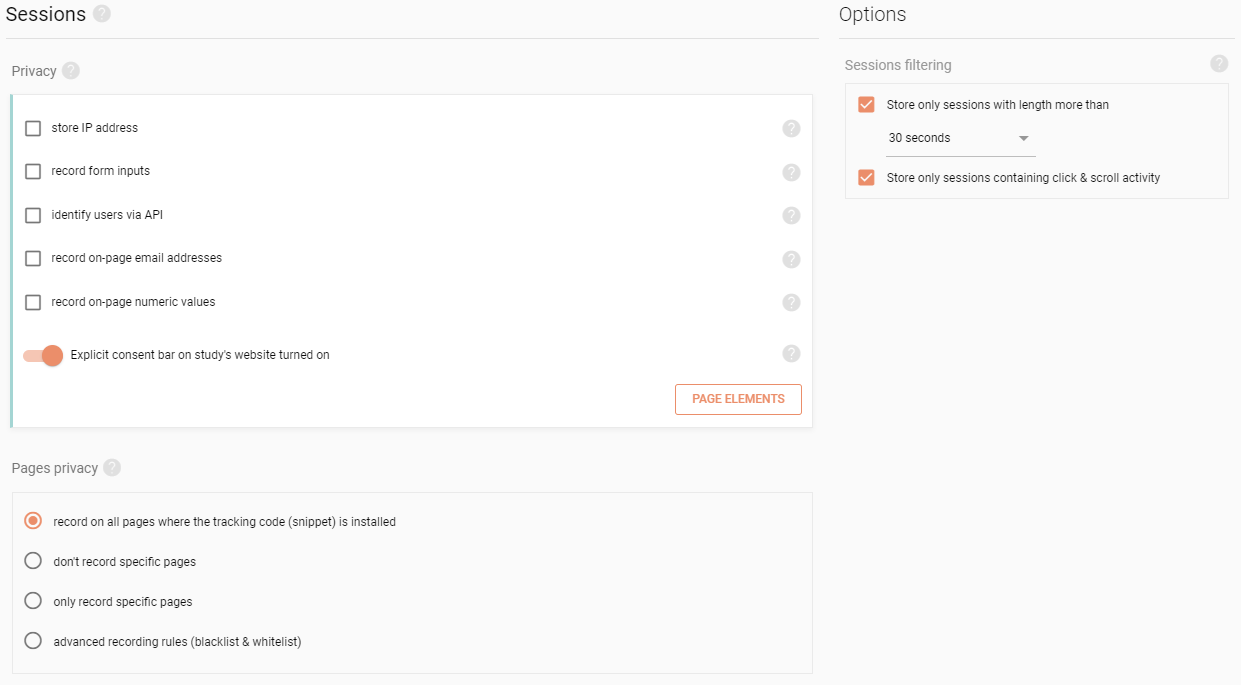
All you need to do is insert a small JavaScript snippet into your website. It captures everything - every page, click, mouse movement, scroll and all dynamic changes on the site.
2. Watch
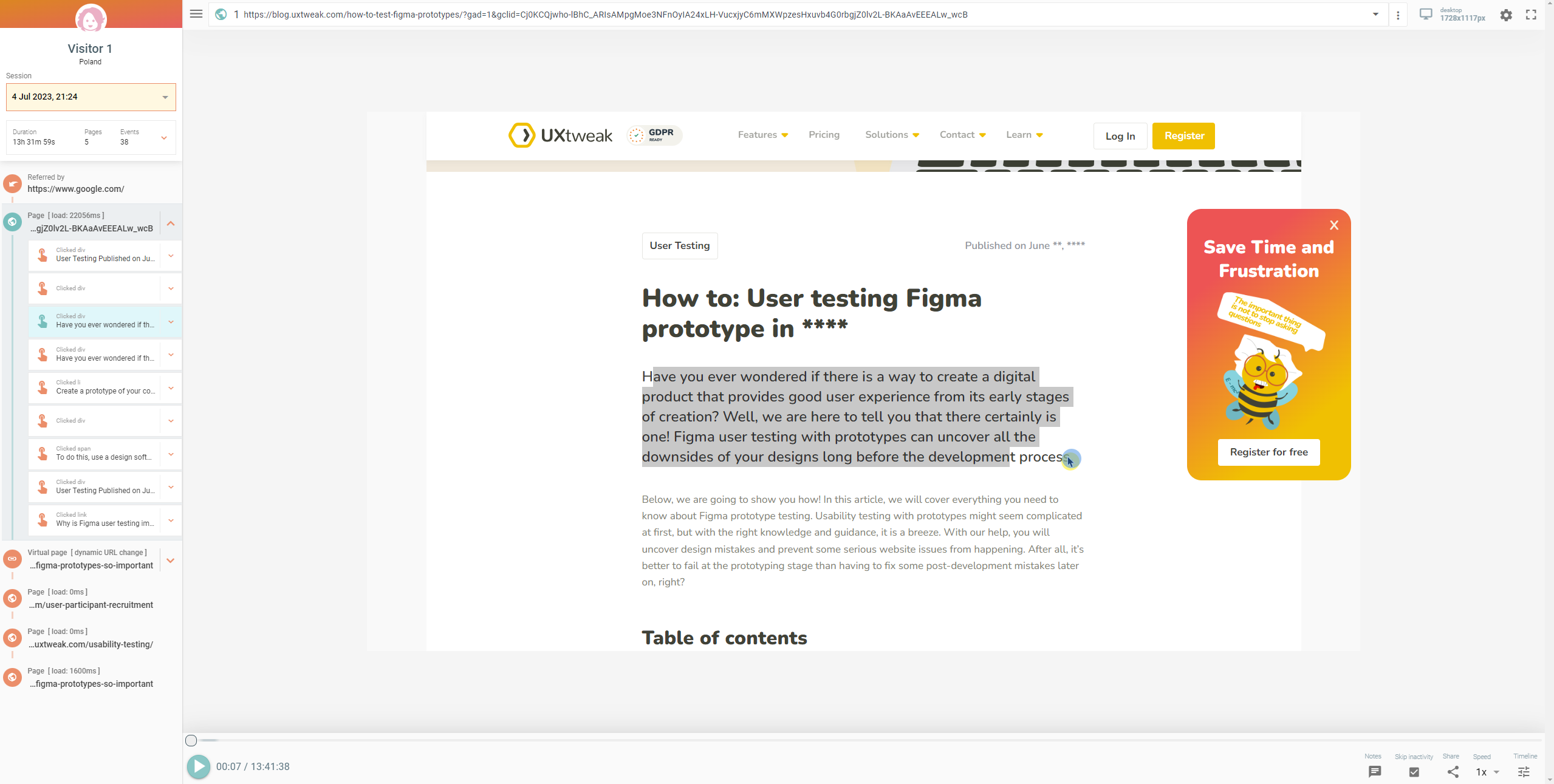
With pixel-perfect session playback you`ll see your website exactly as your users do. Each session replay is a reproduction of the user`s activity on your site. It looks like a video, but it`s not. It`s a fully inspectable re-creation of your site, including the DOM.
3. Analyze the results
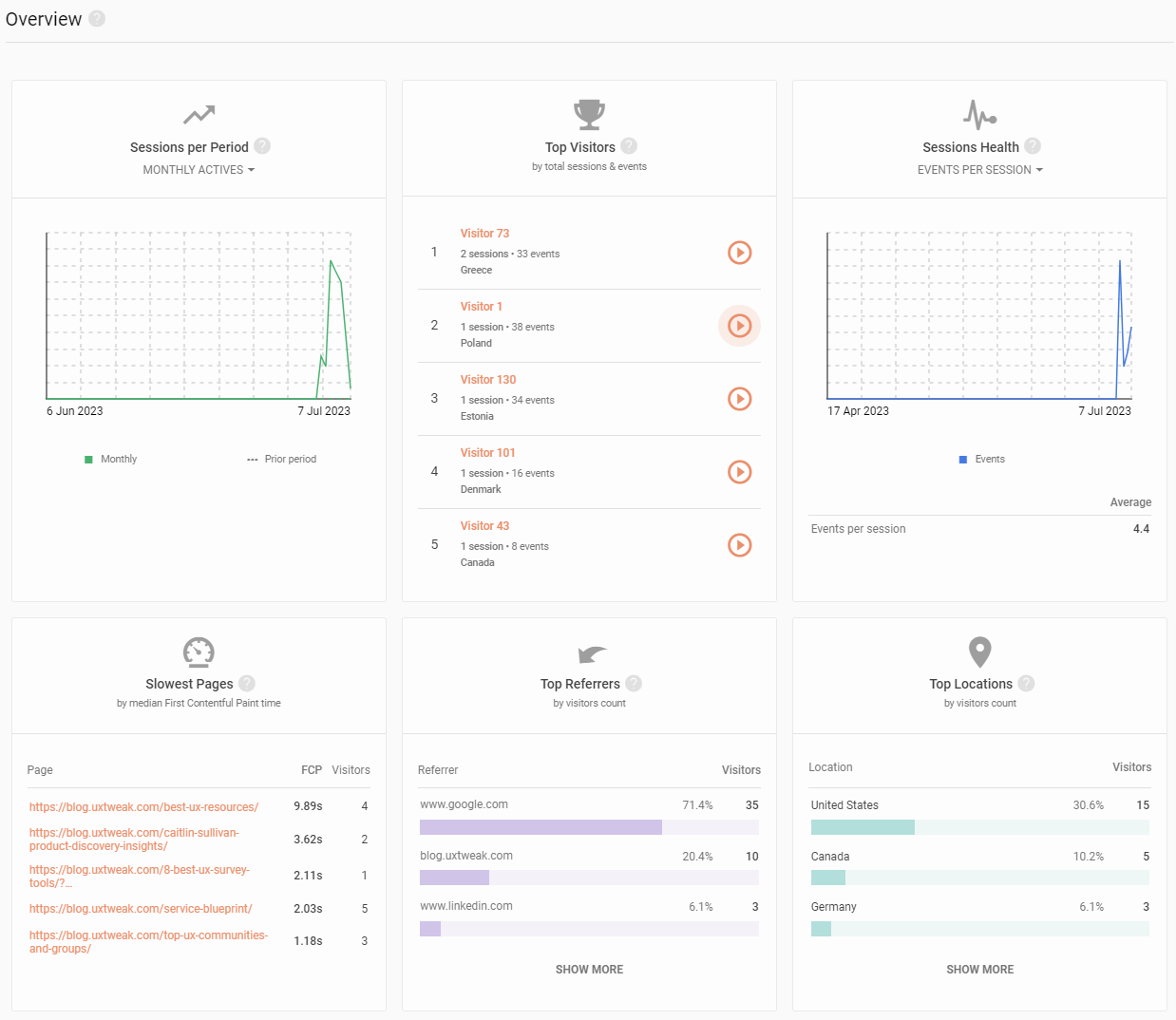
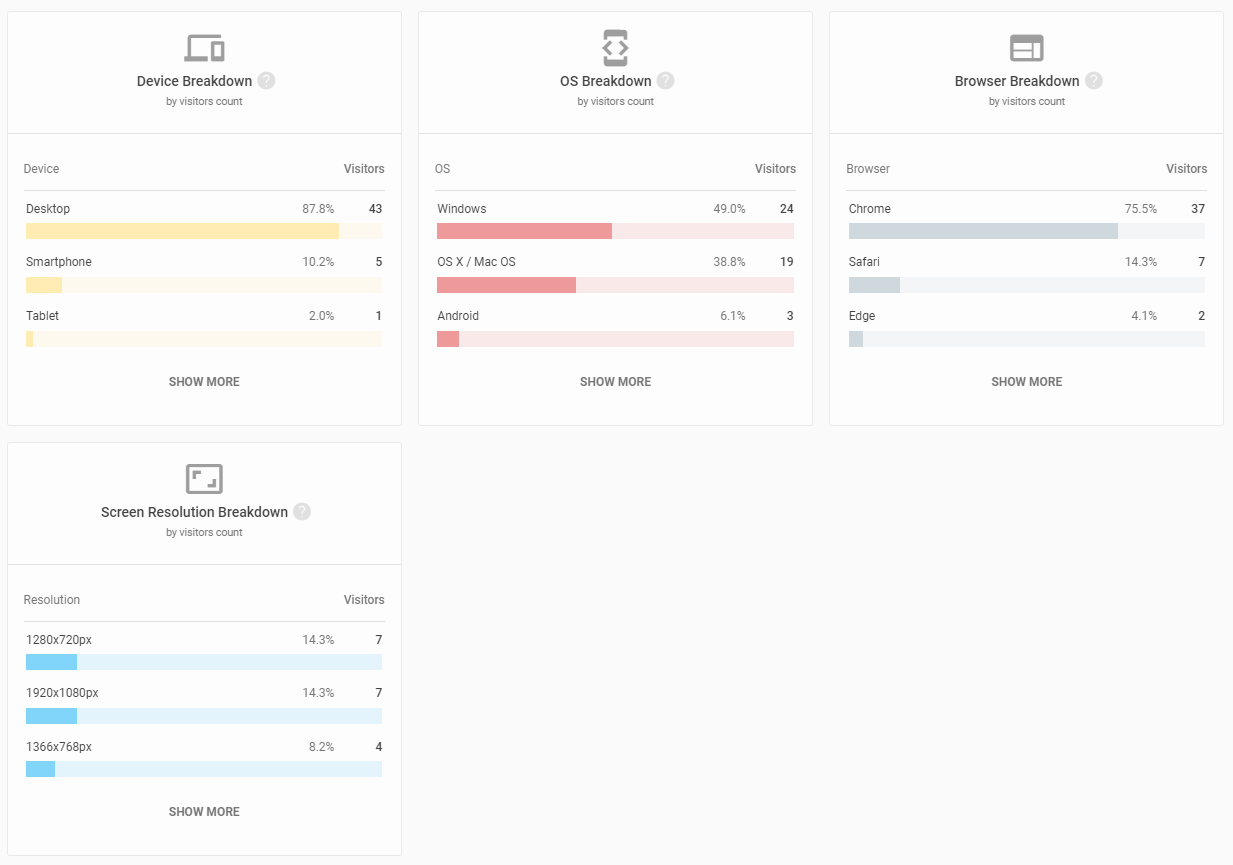
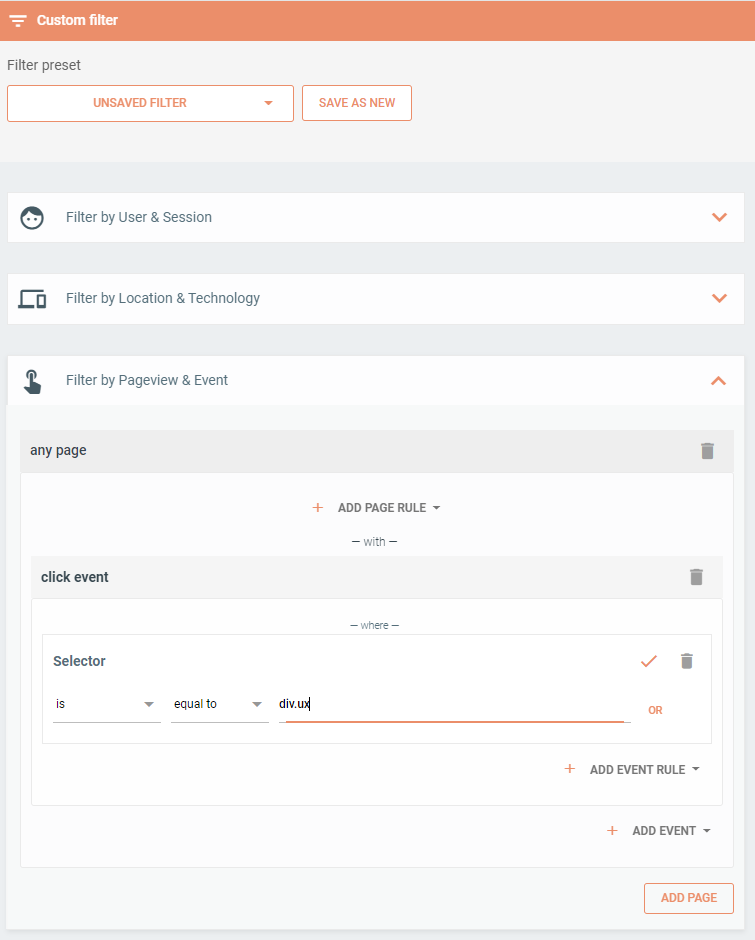
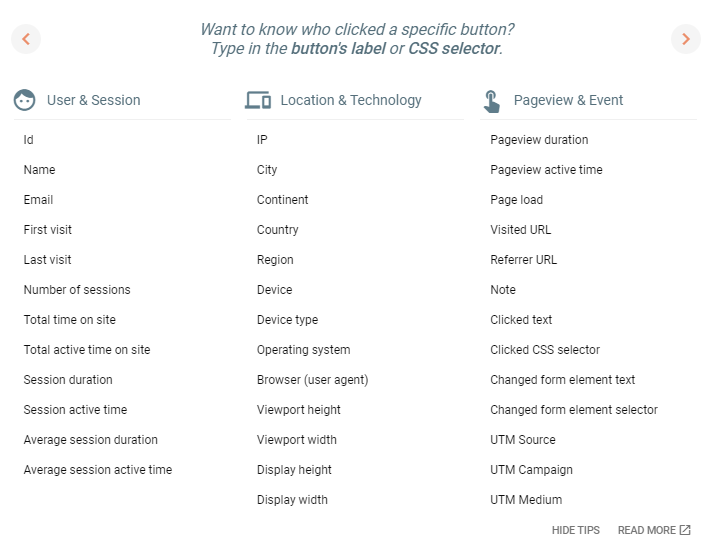
Use smart search to filter the sessions based on clicked elements, typing in input fields, visited URLs and more. Choose from over 40 filters!
Complete guarantee of privacy
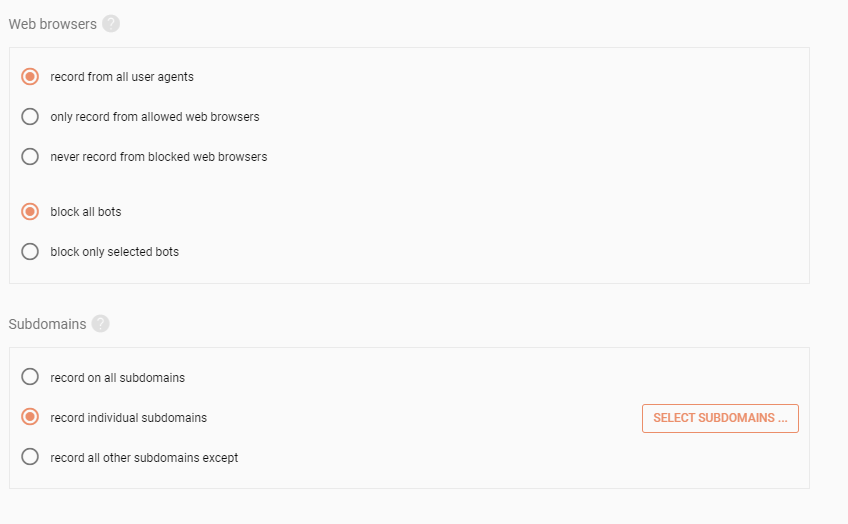
Protect the privacy of your users by omitting specific elements or whole subdomains from being recorded. UXtweak is GDPR and CCPA compliant and stores data securely in AWS Cloud.

Why choose Session Recording
from UXtweak?

Analyze every
interaction
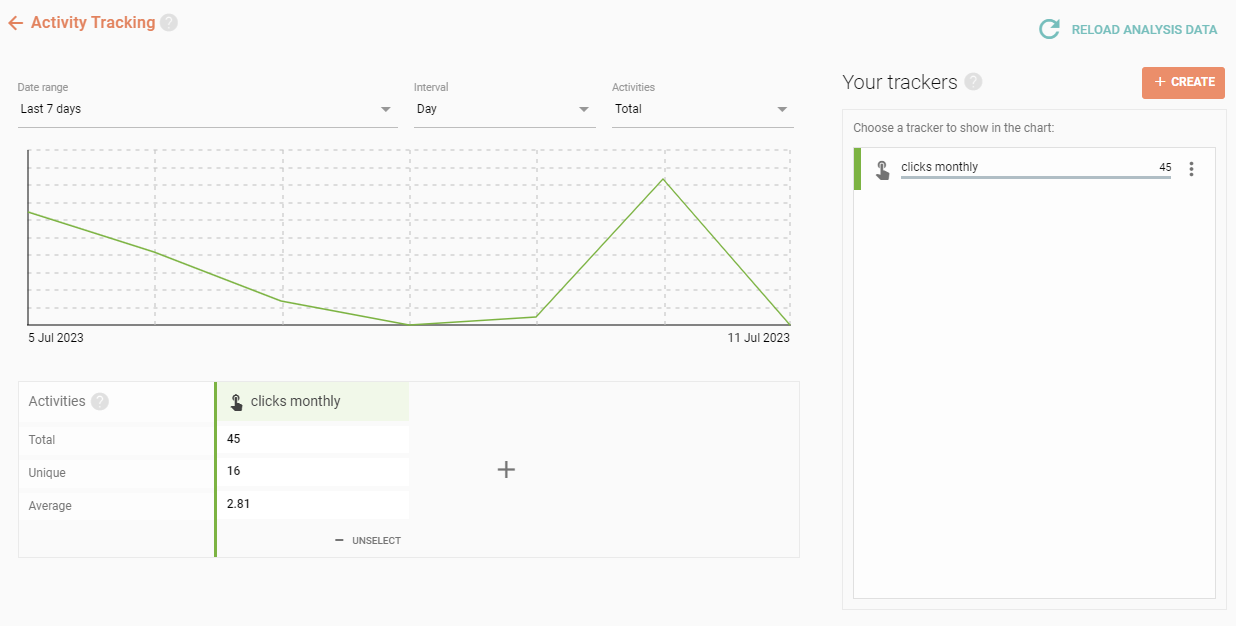
- More user interaction data than with any other analytics tools
- Activity tracking and detailed statistics

Focus on
what’s important
- Filter for sessions with specific clicks, changes in input fields or visited URLs
- Choose from 40+ filters and combine them freely

Enterprise
features
- UX expert support
- Assessments (legal, security)
- SSO (Single sign-on)
- And more ways to enhance your plan...

Have privacy
under control
- Manage privacy and exclude sensitive on-screen text or personal data
- UXtweak is GDPR and CCPA compliant and stores data securely in AWS Cloud.

Nextgen session
replay
- Not just a video, but a fully inspectable recreation of your web
- Compatible with SPAs
- Skip inactive parts, control playback speed

Downloadable interactive
heatmaps
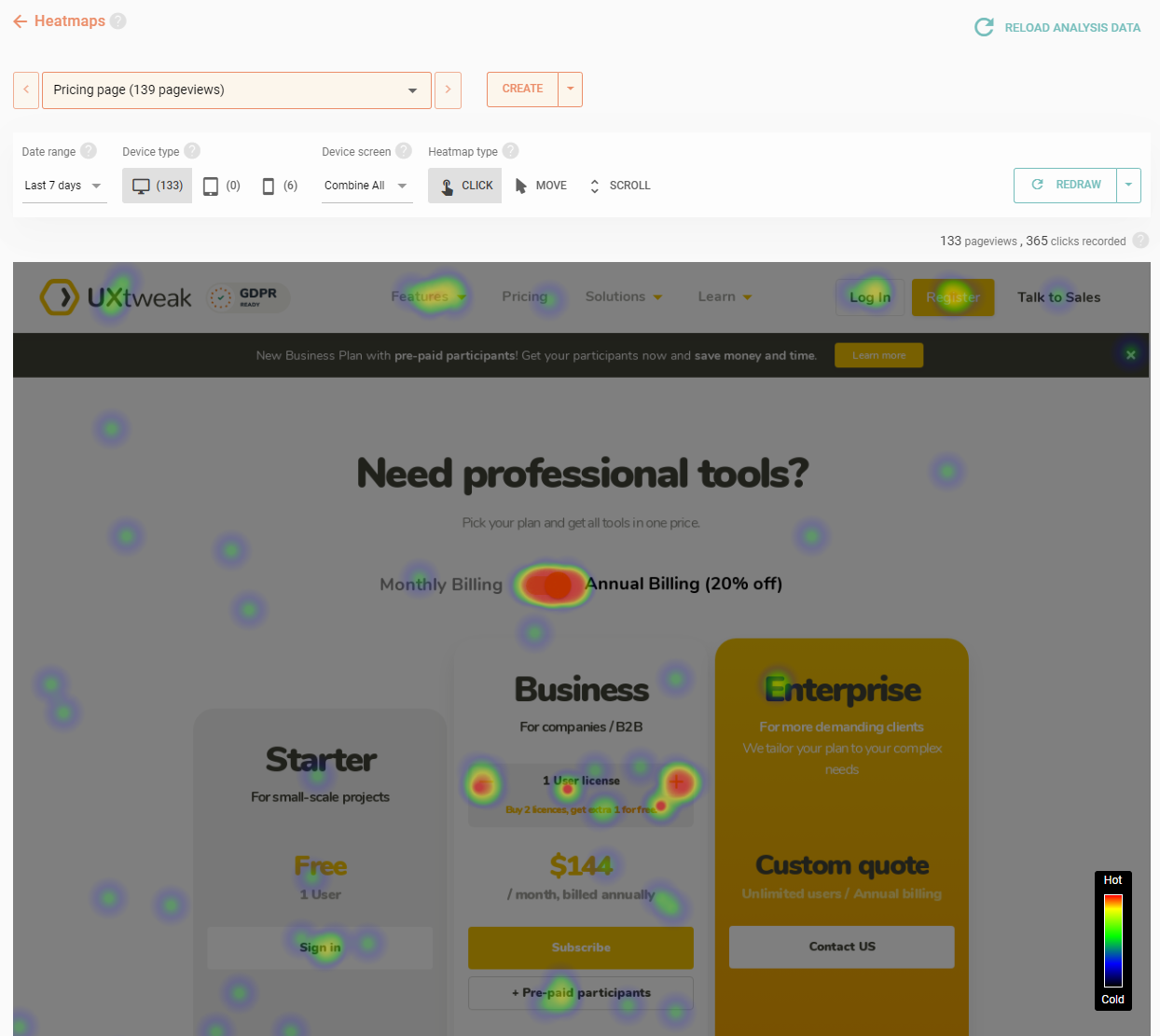
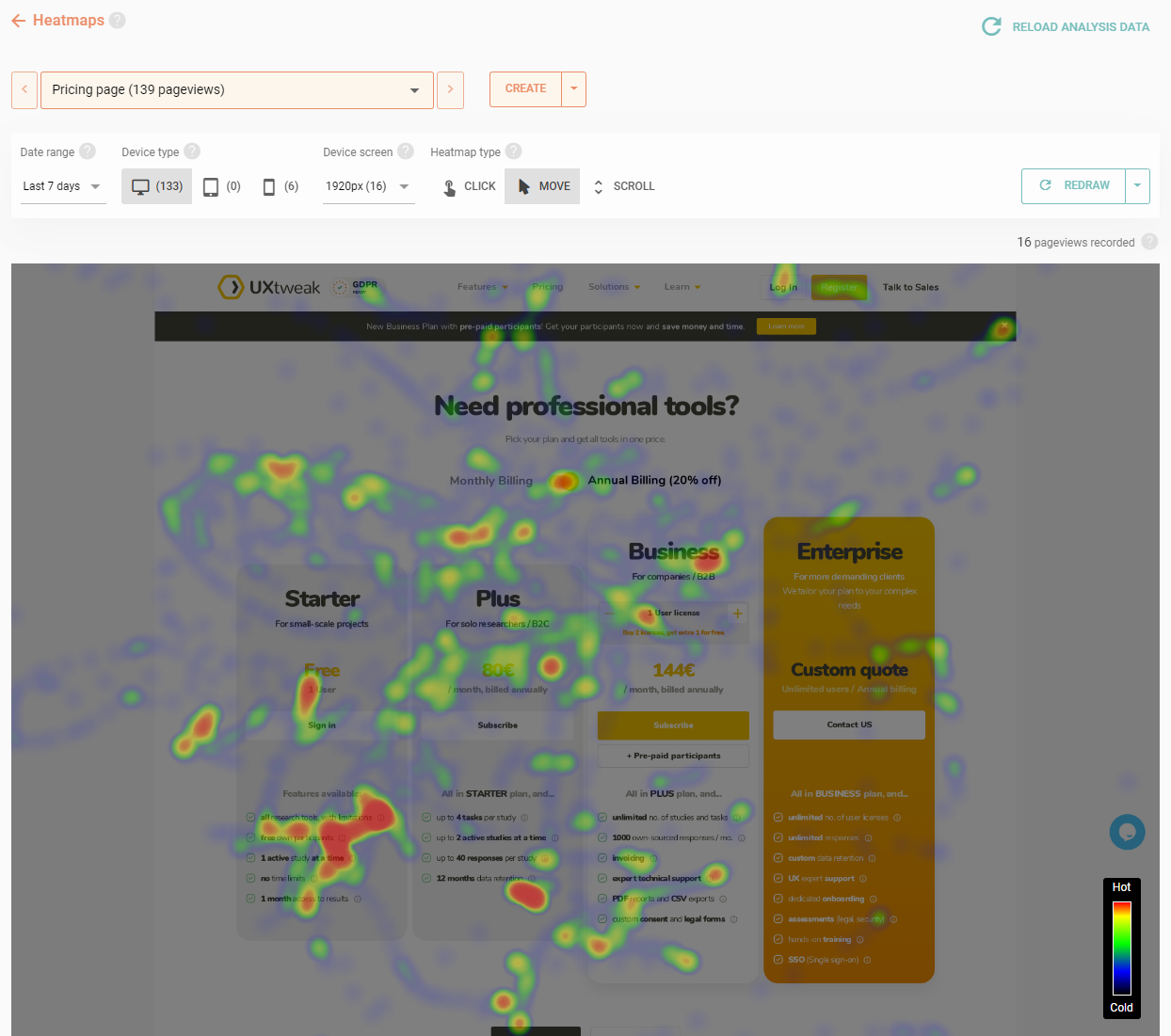
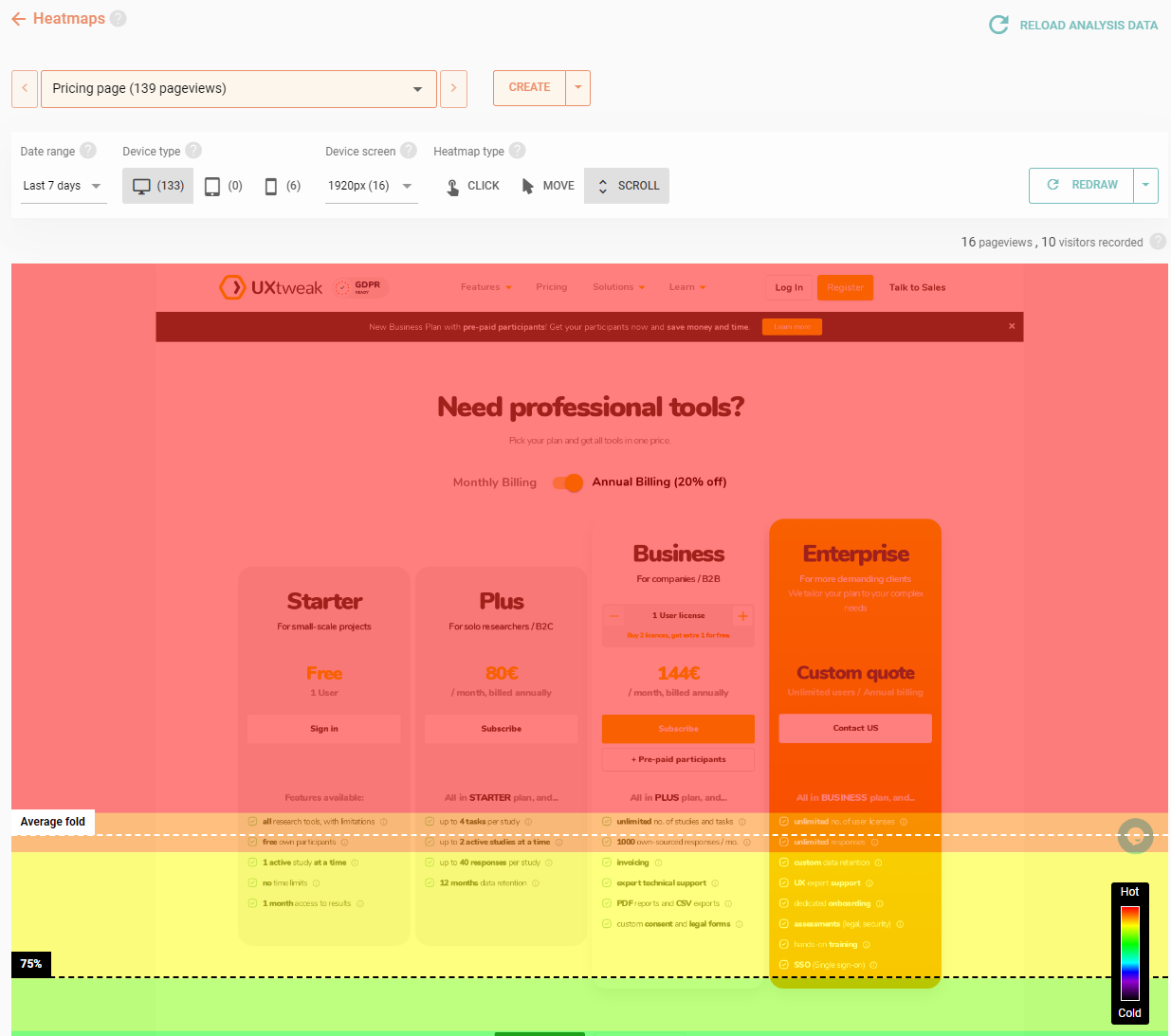
- Website Heatmaps - Click Maps, Scroll Maps and Movement Maps
- On-demand render of any page
- Segment heatmaps by device and viewport

Detailed
user card
- For each visitor, you get a detailed history of sessions
- Find out the visitor’s number of sessions, pageviews, events and much more

Easy installation
and broad compatibility
- Just install UXtweak’s universal JS snippet directly into your source code or via GTM
- Recording works on desktops, phones and tablets and supports all modern browsers

Sharing study
results
- Share results of your study with stakeholders without a problem
- Choose what the viewers will see
- Protect your results with a password

Advanced technical
targeting
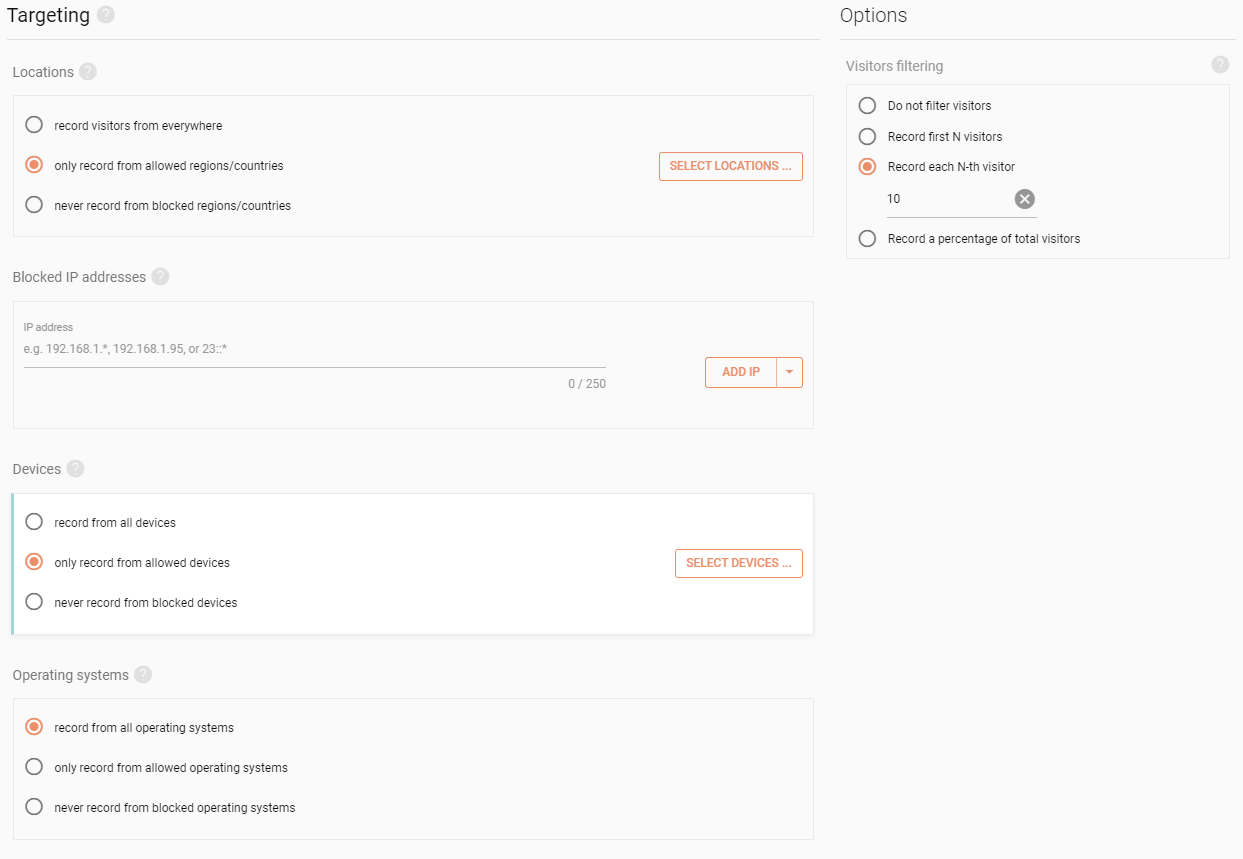
- Restrict the recorded visitors based on their location or device details
- Limit how many sessions to record by managing the rate at which you record

Automatic bot
detection
- Unless you specify otherwise, Session Recording detects bot sessions, therefore making sure that only sessions from actual human users are recorded.

Great
documentation
- Every tool in UXtweak has a detailed documentation
- If you are in doubt you can dive into our Step-By-Step Guide


FAQ








UXtweak in numbers