





The list of highlights
A quick and easy overview of all created highlights with its note and time span within the interview.
This section covers various parts and functions in the Highlights tab, including:
This list provides a quick and easy overview of all the highlights created from the interviews. To access the recording of a highlight, simply click on its thumbnail in the list to play it within the card. The card also displays the Highlight note, which can be edited as needed.
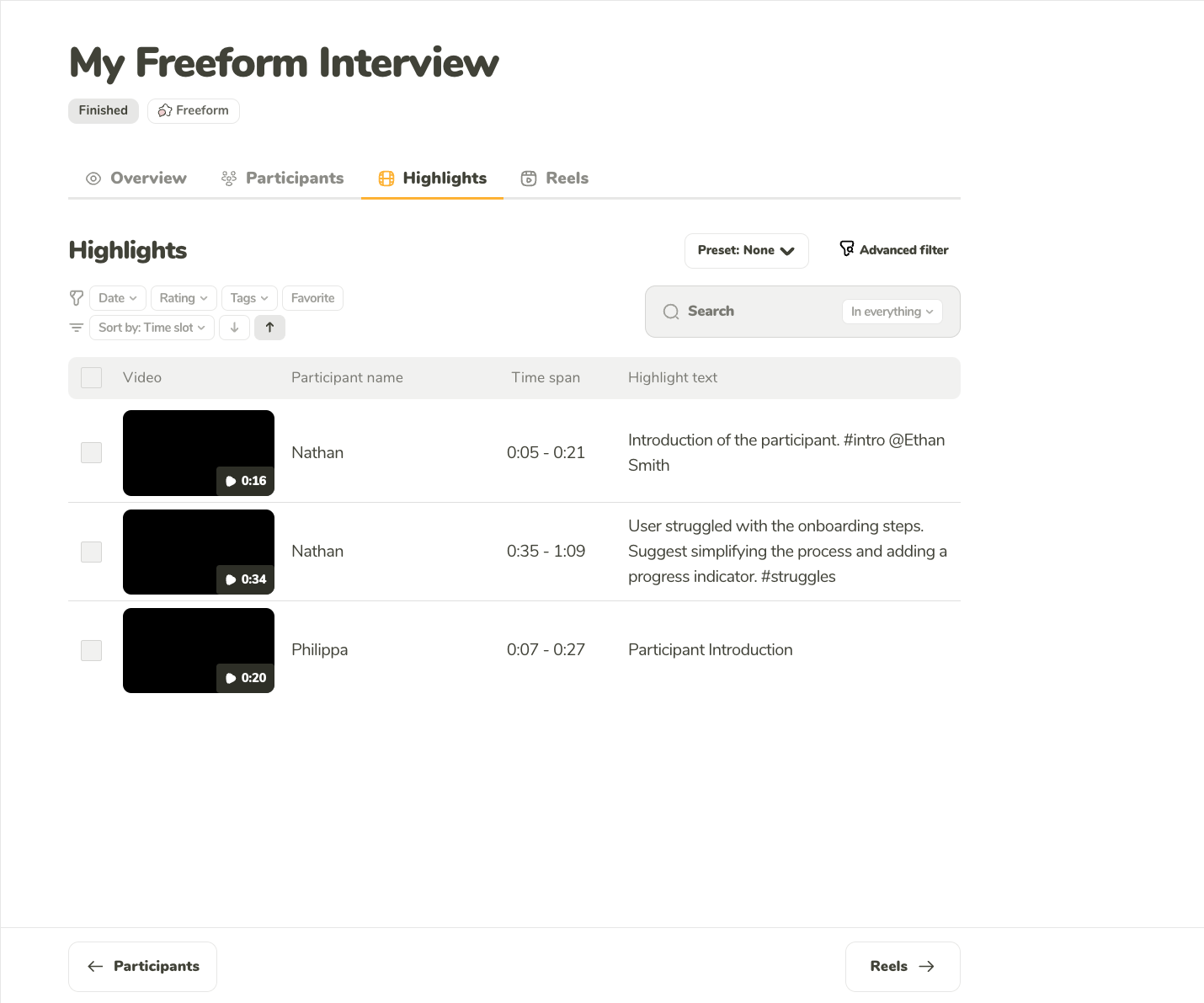
A quick and easy overview of all created highlights with its note and time span within the interview.
The analysis of multiple highlights can be eased with access to robust filtering, sorting, and search options.
You can filter the highlights by any combination of:
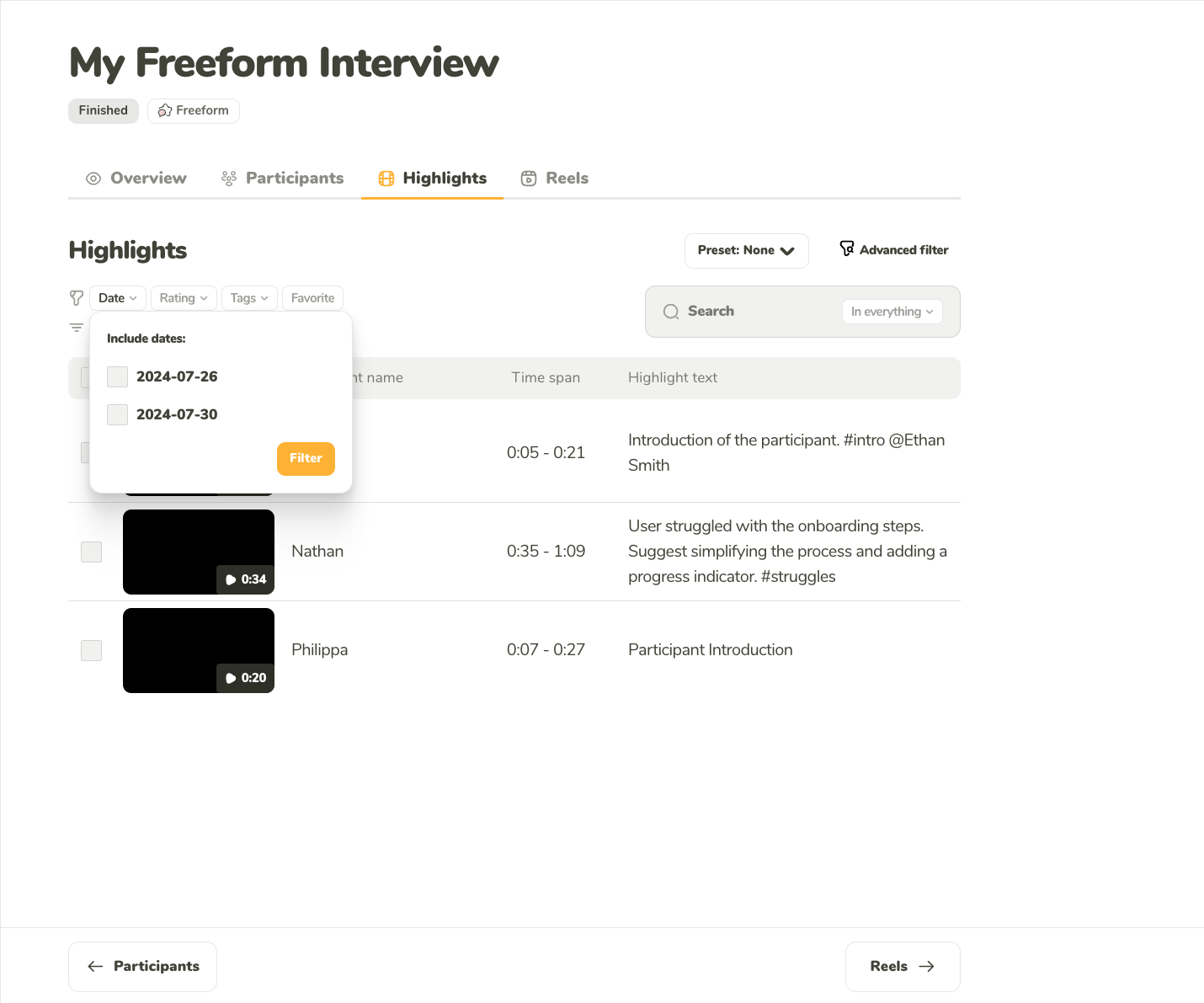
Filter the highlights by the date of the interview.
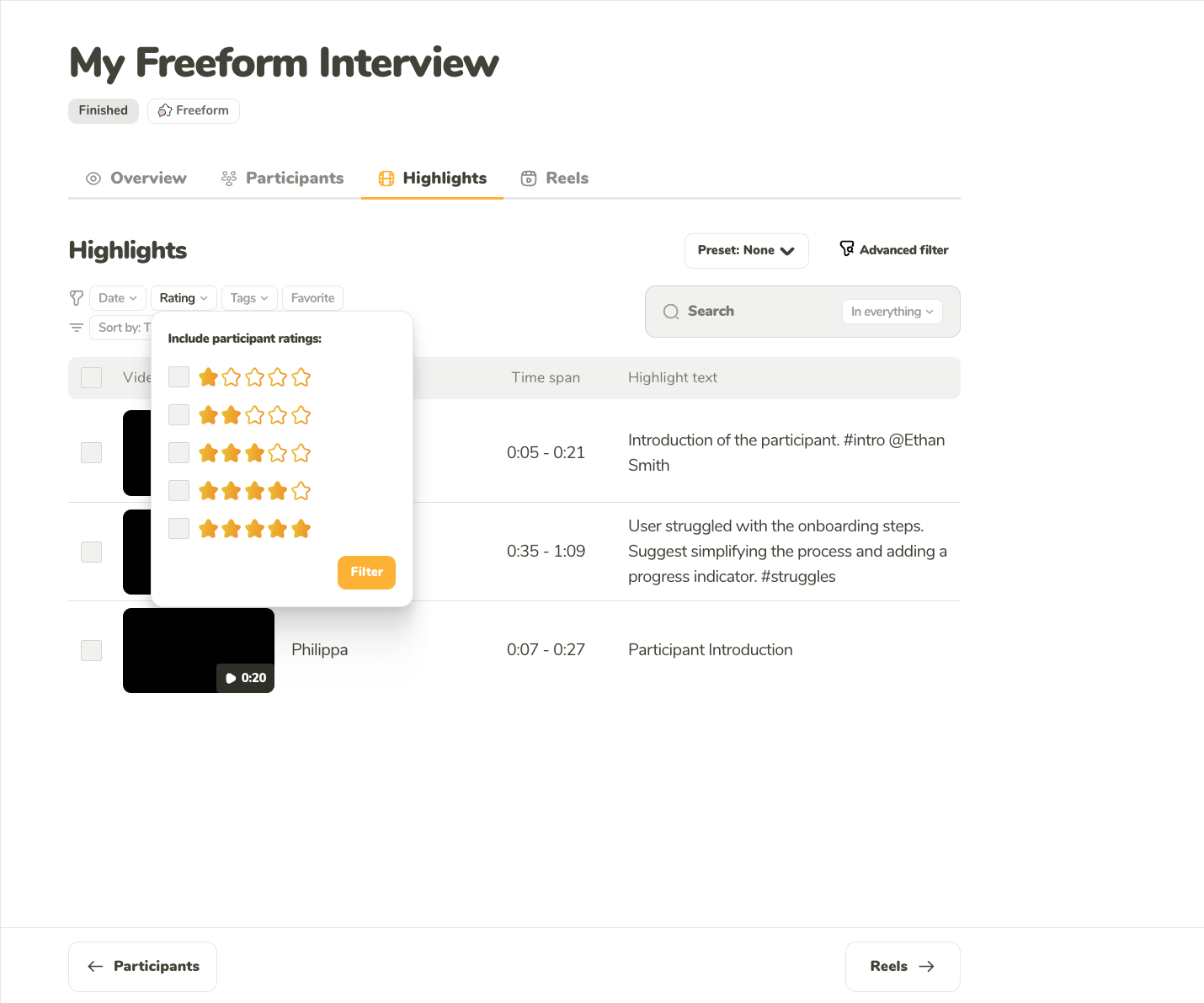
Filter the highlights by the custom rating you gave the interview.
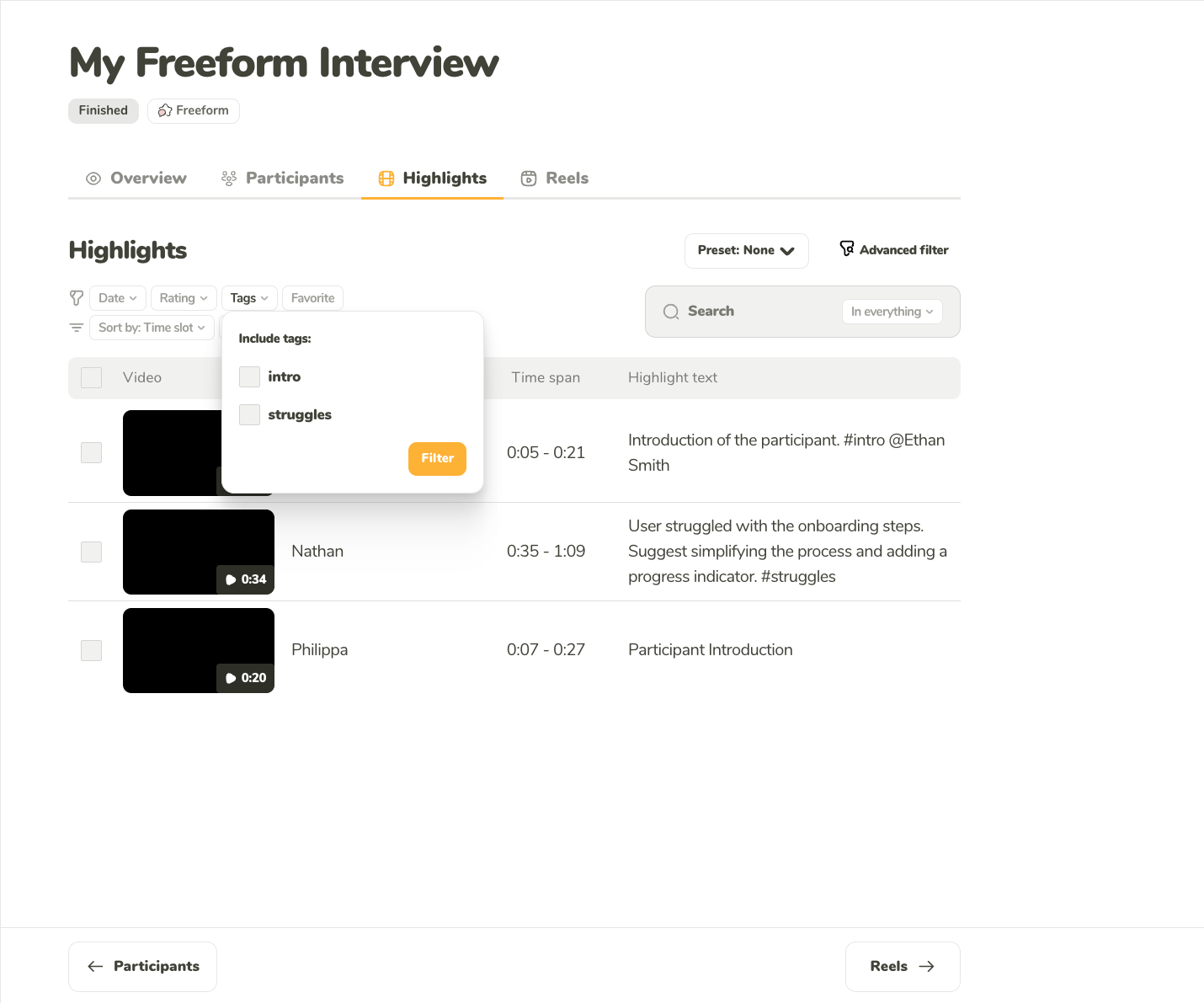
Filter the highlights by the tags you wrote in the description of the highlight.
You can sort the highlights ascending and descending by:
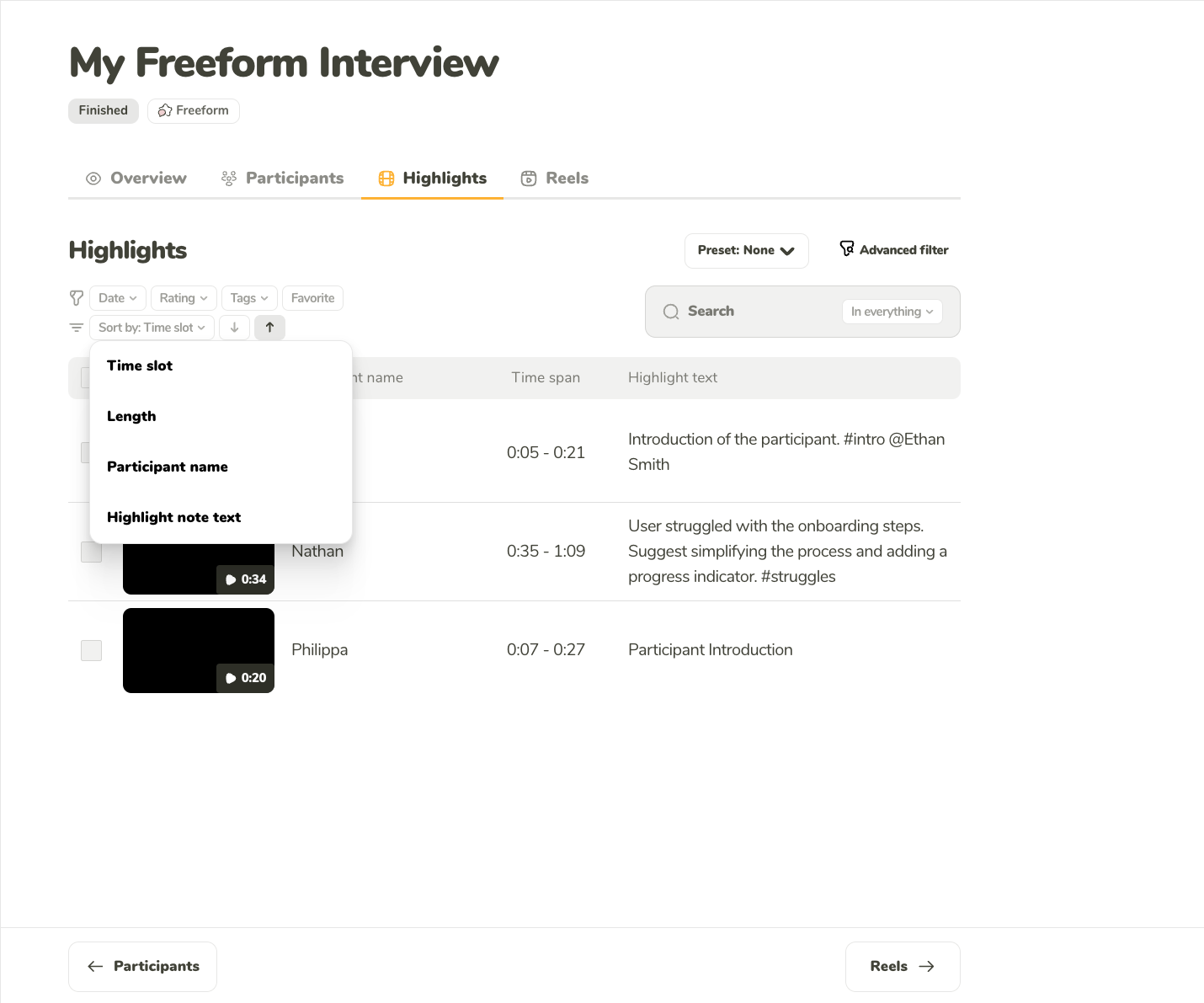
You can sort the interviews by date, rating, and the interview length
Use the full-text search to comb through:
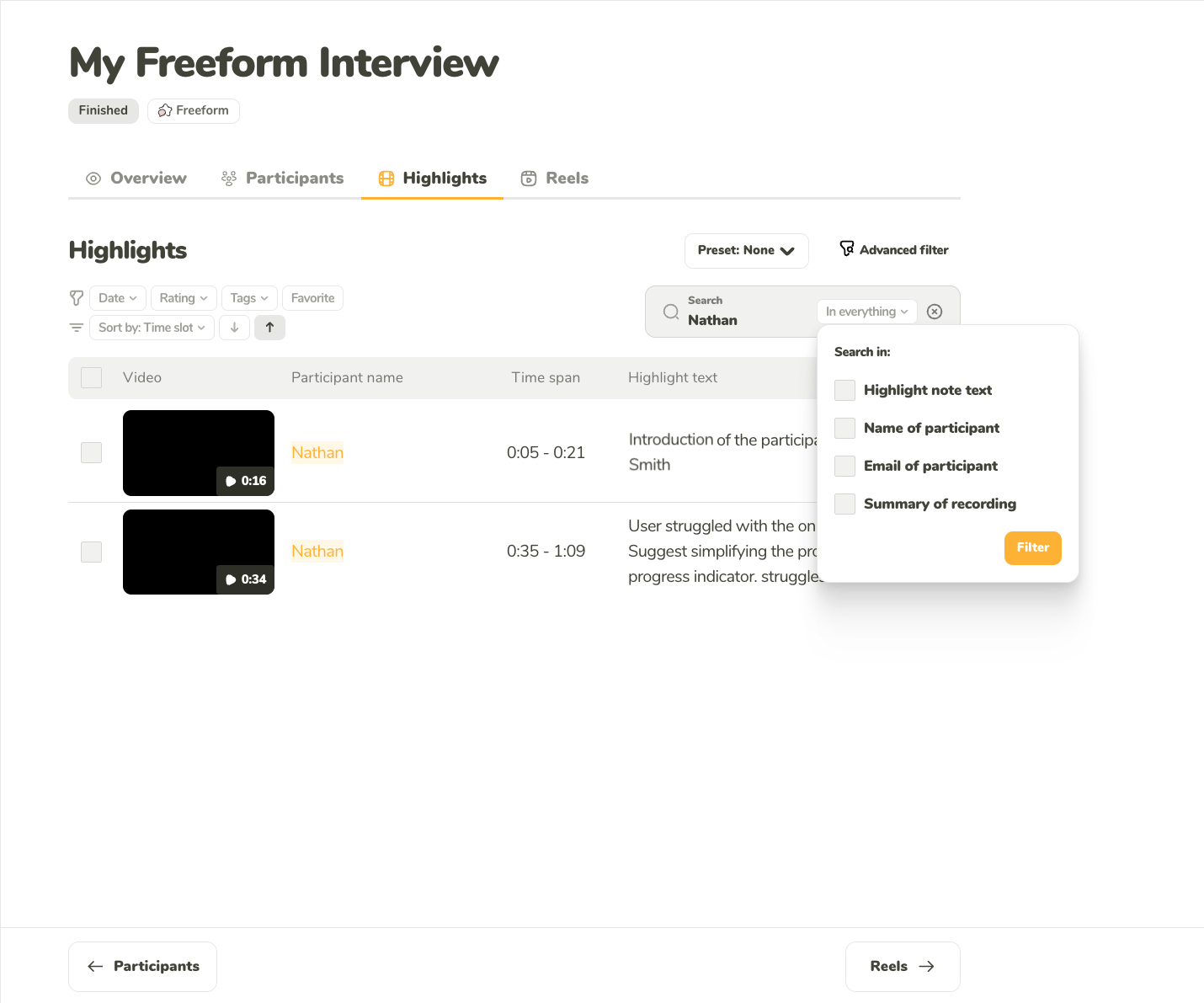
Use full-text search to easily find the insight you are looking for.