





Tool selection
Selecting a research tool with a short explanation of the method.
You can create a new study from the New study button found on the dashboard or on the study list page. This opens a multi-step modal that guides you through selecting the research method and how you want to run it.
From the creation flow, you can:
In the first step, select the tool you want to use. Each tool has a short description on the side explaining what the research method is for and when it is typically used. This is helpful if you are not familiar with a specific method.
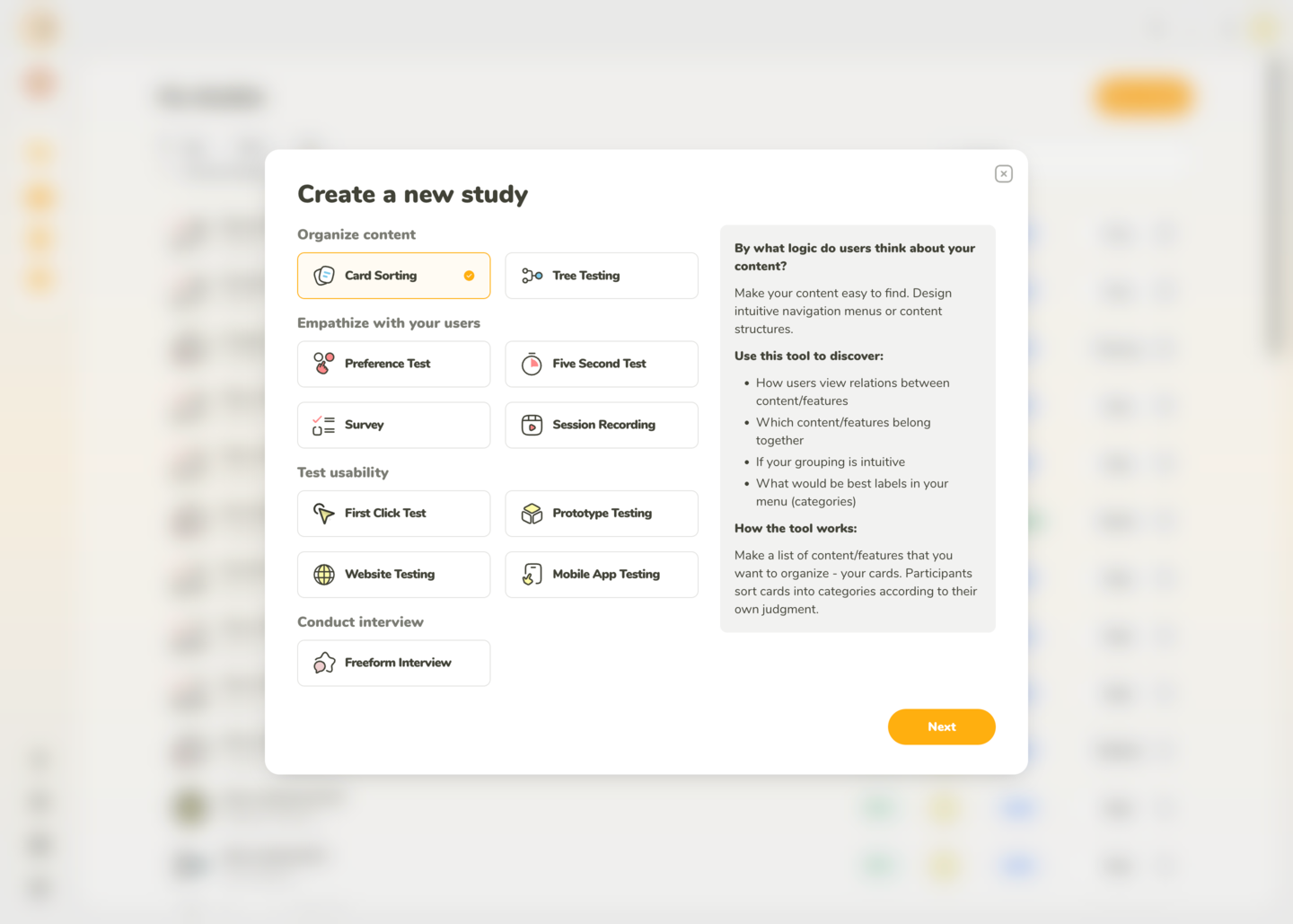
Selecting a research tool with a short explanation of the method.
In the next step, choose whether the study will be moderated or unmoderated.
For most tools, both options are available. The only exception is Freeform Interview, which is always moderated since it is a live call-based format.
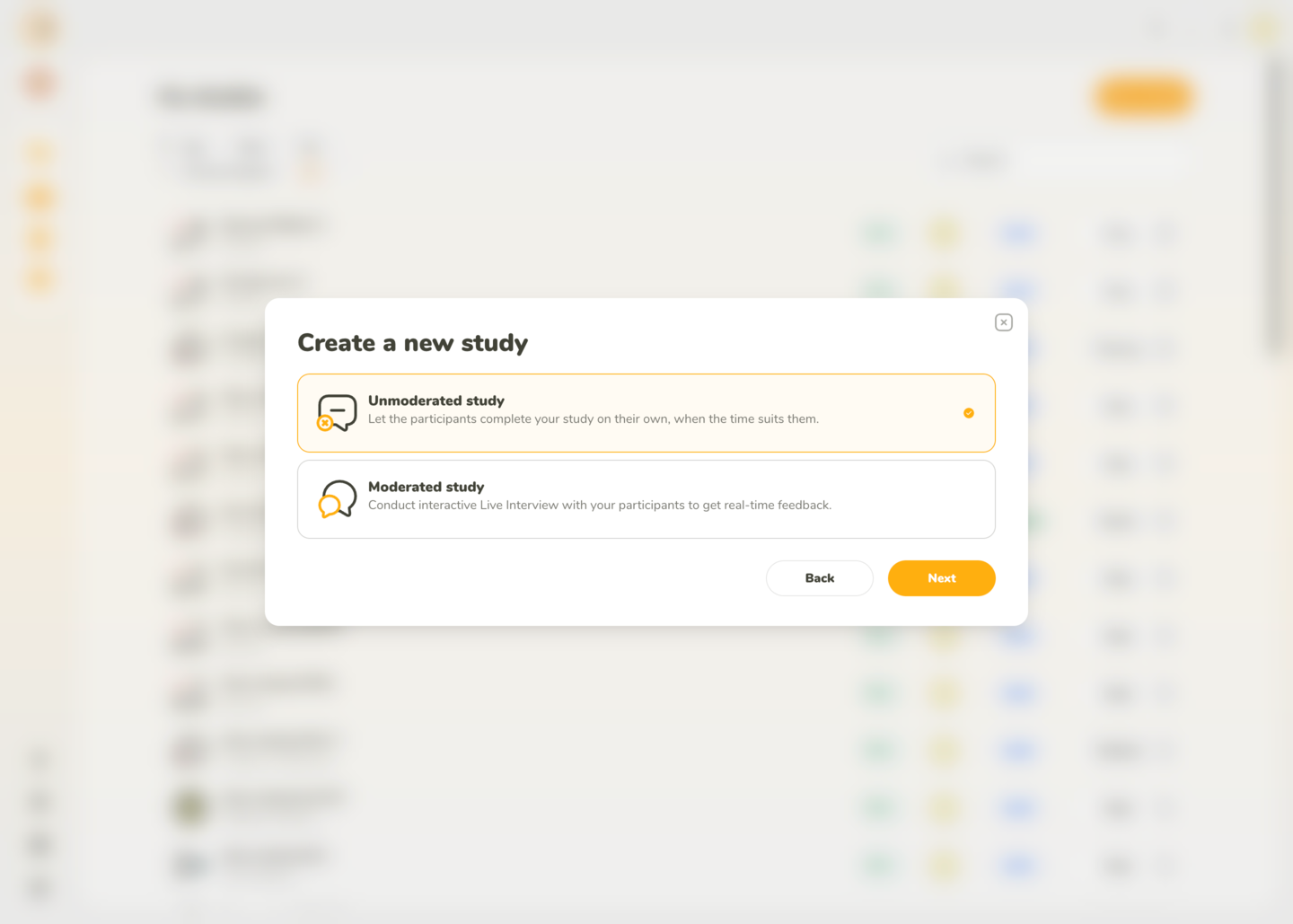
Selecting moderated or unmoderated mode.
If you selected Card Sorting, one additional step appears. Card Sorting supports the following variants:
After selecting a variant, you can continue to creation.
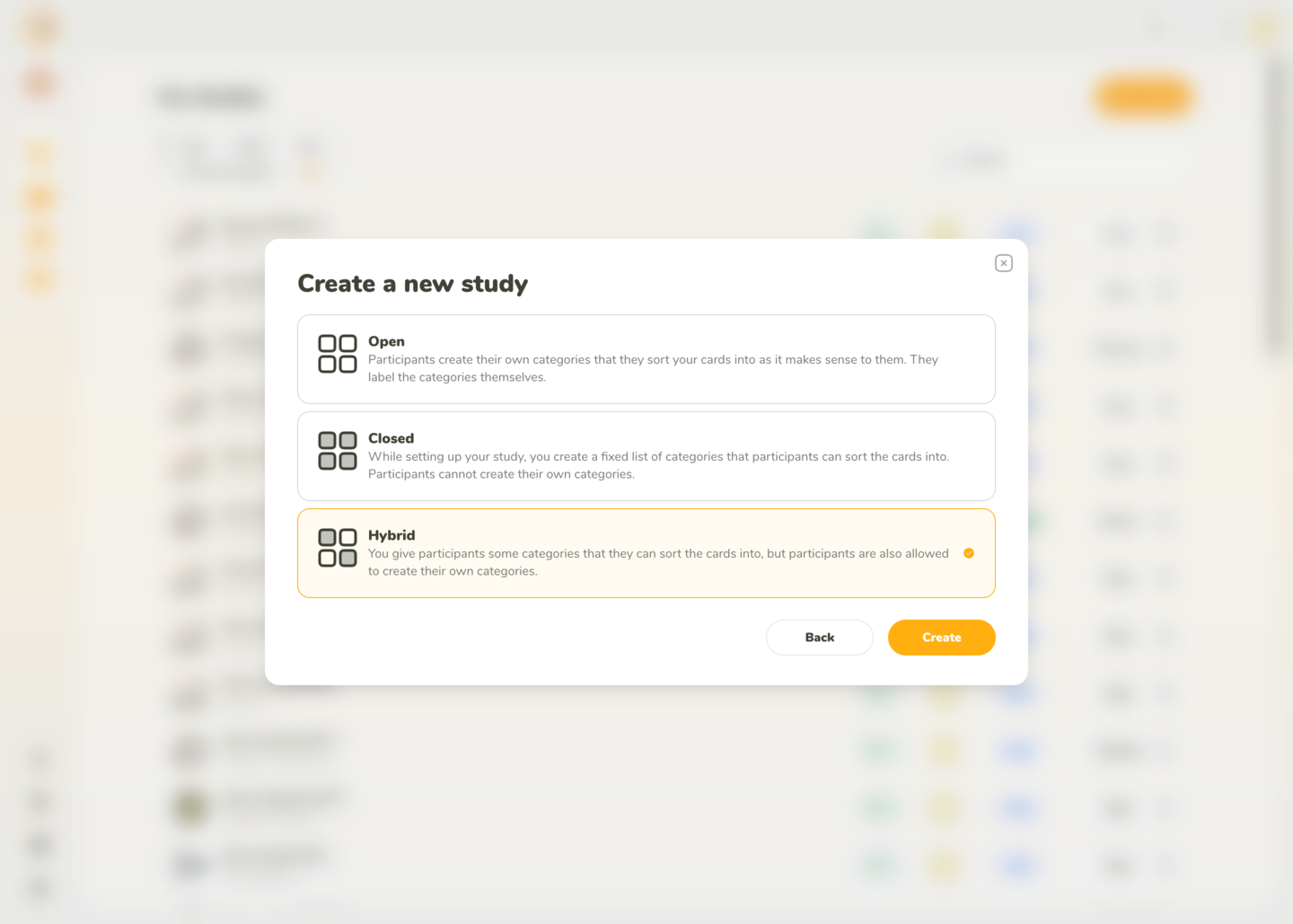
Selecting Open, Closed, or Hybrid varaint of Card Sorting.
Once you’ve selected the tool and moderation mode (and variant for Card Sorting), click Create. You will be redirected to the study setup page where you can configure tasks, questions, branding, messaging, recruitment, and other details.
For setup guidance, see our Tools section.