





Study list
Shows a list of all studies with status and progress information.
The study list shows all of your studies in one place. This is useful when you want to browse, search, filter, or manage studies beyond the few shown on the dashboard. It gives you full control over your research overview, especially when you work across many studies or need to find a specific one.
On this page, you can:
Each study entry shows the same information as on the dashboard:
From here, you can jump directly to either setup or results, and use additional actions to clone or delete a study.
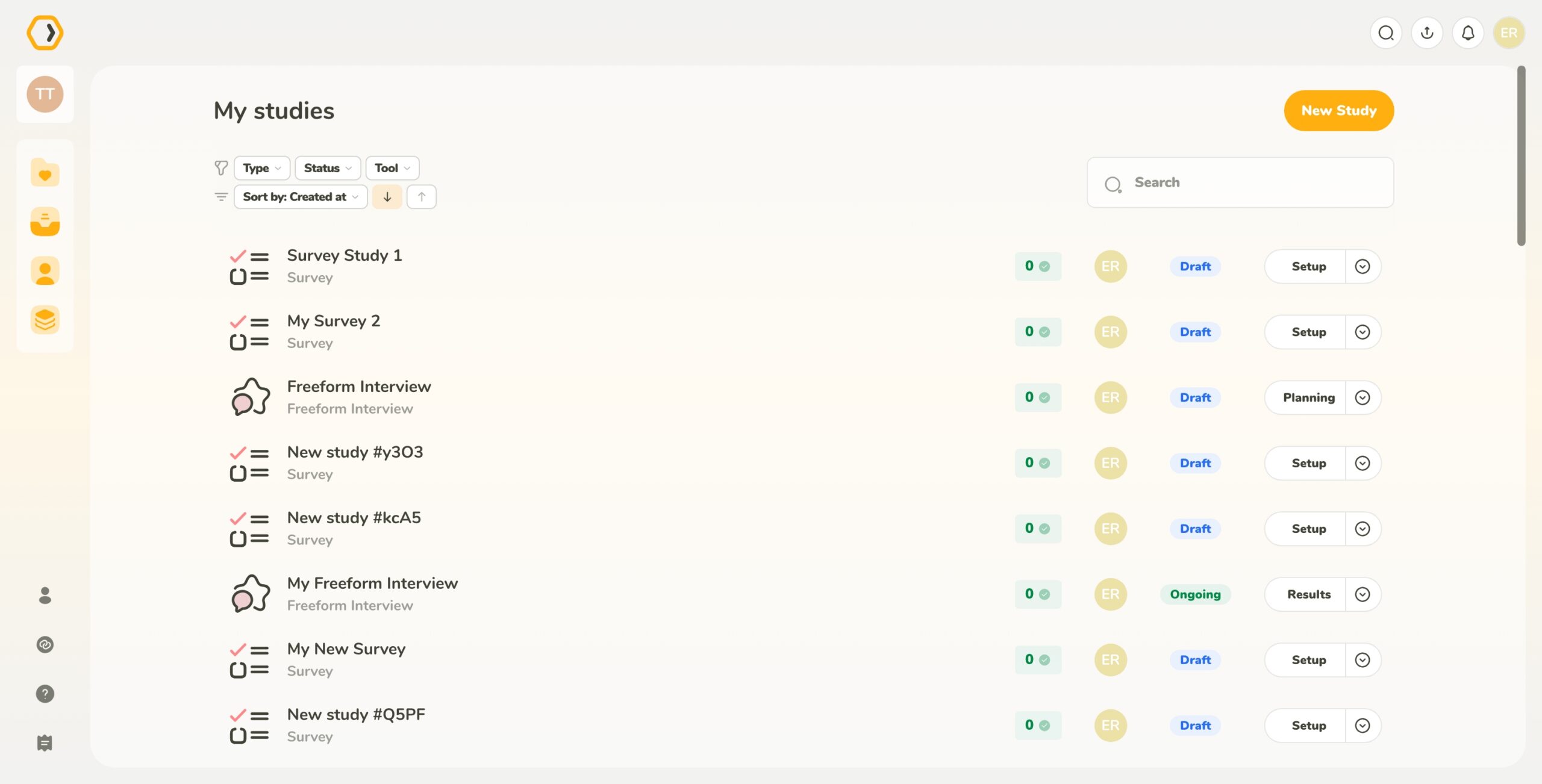
Shows a list of all studies with status and progress information.
When working with many studies at once, filtering makes it easier to focus on what you need.
You can filter studies by:
You can also sort studies by:
Filters and sorting can be combined.
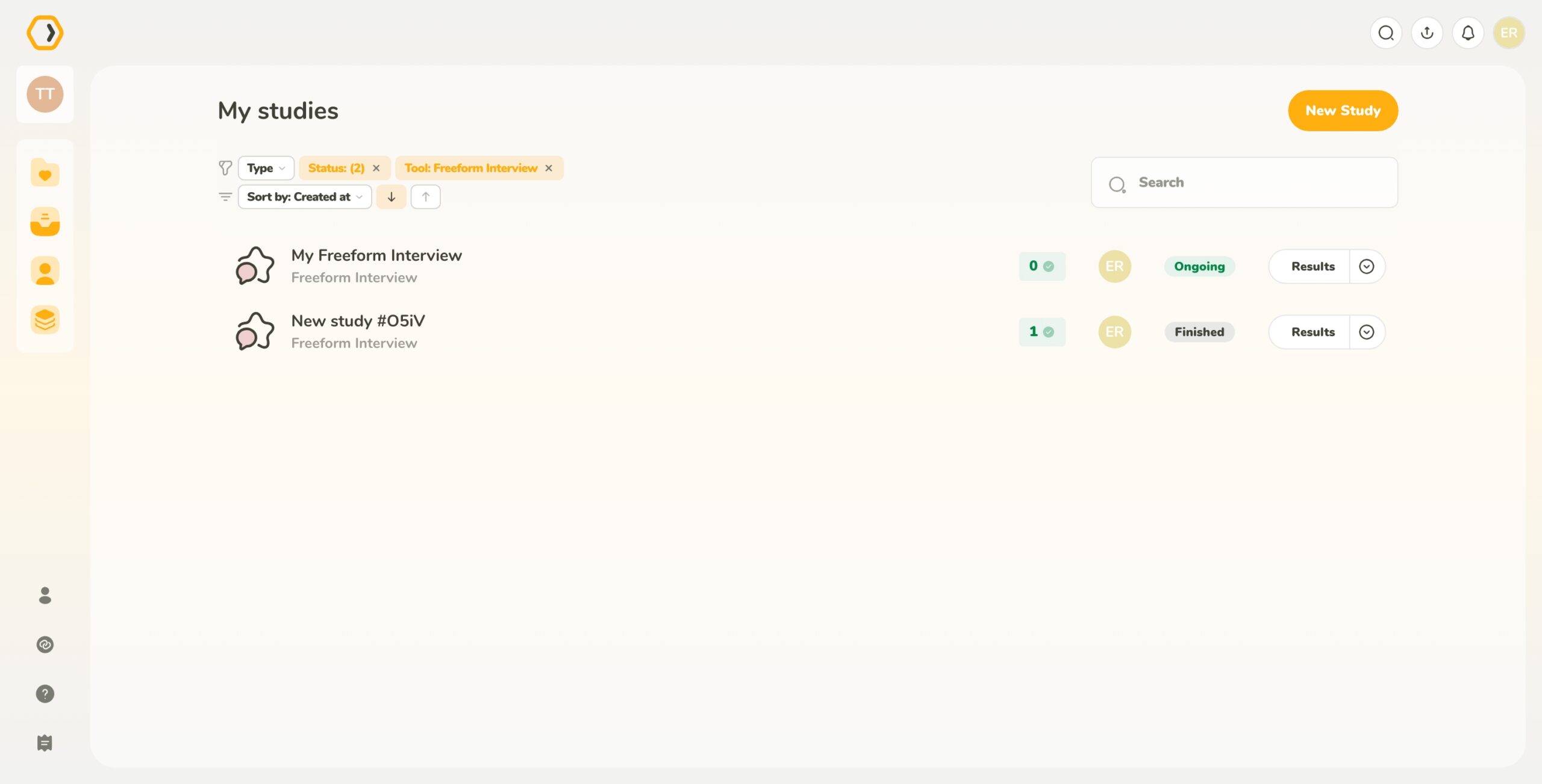
Filtering studies by type, status, and tool.
The search bar lets you quickly find studies by name. This is useful when you remember the name of a study but not when it was created or who created it.
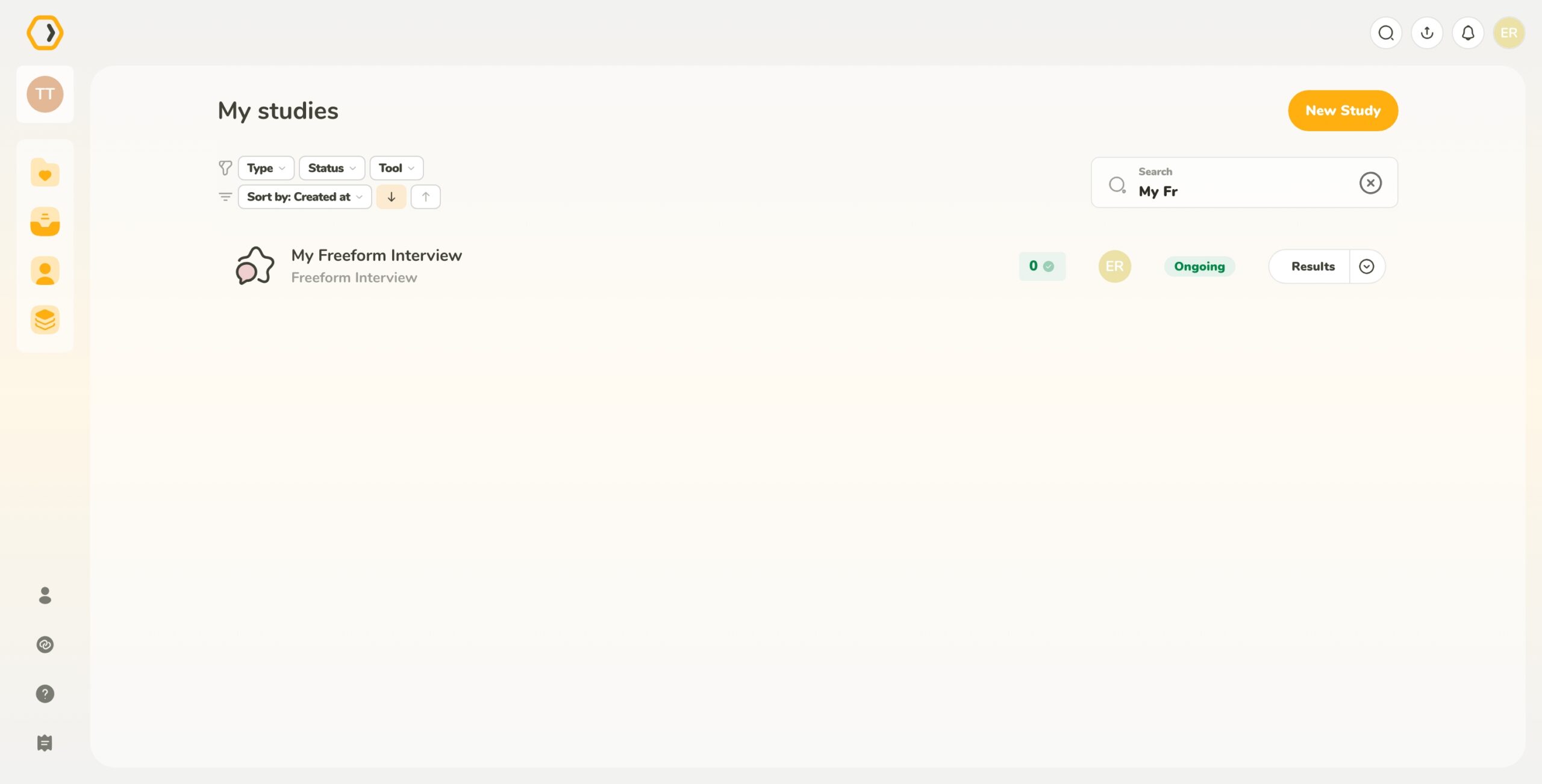
Searching for studies by name.
You can create a new study from this page using the New Study button. For more details, see our study creation article.