




Export & sharing
You can export an Insight as a PDF report or share it with others using a public link.
Use Export as PDF when you want a static copy of your Insight for sharing or archival purposes. Use Share when you want others to access the Insight through a link.
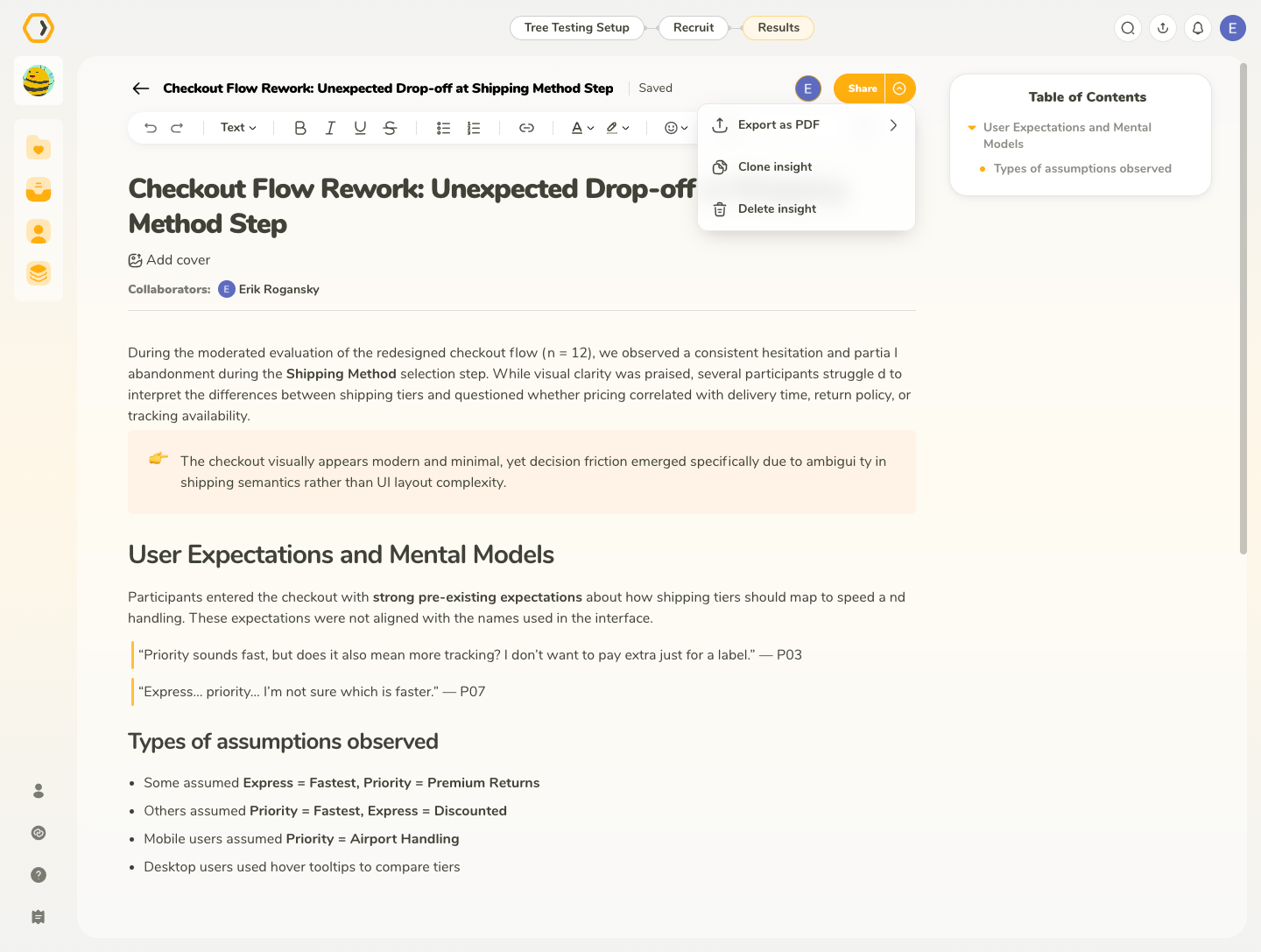
Export as PDF
To export an Insight, open the menu next to the Share button and select Export as PDF.
PDF exports are generated in A4 format and use a light visual style. UXtweak branding is automatically applied to ensure consistency and clarity when sharing reports externally.
What’s included
The export includes:
- The page title
- All text formatting
- All basic blocks
- Media such as images
- All UXtweak research blocks
The export does not include the cover image.
Check out our example InsightExport options
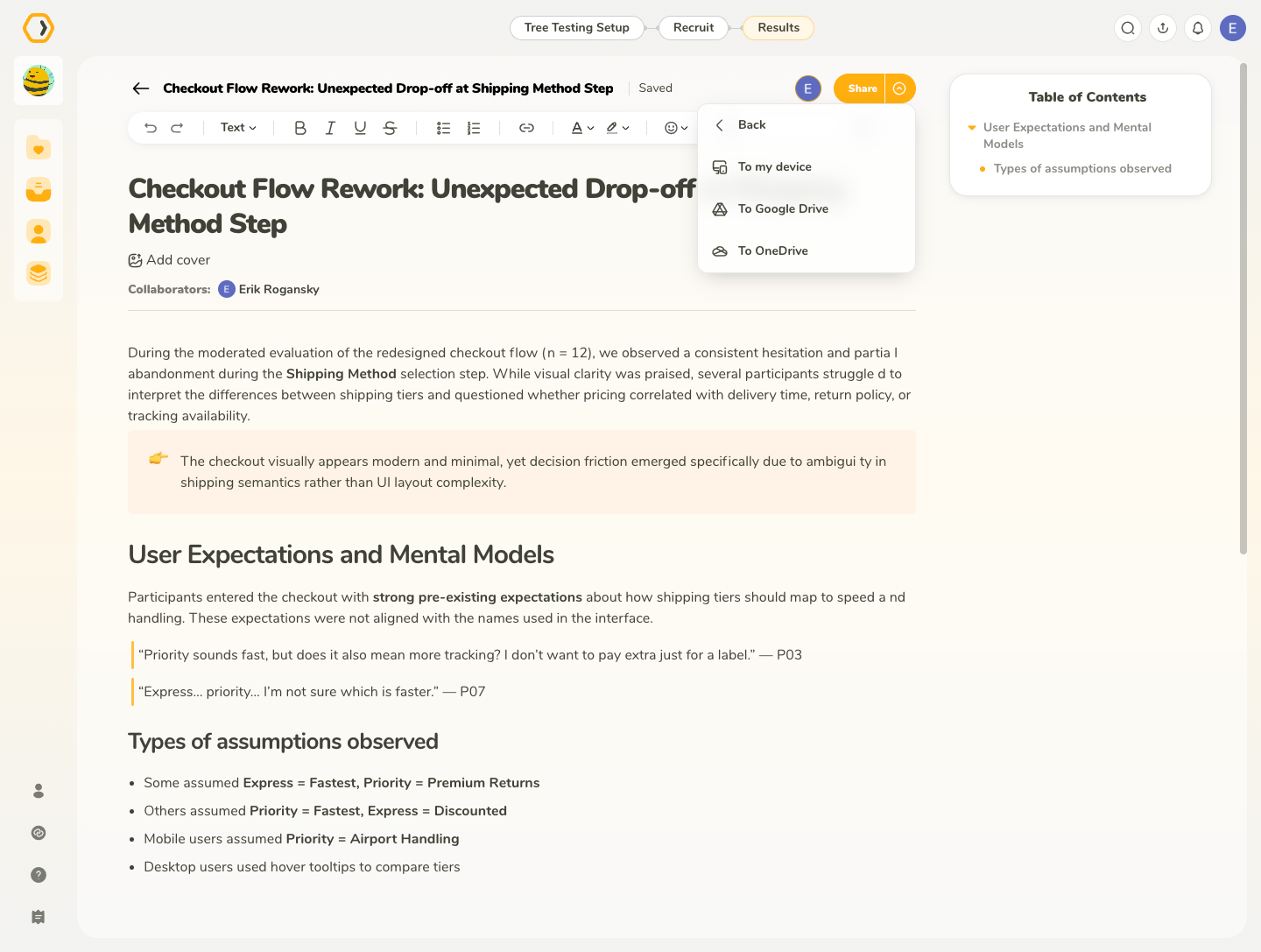
You can export Insights directly to:
- Your device
- Google Drive
- Microsoft OneDrive
To learn more about connecting UXtweak with external services, see the Integrations section.
Share your Insight
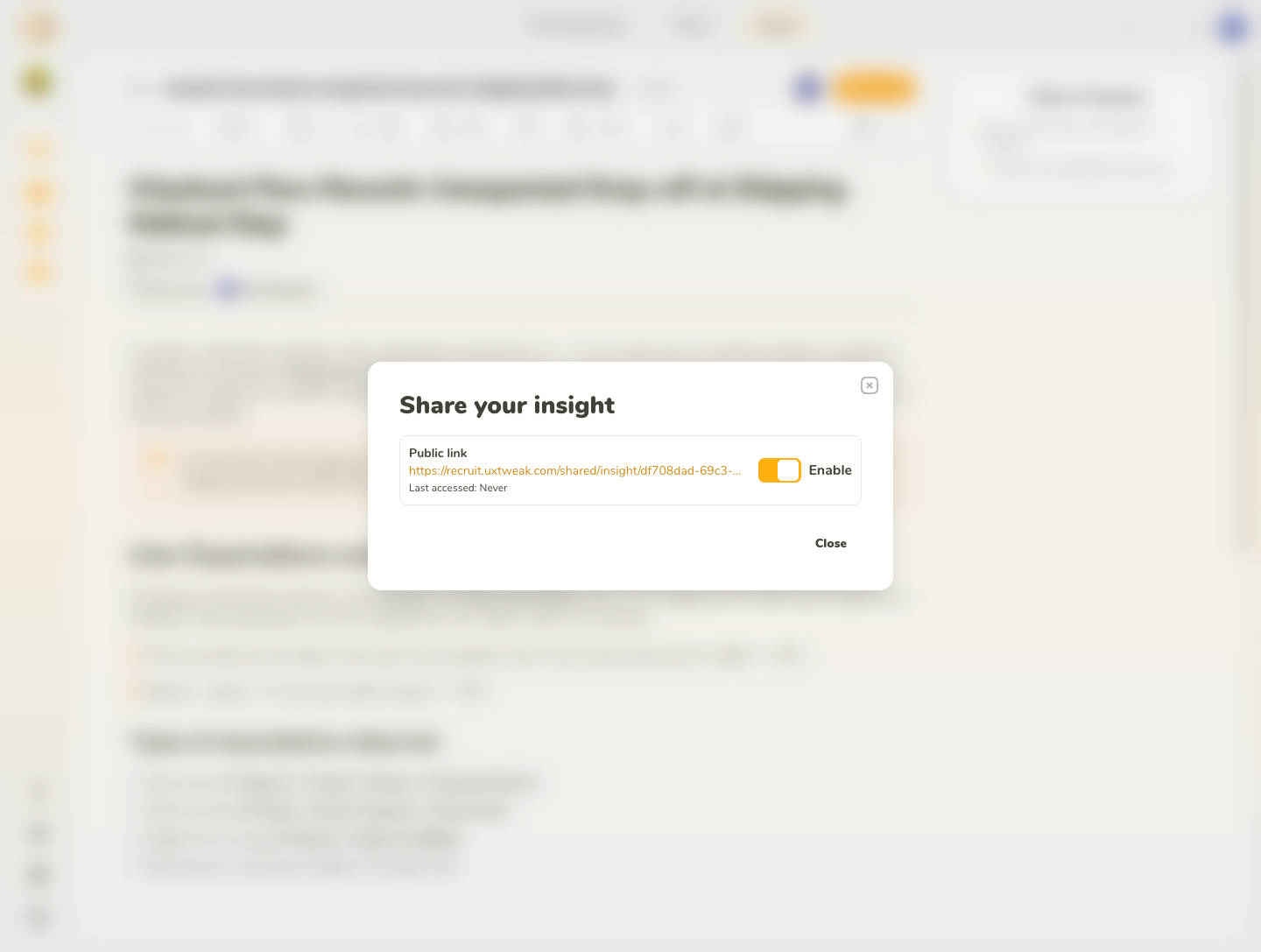
To share an Insight with others, click Share in the top-right corner.
In the Share your insight dialog, enable Public link to generate a shareable link to the Insight.
Once public sharing is enabled, you can:
- Copy the public link and send it to anyone you want to share the Insight with
- See when the shared Insight was last accessed
- Disable the public link at any time
When public sharing is disabled, the link can no longer be used to access the Insight.
Re-enabling a public link
If you disable public sharing and later enable it again, UXtweak lets you decide what should happen to the previous link:
- Keep link – reactivates the existing sharing link
- Generate new link – creates a new sharing link and makes the previous one invalid
Generate a new link when you no longer want people with the previous link to be able to access the Insight.