





Insight editor header
The header shows the current Insight title, syncing status, active collaborators, and gives you access to export options.
The header provides quick access to the document title, sync status, active collaborators, and export tools.
The document title can be edited directly from the header by clicking on it. The same title is also editable inline at the top of the content area, and both locations stay in sync.
Next to the title, the sync indicator shows whether your latest changes are saved:
This gives immediate feedback on the current saving state.
On the right side of the header, circular avatars represent users who currently have the document open. Hovering over an avatar reveals details such as the collaborator’s name, their role, e-mail, and when they were last active at.
The Export as PDF button is also located in the header. Exporting creates an A4 PDF with UXtweak branding. For details on export options and included content, see the Export & PDF section.
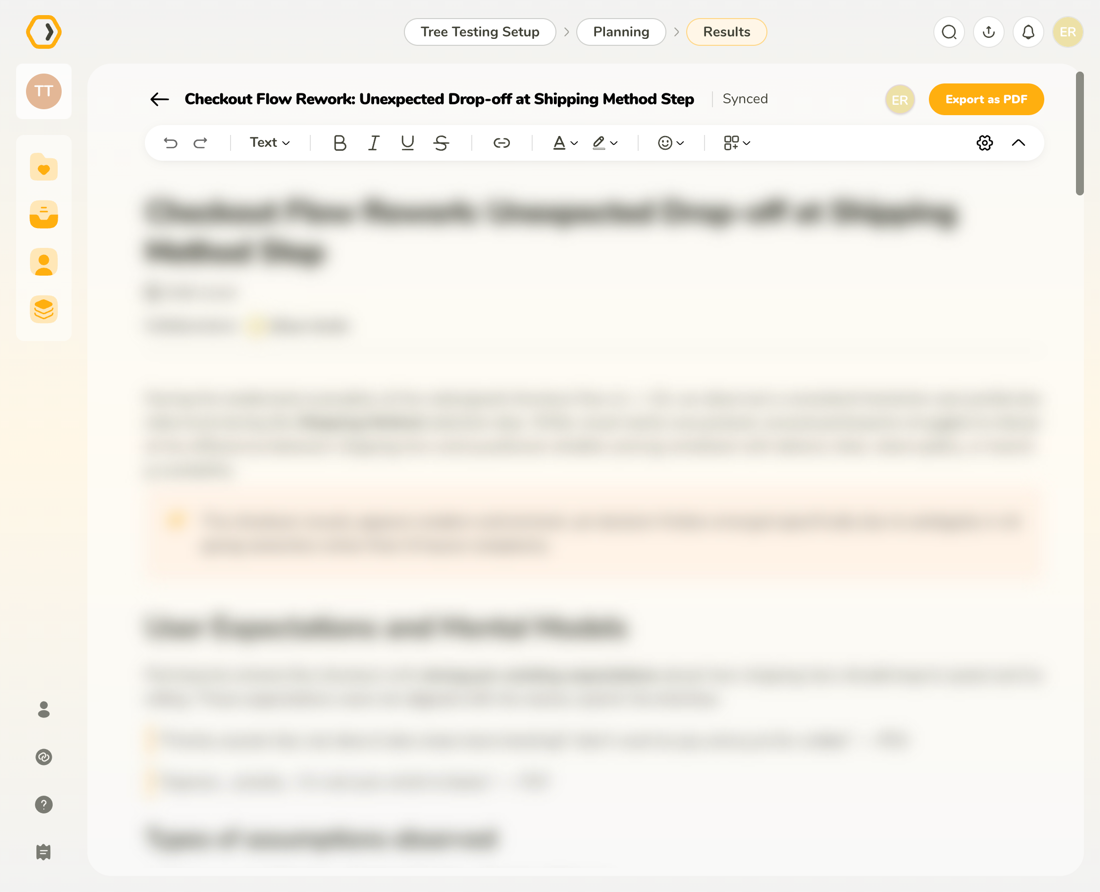
The header shows the current Insight title, syncing status, active collaborators, and gives you access to export options.
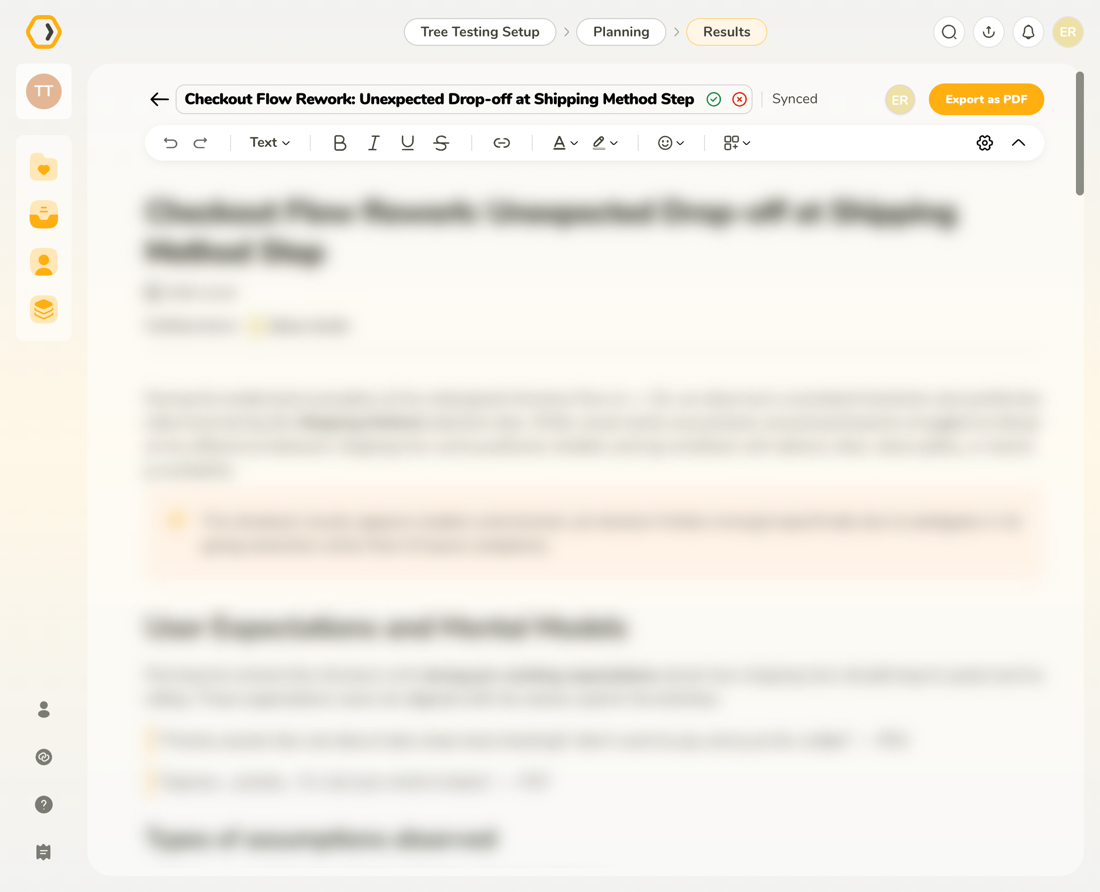
Click the title in the header to rename the Insight, then confirm to save your changes.