





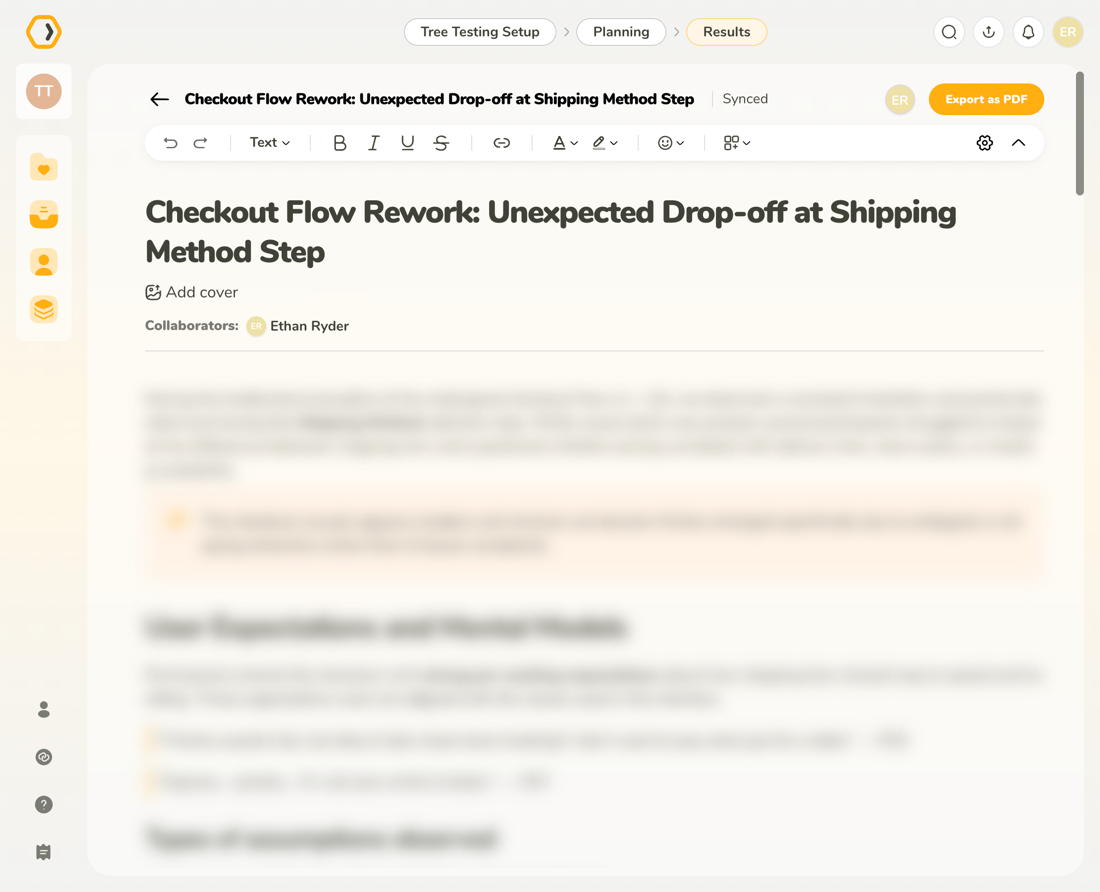
Page hero without cover
The page hero shows the Insight title and collaborators and separates the header from the main content.
The page hero sits at the top of the Insight content and introduces the Insight with its title, optional cover image, and collaborator information. It contains the page title, an optional cover image, collaborator information, and a visual divider.
At the top of the content area, the page title is editable inline. This title is separate from the header title, but both stay in sync so that editors can rename the Insight from either location.
Editing works inline: click the title and start typing to update it. Changes are synced automatically.
Below the title, you can optionally add a cover image using the Add cover button.
Adding a cover image gives the Insight a visual identity. Covers are optional and do not affect document structure.
When you hover over the cover area, an action icon appears. Clicking the icon opens a dropdown with two options:
Below the title (or cover, if present), collaborator avatars are shown along with names.
Hovering a collaborator reveals additional details such as:
This helps clarify who contributed to the Insight and how they relate to the project.
The page hero shows the Insight title and collaborators and separates the header from the main content.
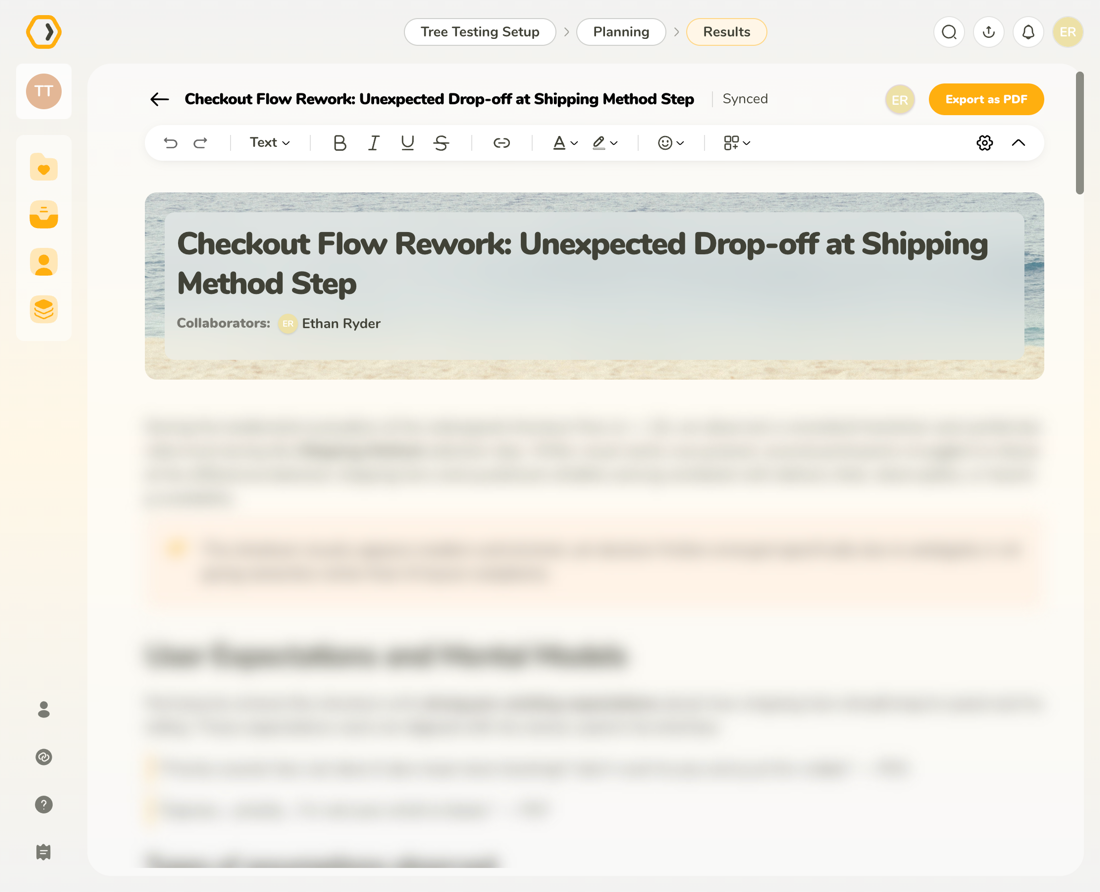
You can add a cover image to give the Insight a visual identity without affecting its structure.
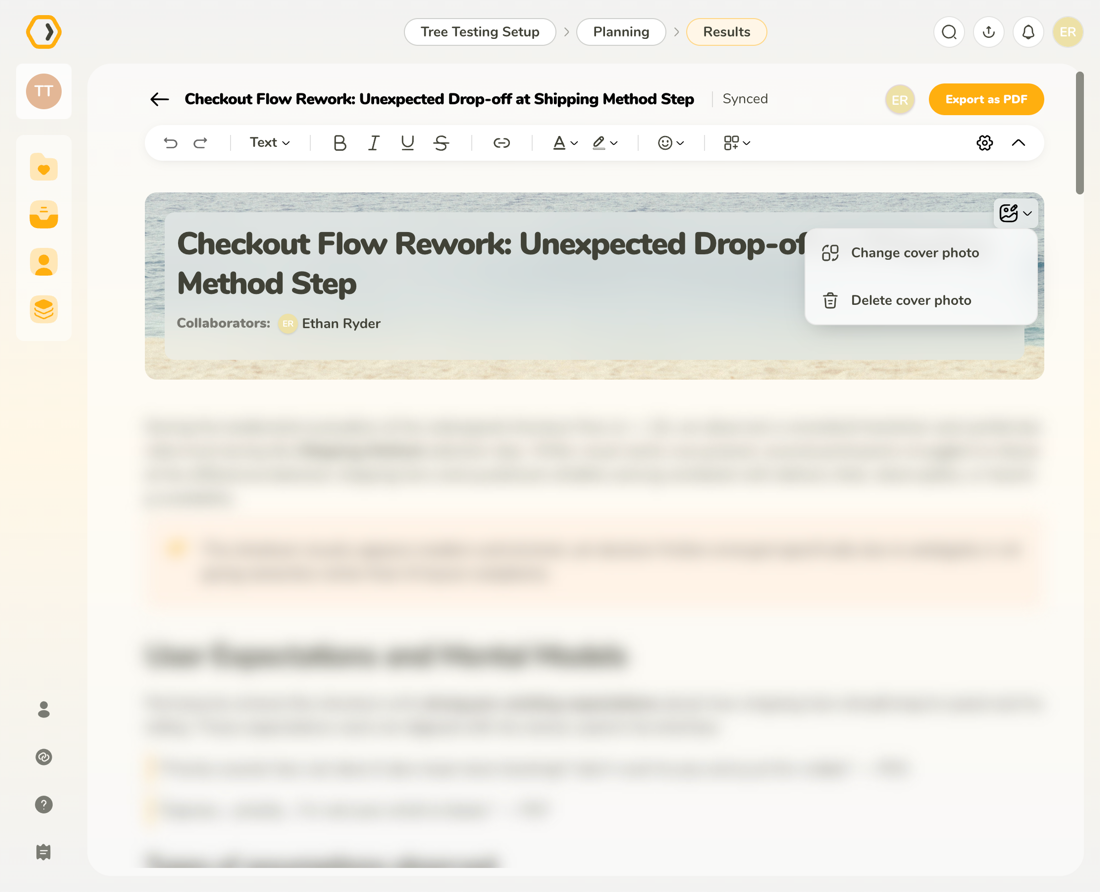
When you hover over the cover image, you can change or remove the cover using the action menu.