





Reward email preview
Use this preview to see what the email sent to the participants will look like as you edit the template.
This section covers how to use the Rewards step to include incentives for your participants in the form of gift cards, discount codes, or coupons.
Coupons (and similar rewards) are an ideal and simple way to provide participants with an incentive to become respondents. If you add rewards to your study, the participants will receive them via email. The emails are generated based on a template you can edit.
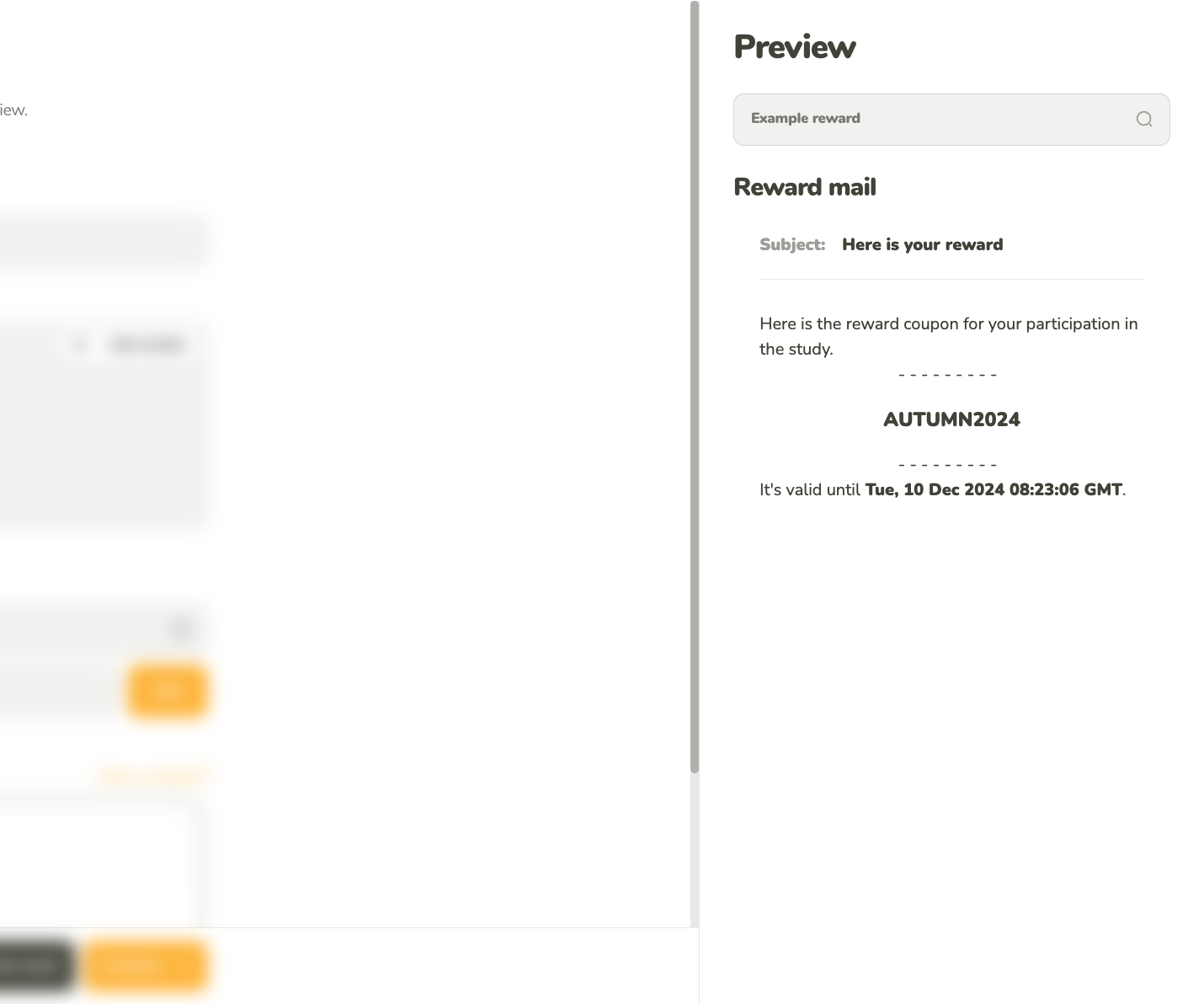
Use this preview to see what the email sent to the participants will look like as you edit the template.
You can add the coupons manually or via CSV file import.
You can add individual coupons manually by providing the code and the expiration date.
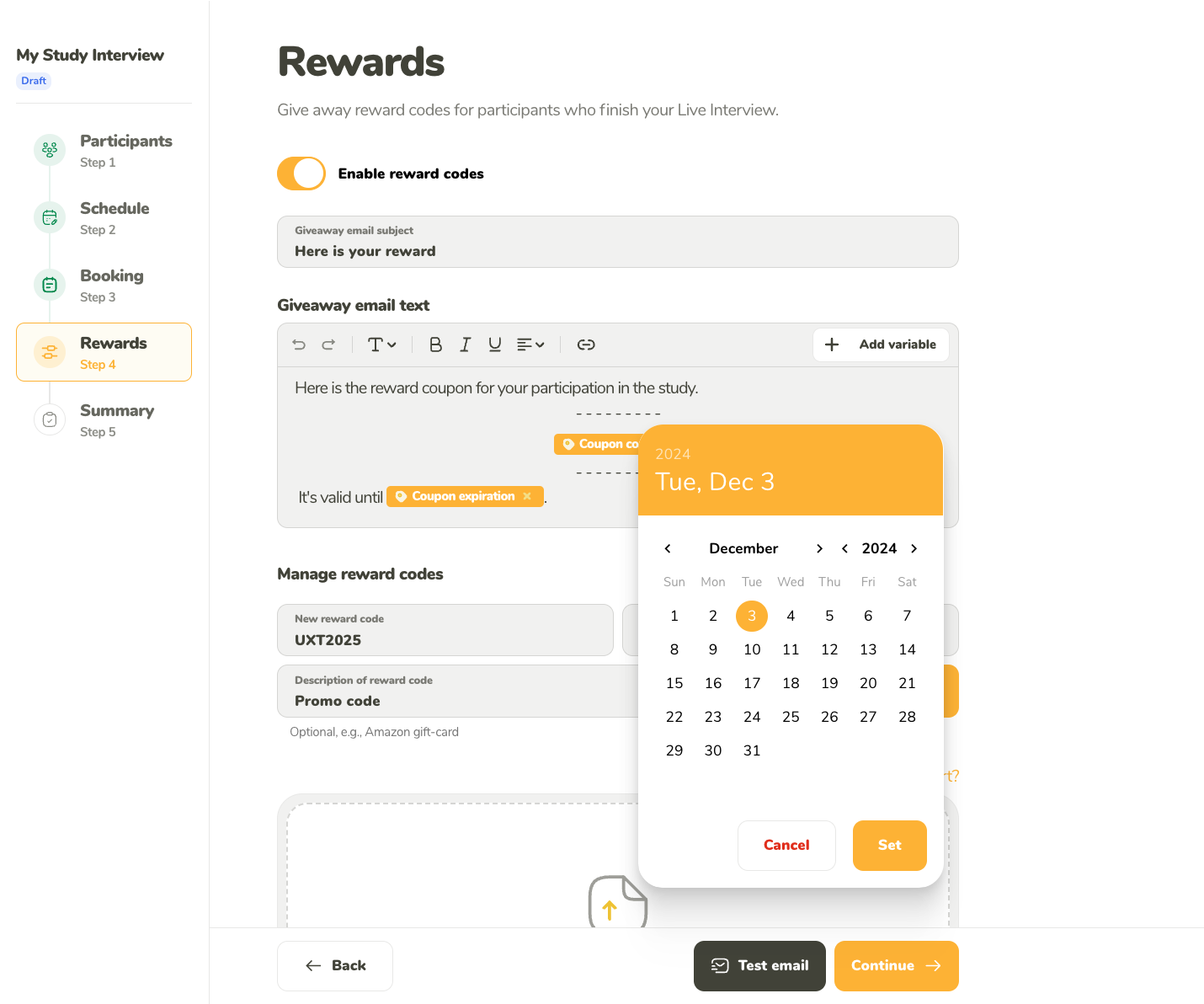
You can add coupons manually. This is useful, when you have only a few codes.
Use UTF-8 encoded CSV files to ensure that the import works correctly. The simplest way to save your imported file with UTF-8 encoding is to edit it through Google Sheets (click the link for more instructions). To get a UTF-8 encoded file when saving your file in Excel, go to File -> Save As and select CSV UTF-8 before you click Save.
CSV file format example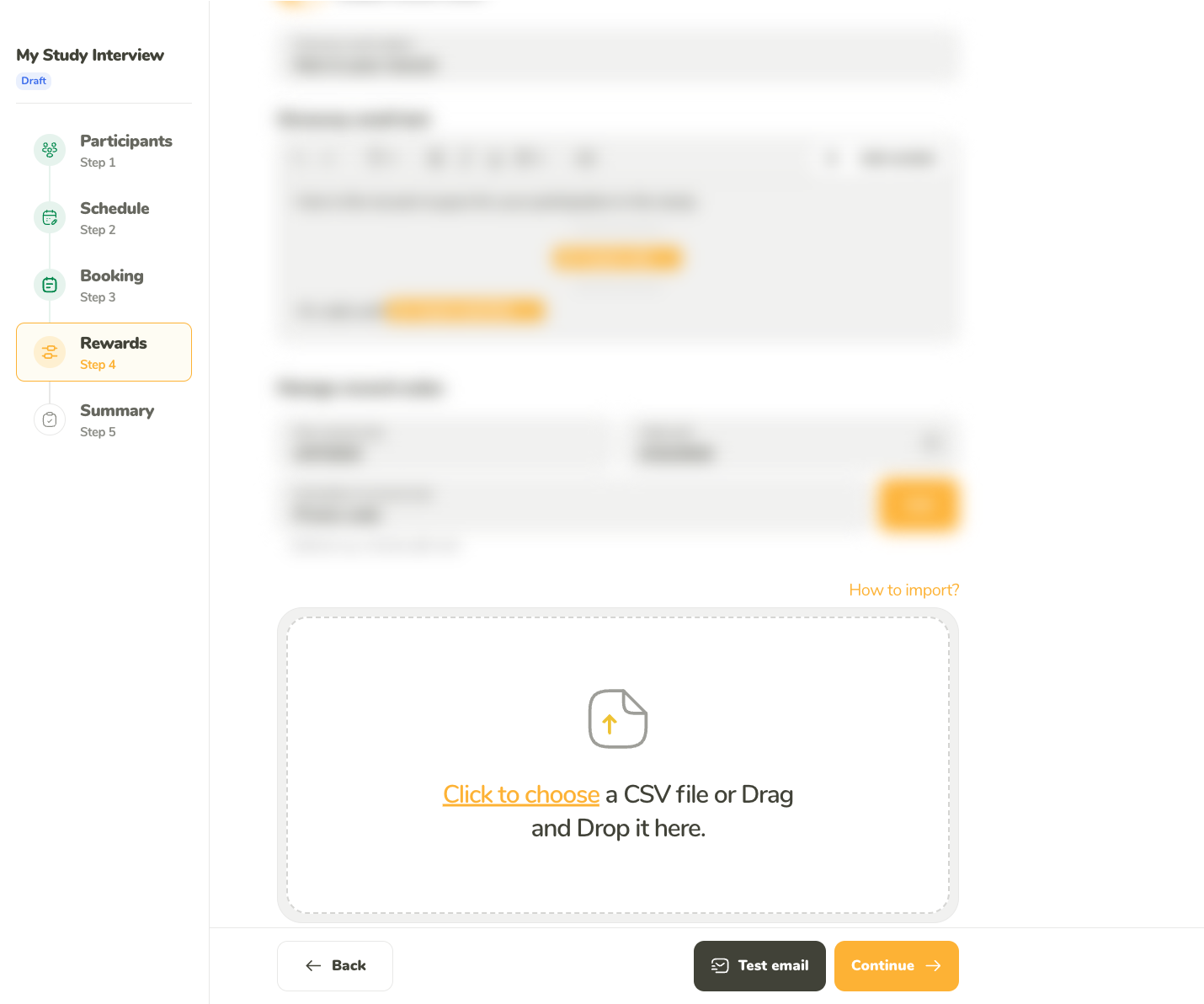
Use a structured CSV file to bulk import your coupons.