





General settings
Name your widget, choose the study you want to recruit for, and record any useful details in the notes.
This section covers how to use the General setup to:
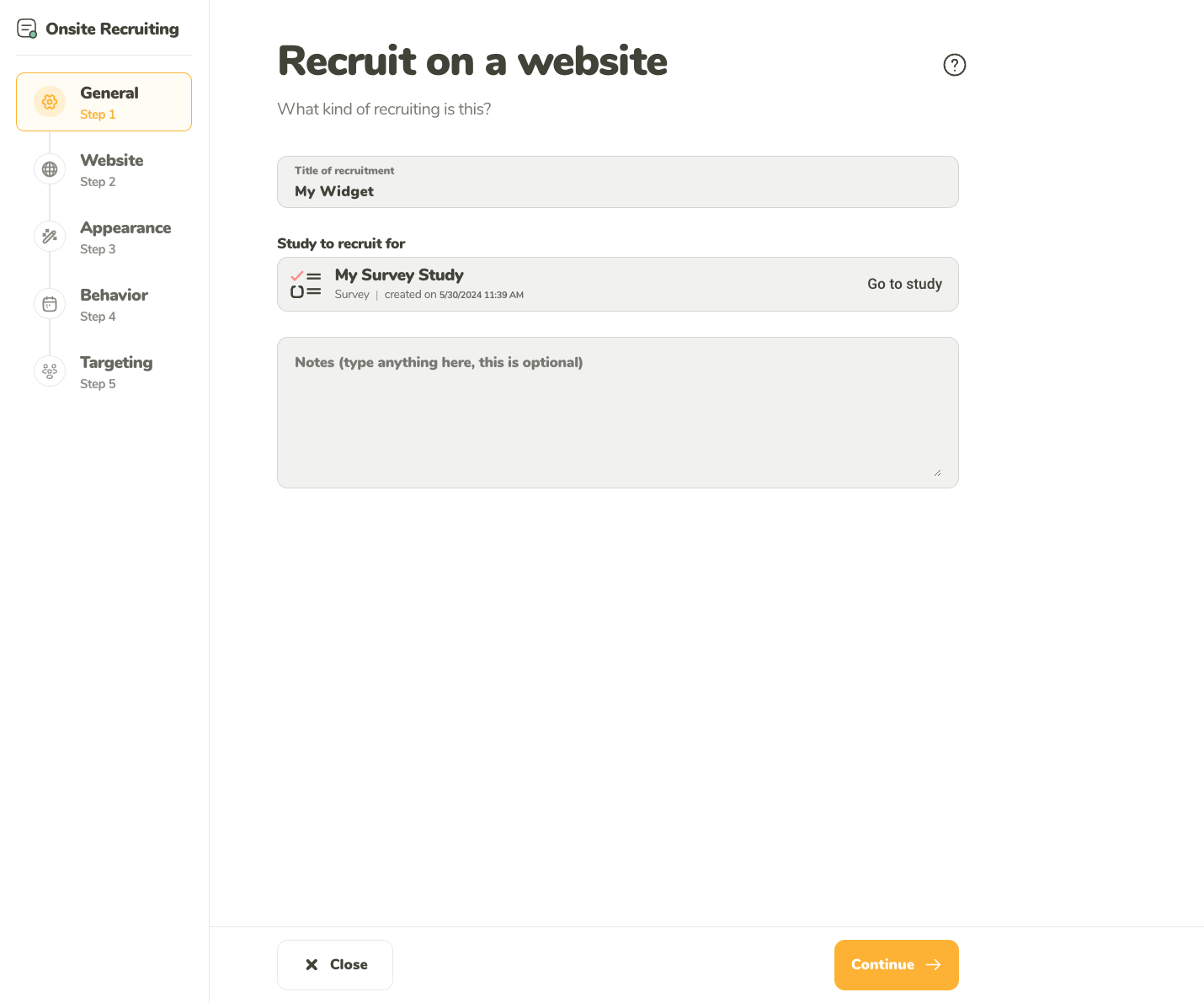
Name your widget, choose the study you want to recruit for, and record any useful details in the notes.
You can select one of your active studies or your drafts, where the respondents will be directed from your Onsite Recruiting widget. Both the study and widget must be launched to make the widget appear on your site.
The widget is compatible with all UXtweak tools that require respondent recruitment, such as Website Testing, Card Sorting, and Tree Testing.
You can make changes to the study your widget is recruiting for when you deactivate the widget. This makes it possible to update the widget to recruit for your currently ongoing studies.
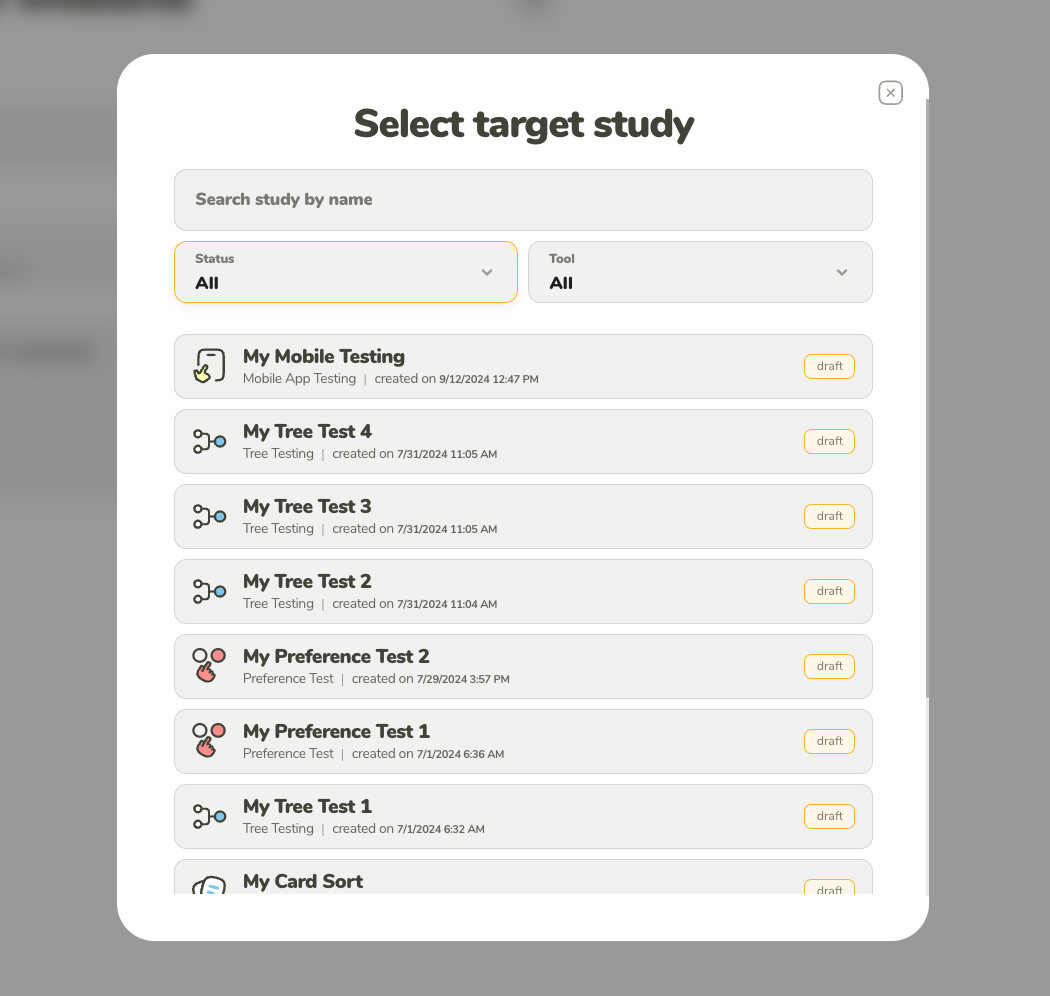
The study you select must be Active before you can launch the recruiting.
The notes provide you with an opportunity to store additional information about the recruiting.
Example uses for notes:
Your notes can be edited after you have started the recruiting process. The notes are not shown to the participants at any point.