





Registration and Timeslots
- Intuitive calendar based timeslot organization
- Choose when you are available, the length of a slot and more
- Assign a team of experts from your team to each timeslot
- Let participants register for vacant slots and reschedule
 AppStore
  TestFlight
  Prototype
  Webview
  Google Play
  APK
APK Discover what difficulties users encounter in your mobile app, website or prototype.
Obtain screen recordings of your participants’ behavior while using your app and improve your mobile UX.








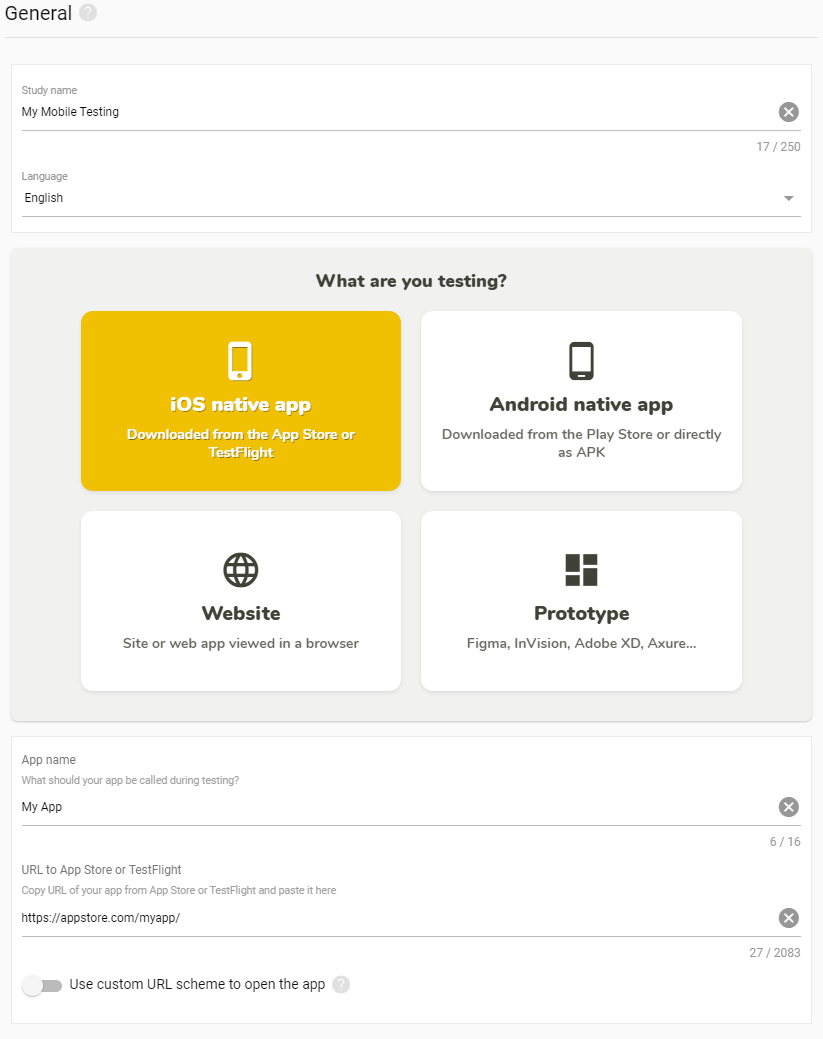
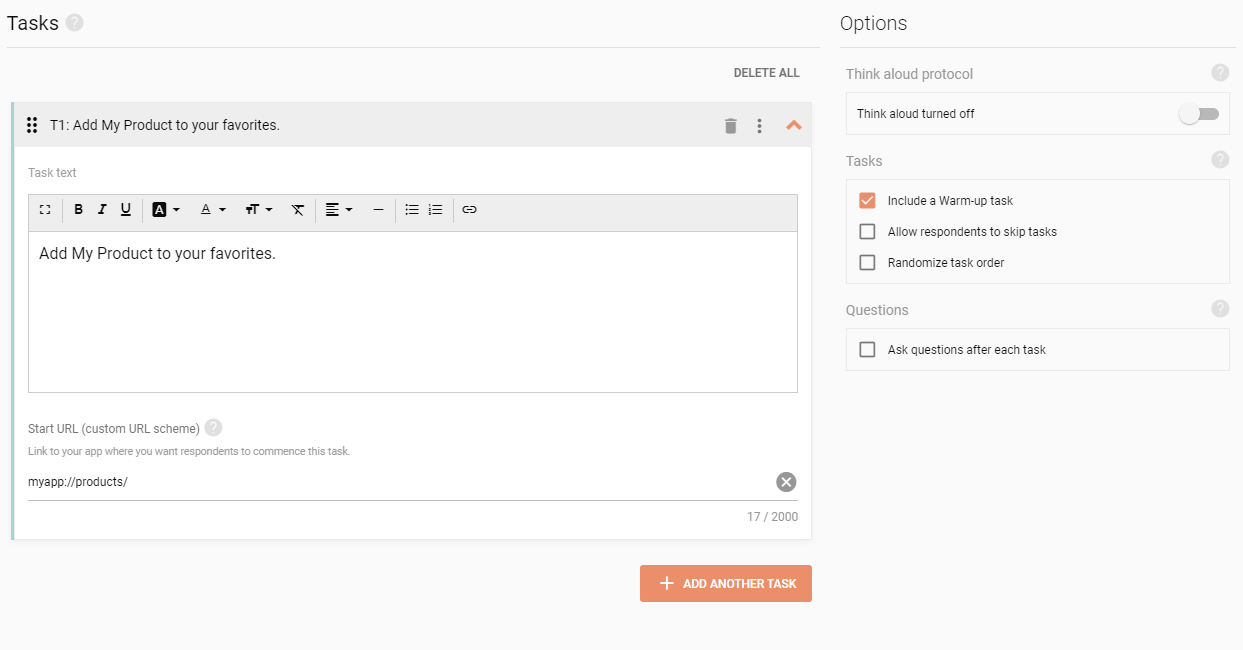
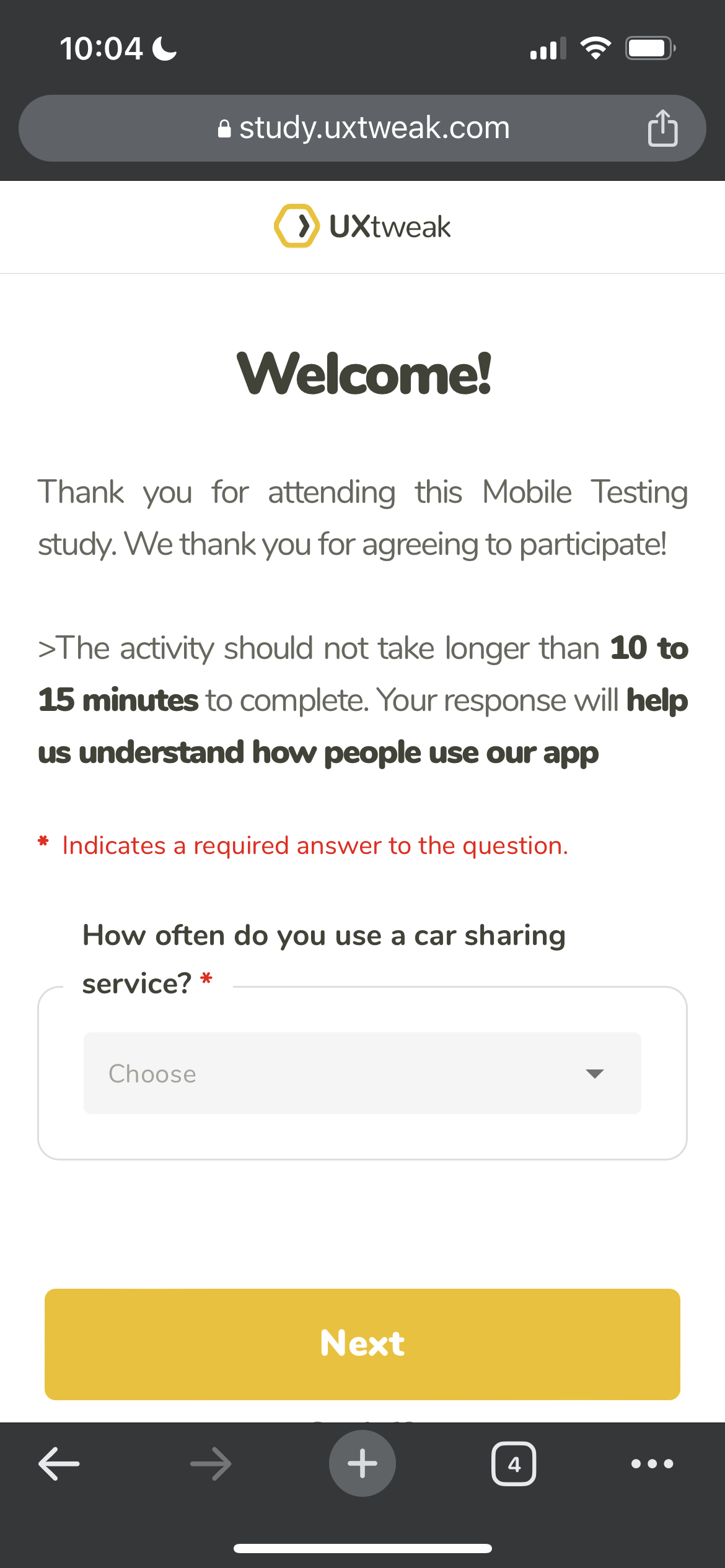
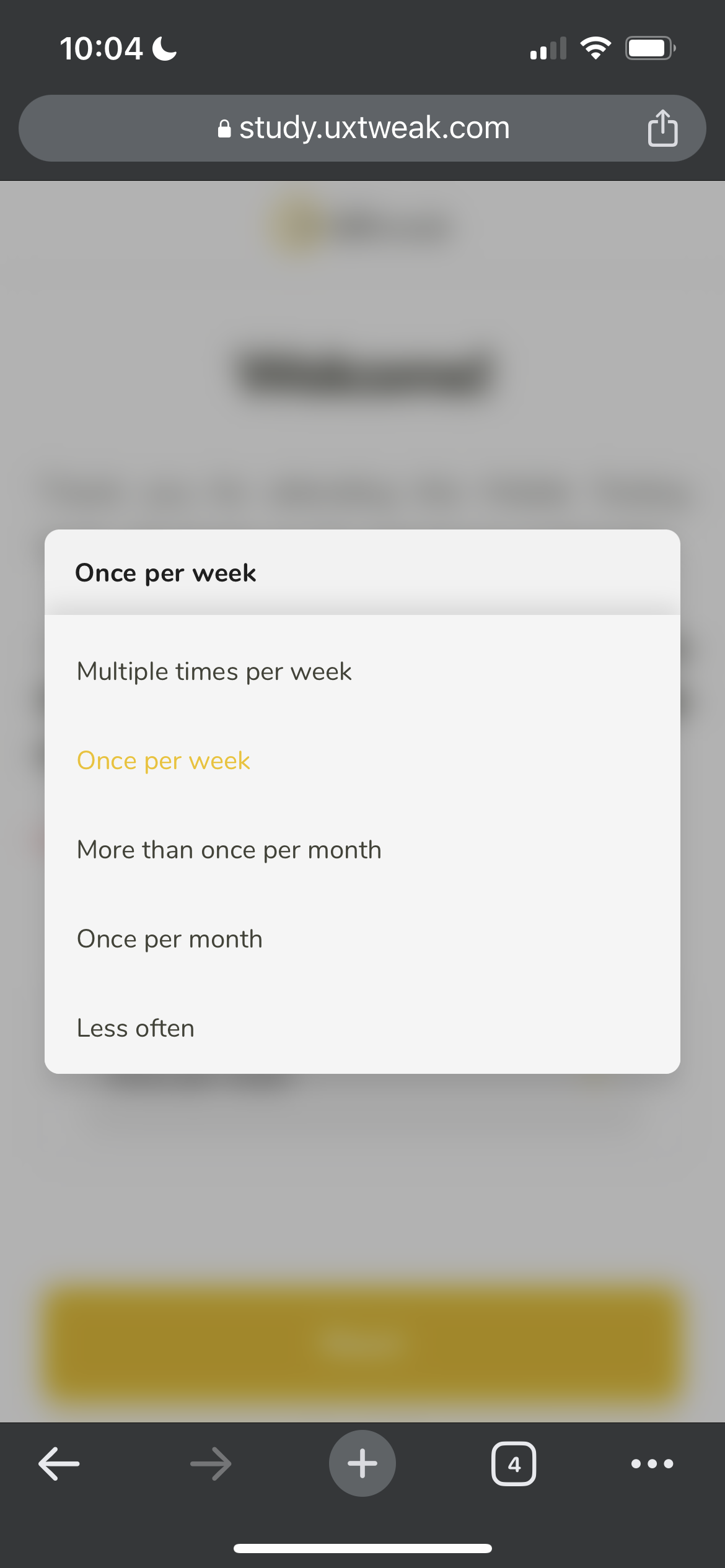
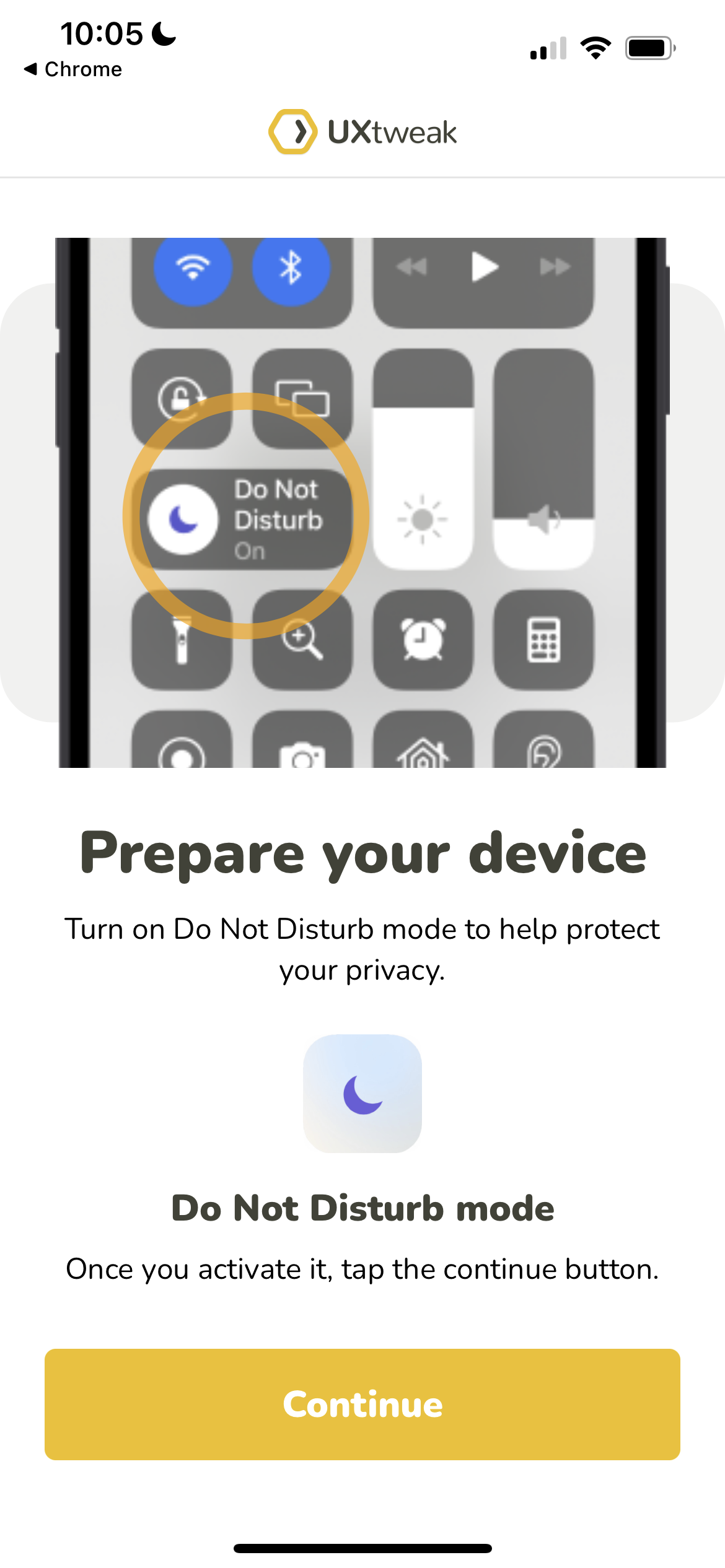
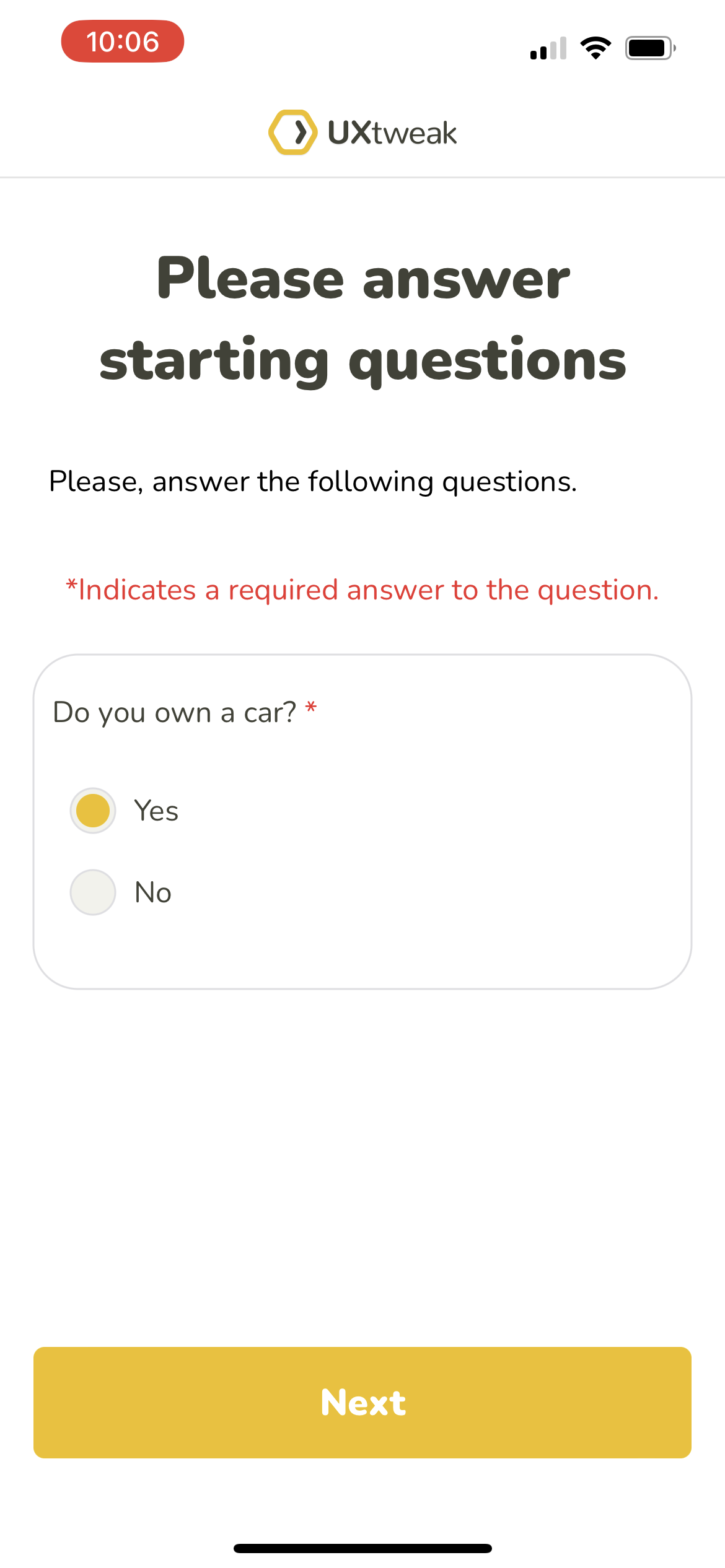
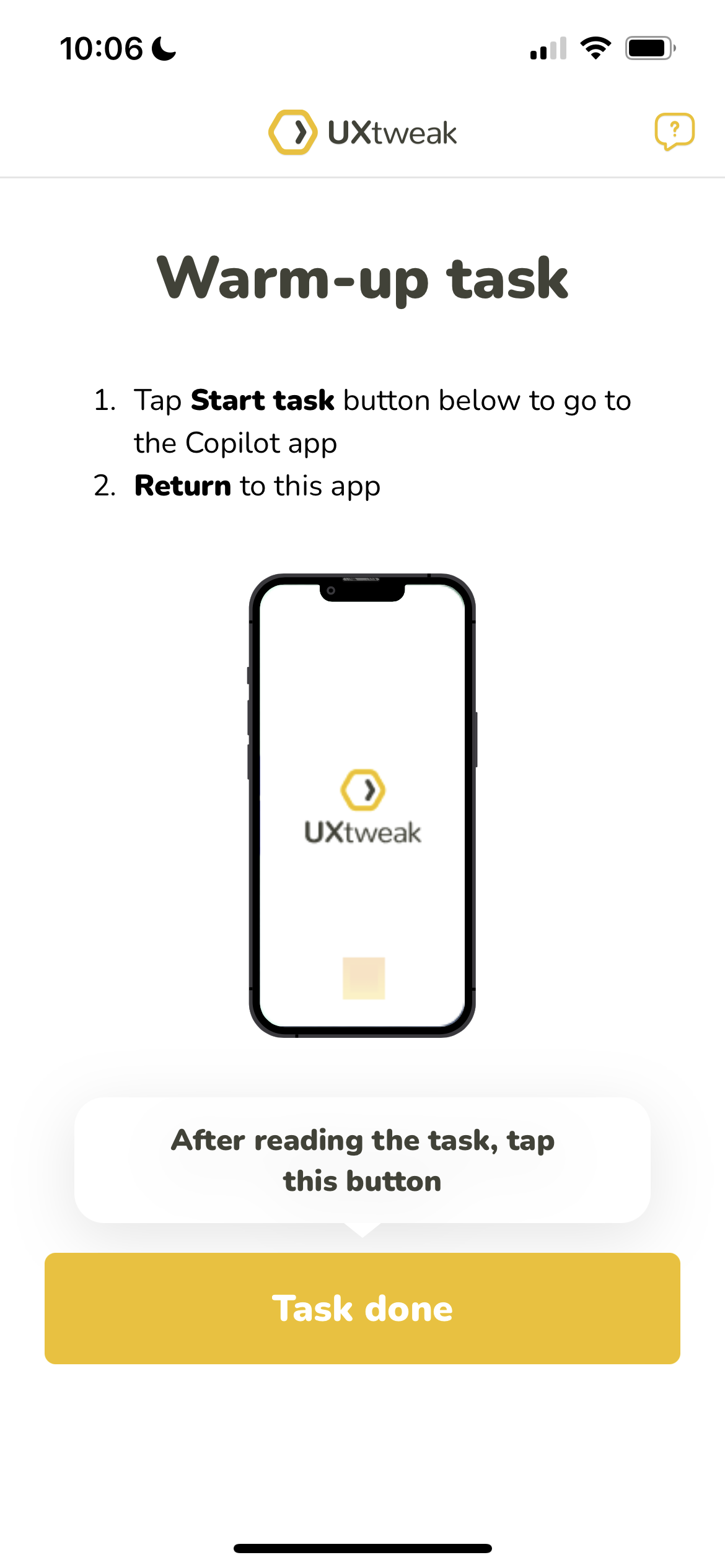
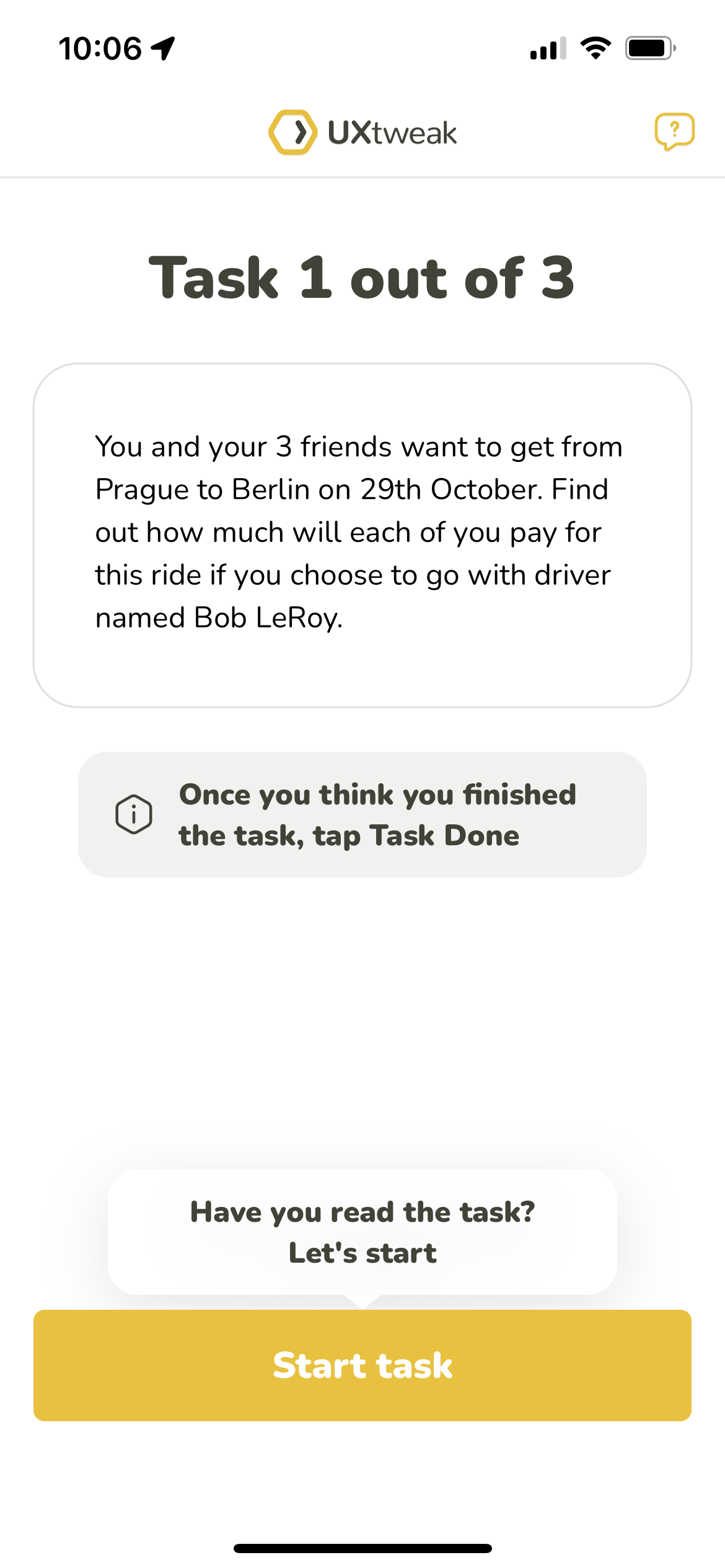
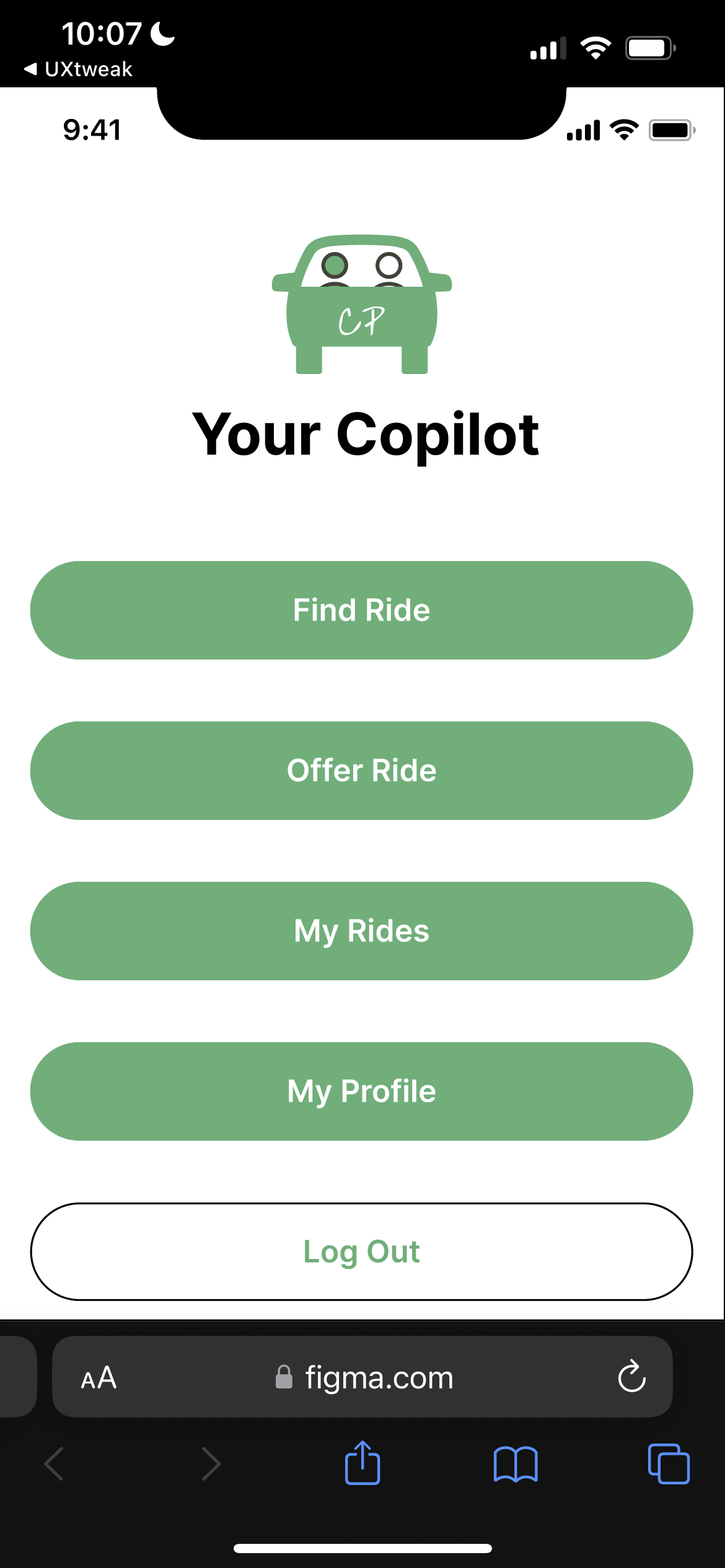
Create a new Mobile Testing study. Choose whether you want to test an Android or iOS app, a prototype or a mobile website. Create tasks that reflect common user activities in your app. Discover your user’s needs and opinions with follow-up surveys.
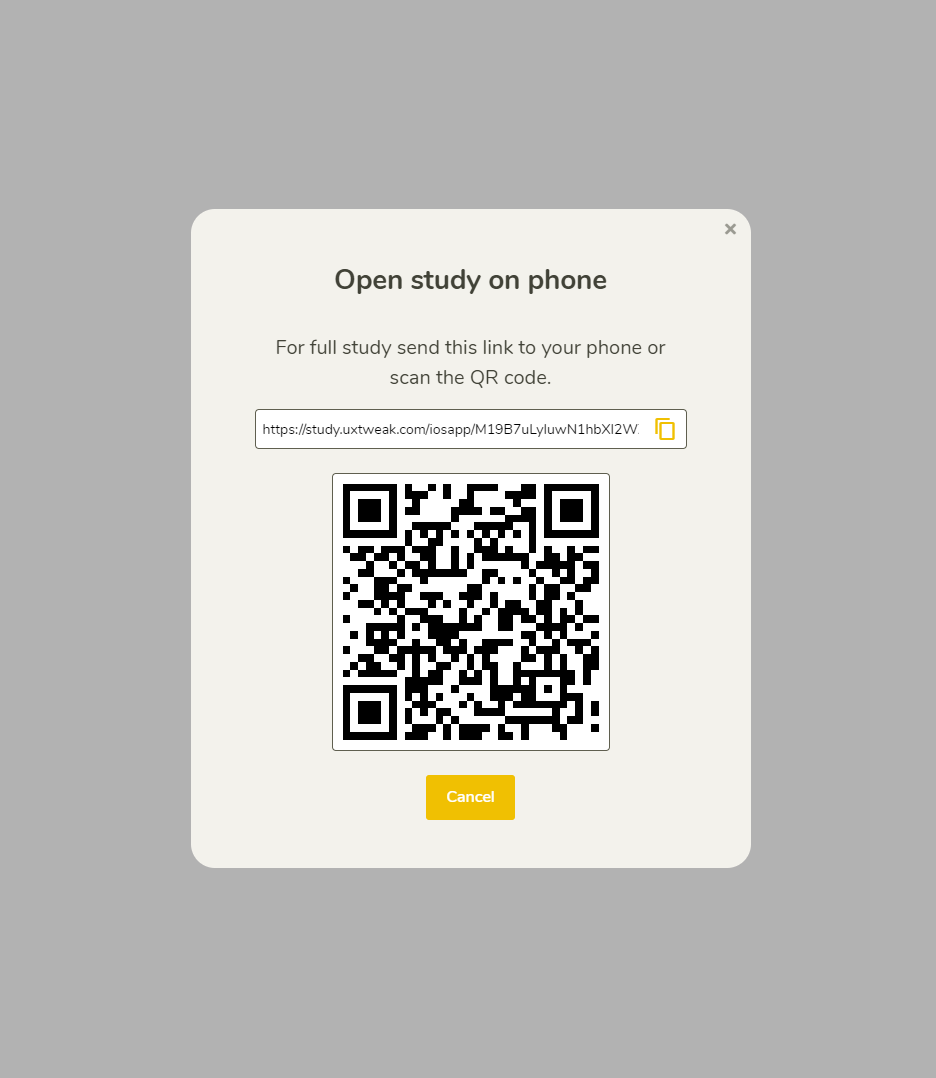
Share your study link to your audience directly or using our Own Database mailing system. Find testers on your own site with our special Onsite Recruiting Widget. Time-consuming? Order testers from our User Panel.
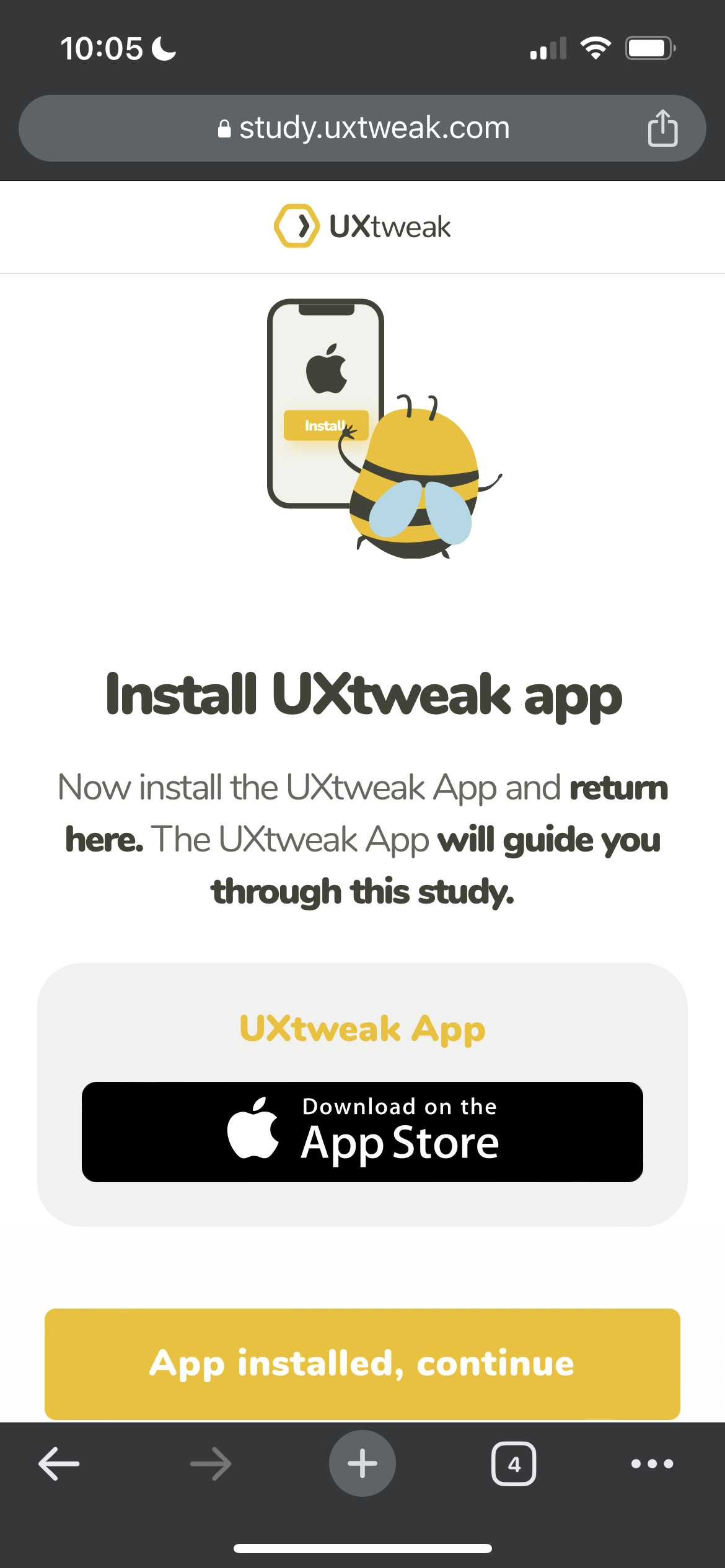
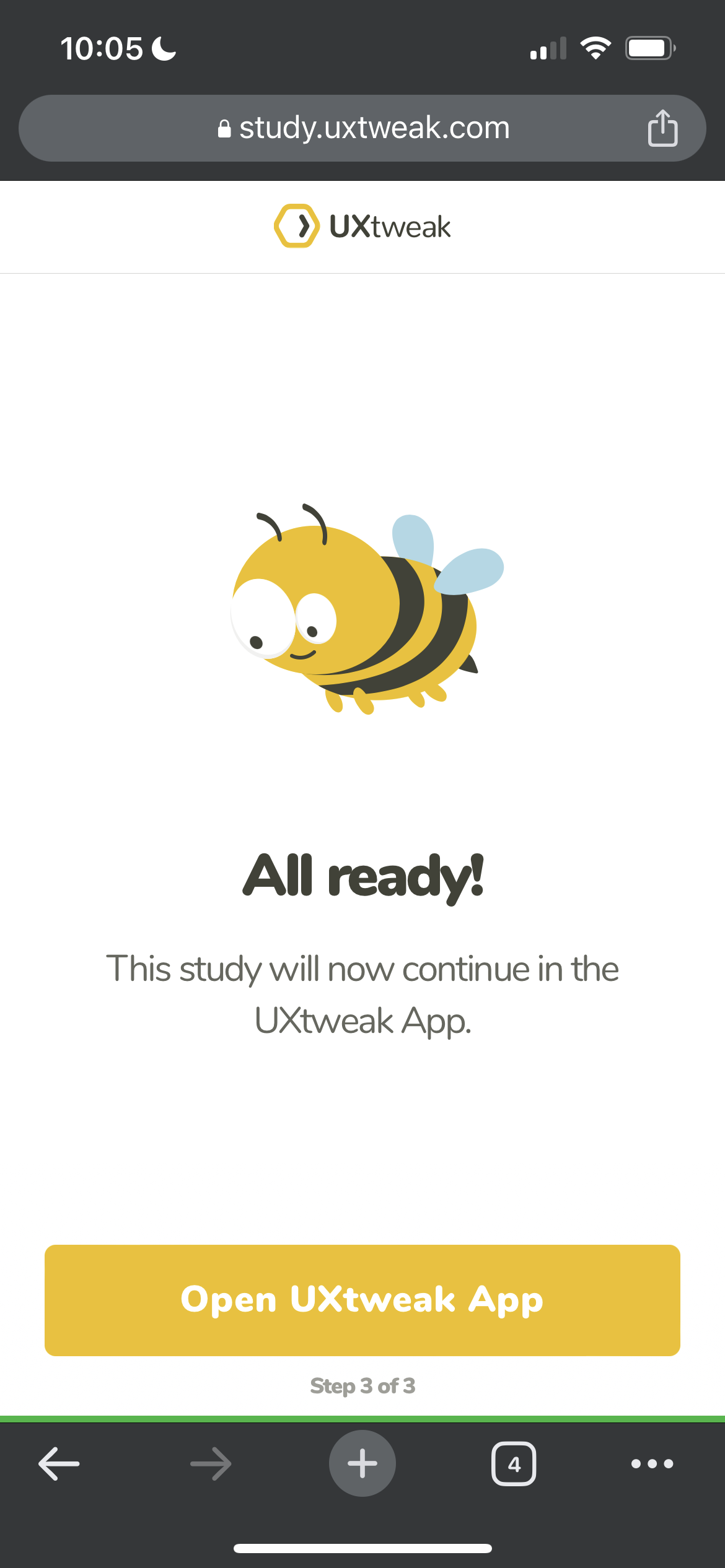
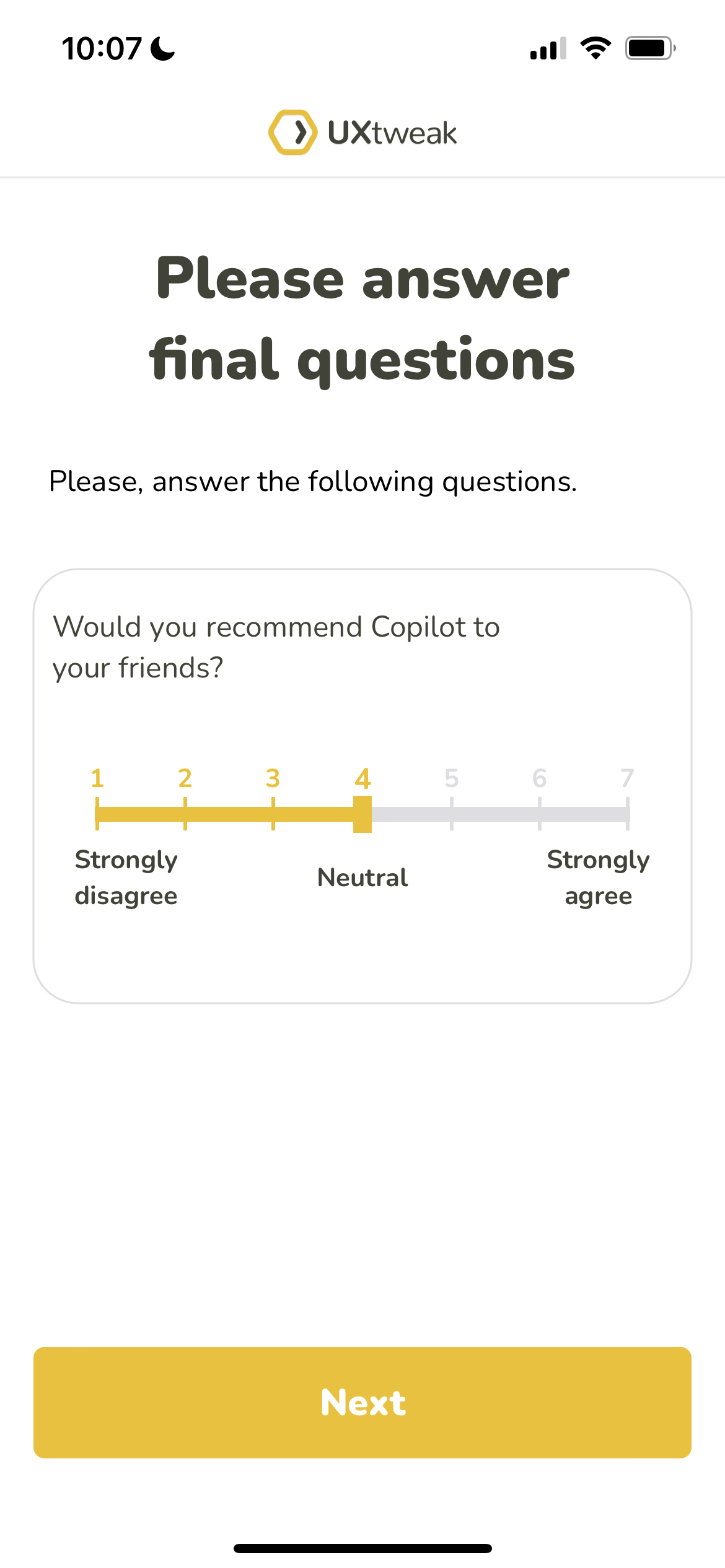
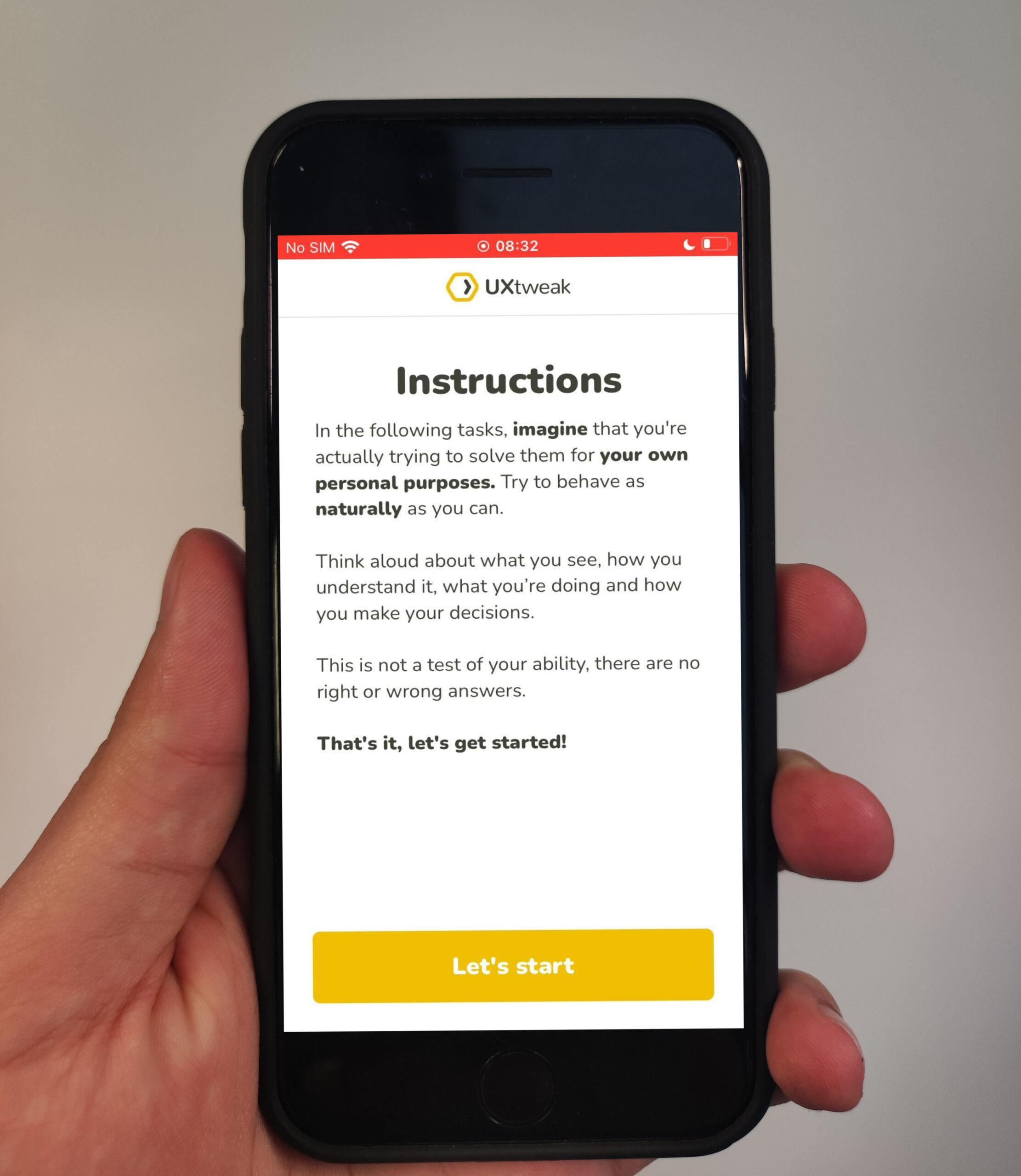
Apart from your app, your participants will install a special user testing app on their mobile phone to record their behavior while using your app and completing your defined tasks.
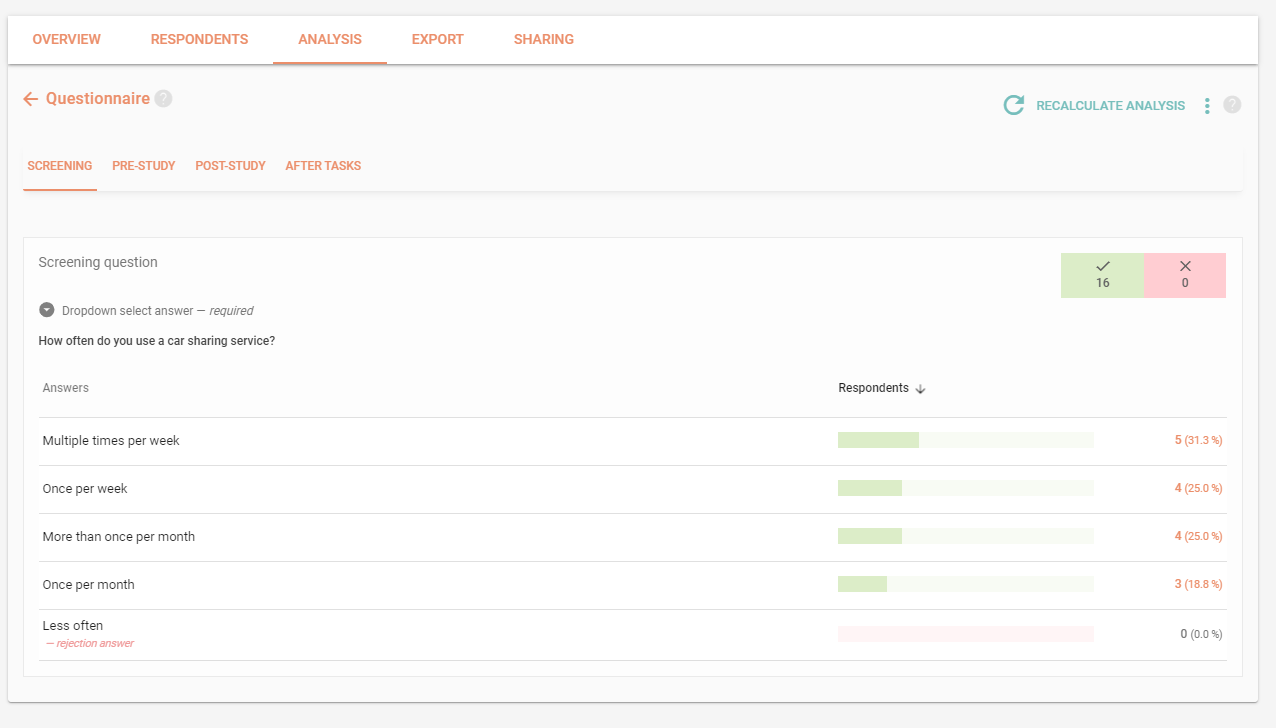
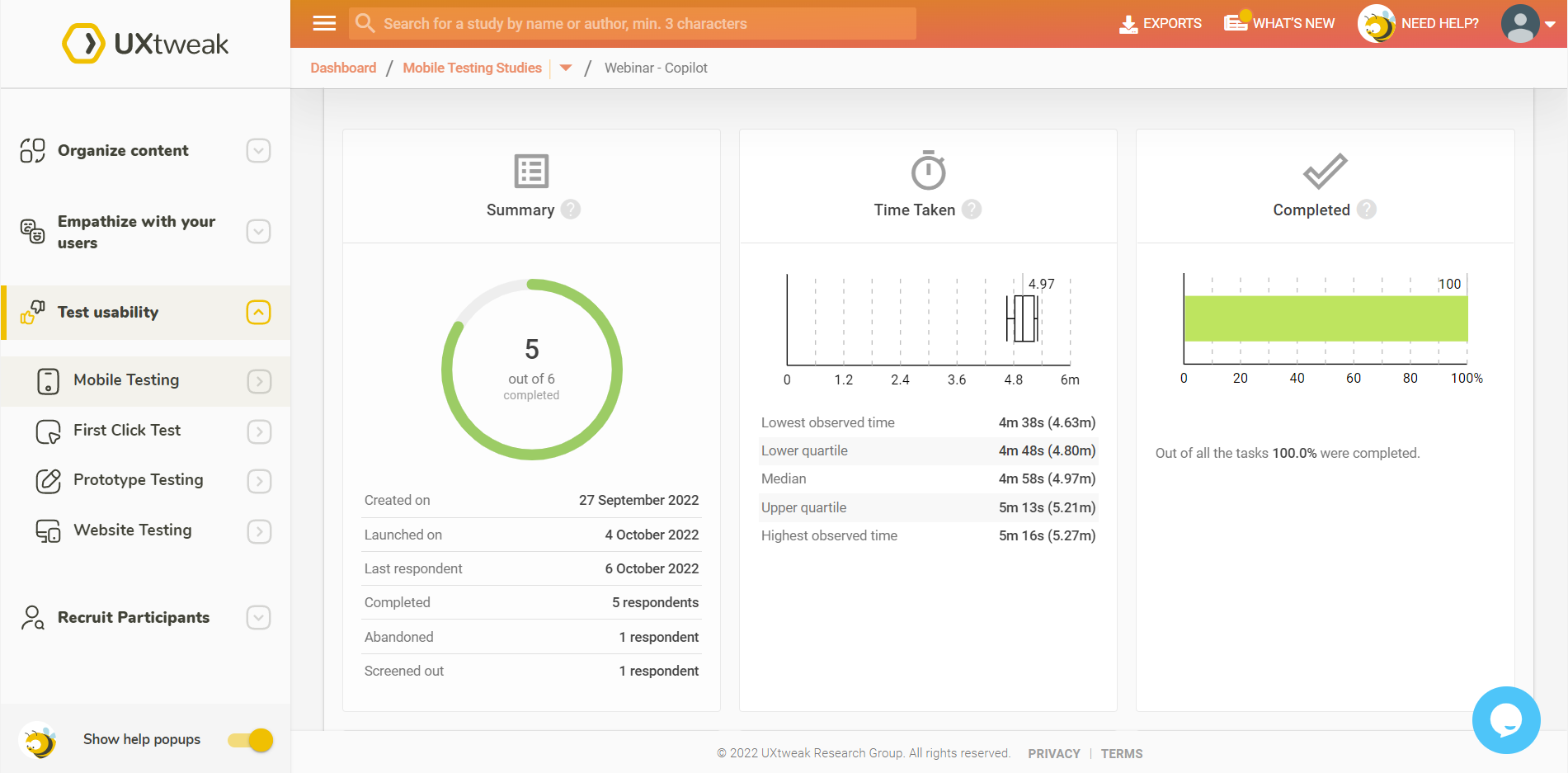
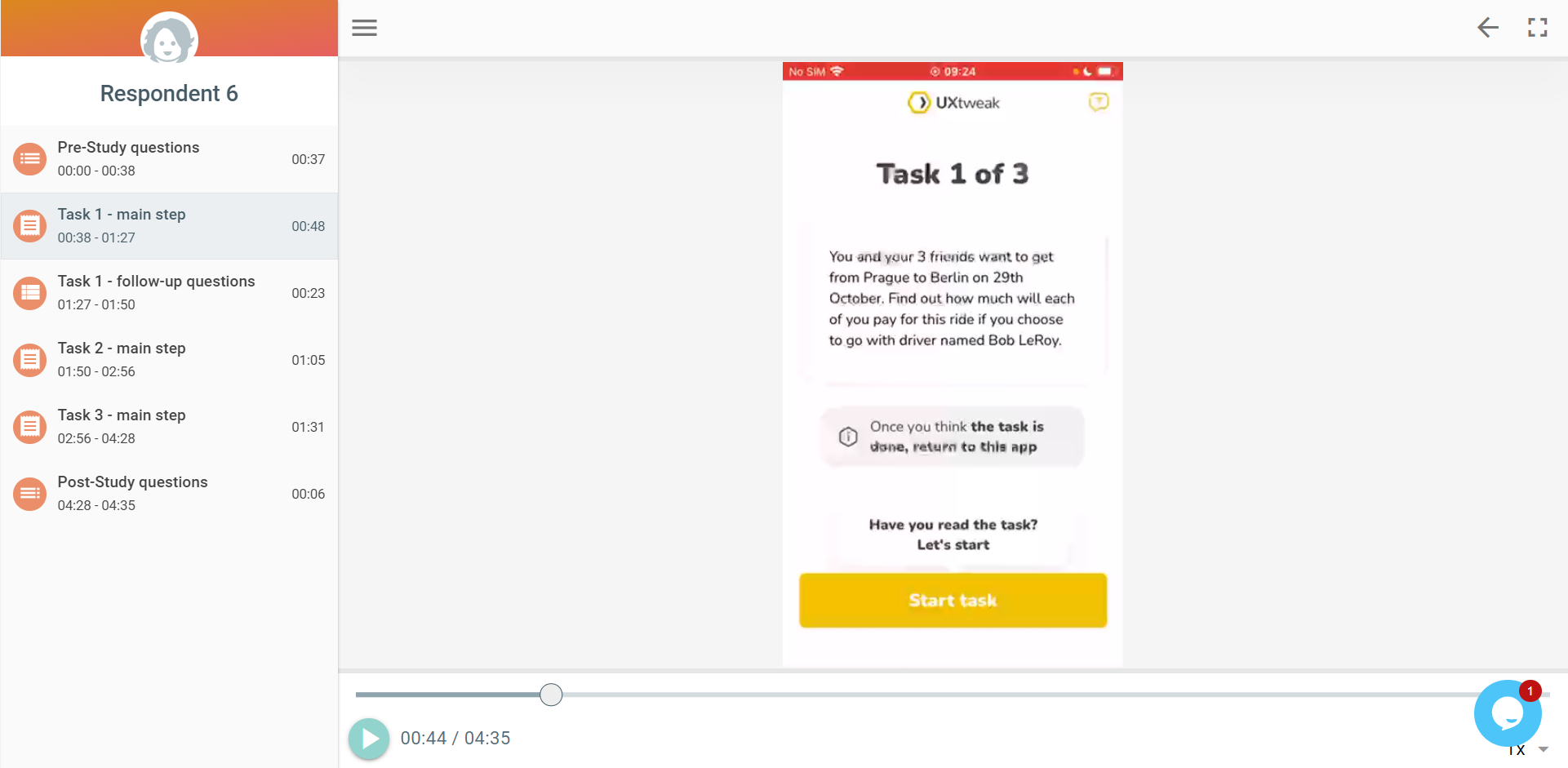
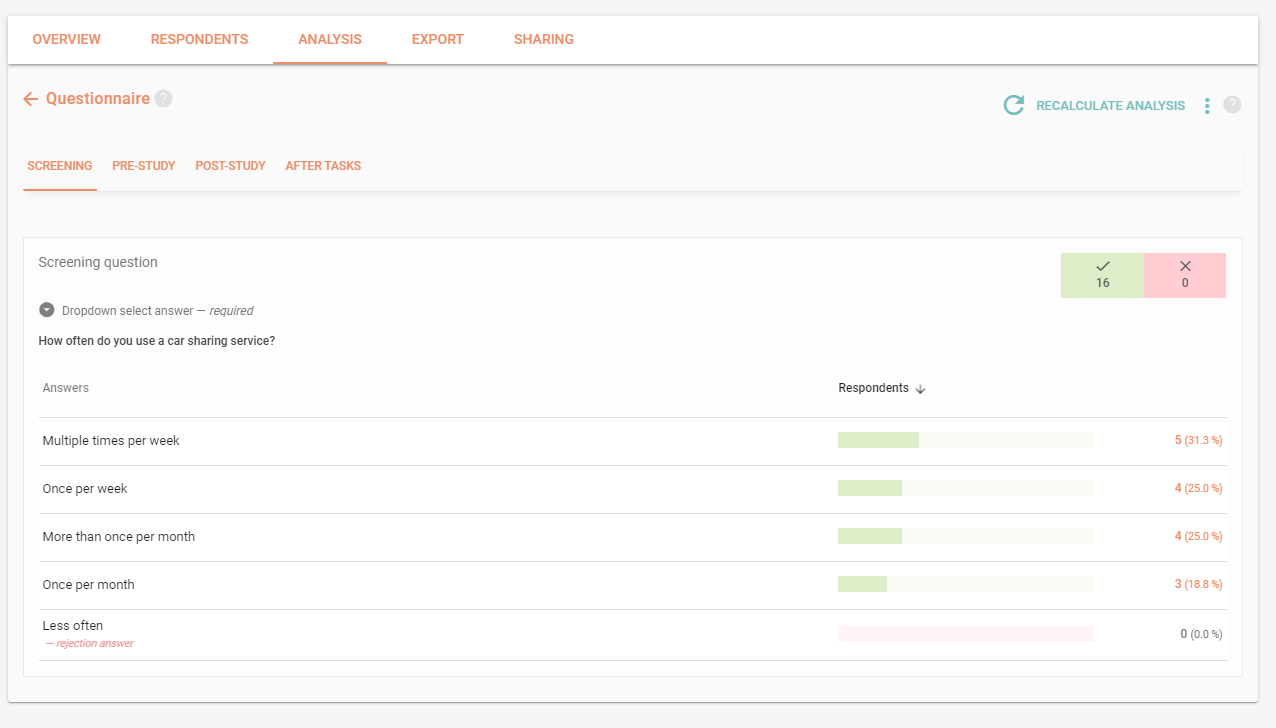
Watch the screen and voice recordings of how users interact with your app to see what difficulties they might have. Look over the testing results and respondents’ answers.











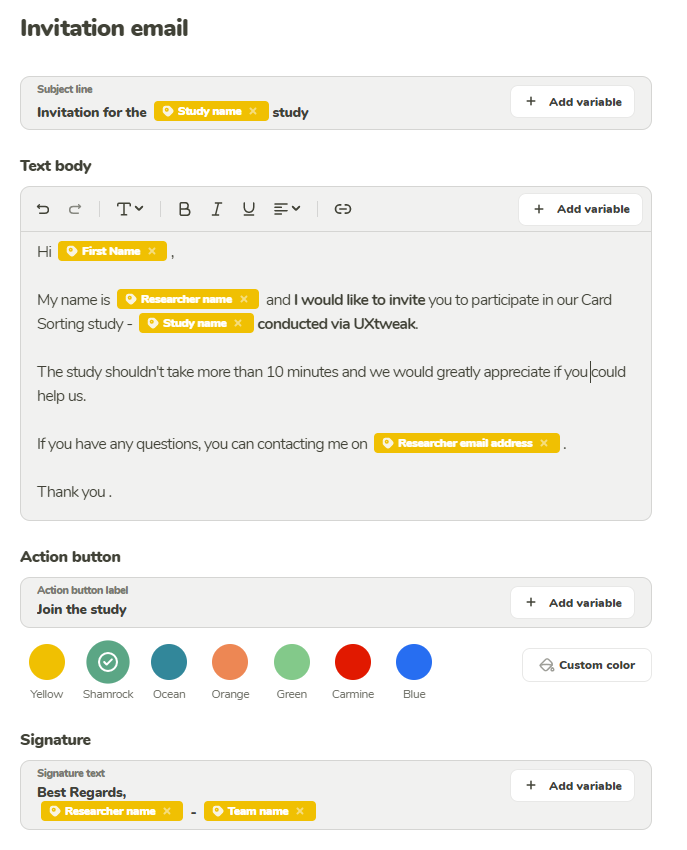
Use the Own Database and its mailing system to recruit participant from your own pool. Simply import them using a .csv or .xlsx file and start inviting them right away.

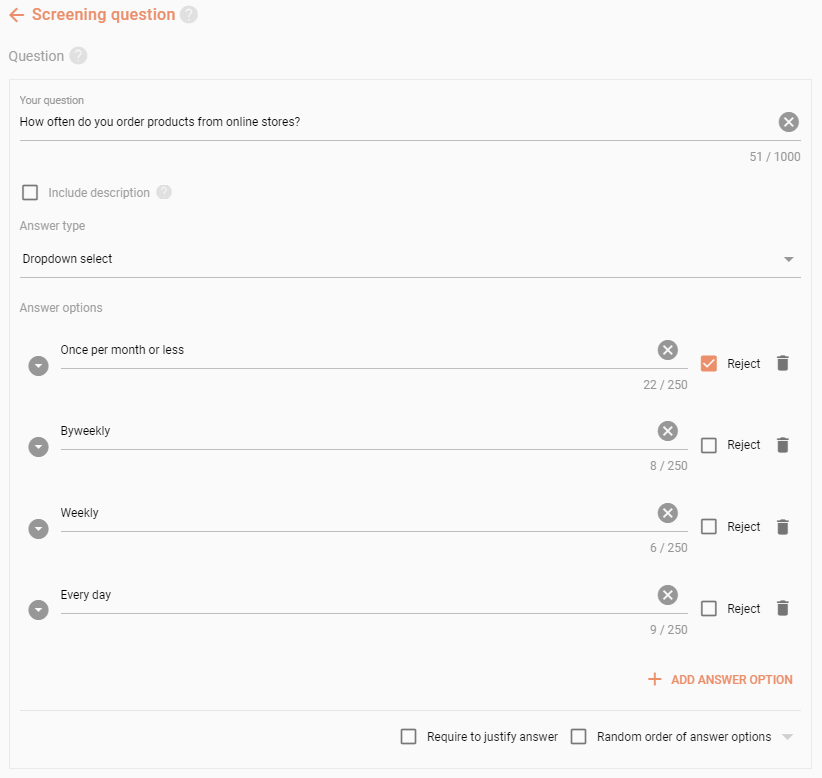
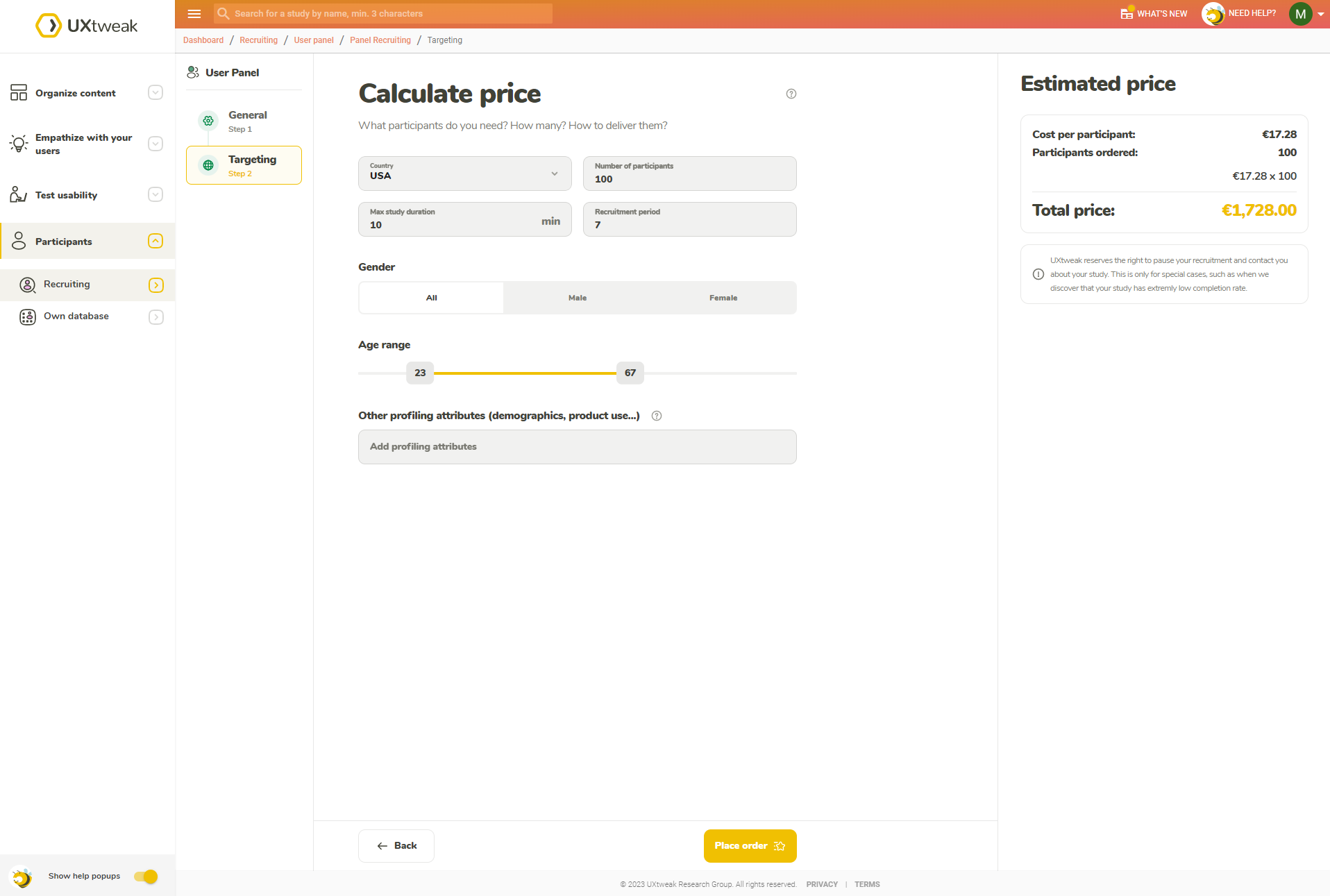
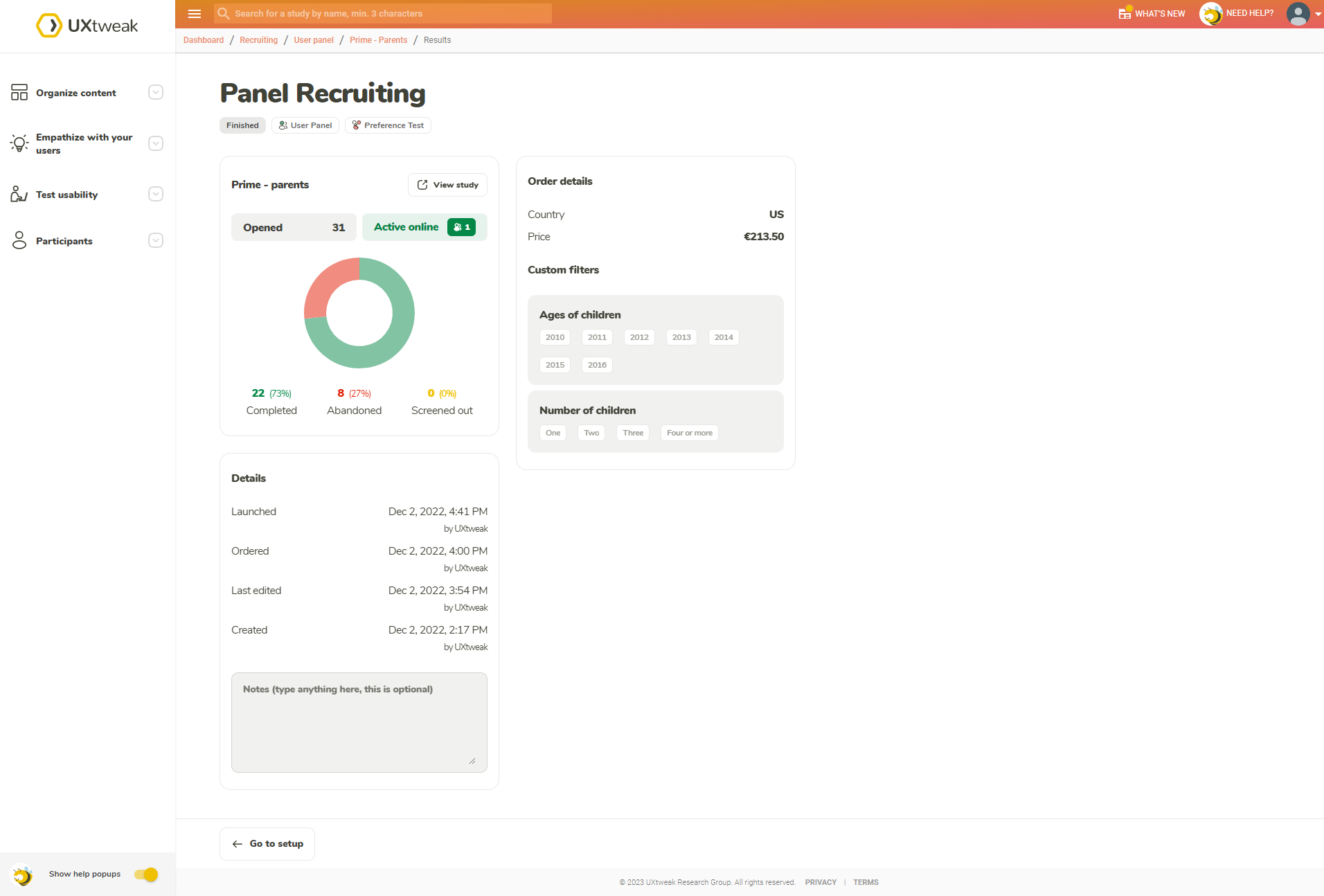
Pick what kind of respondent you’re looking for (by country, age, gender and plenty of other attributes) and have them delivered directly by using the User Panel tool.

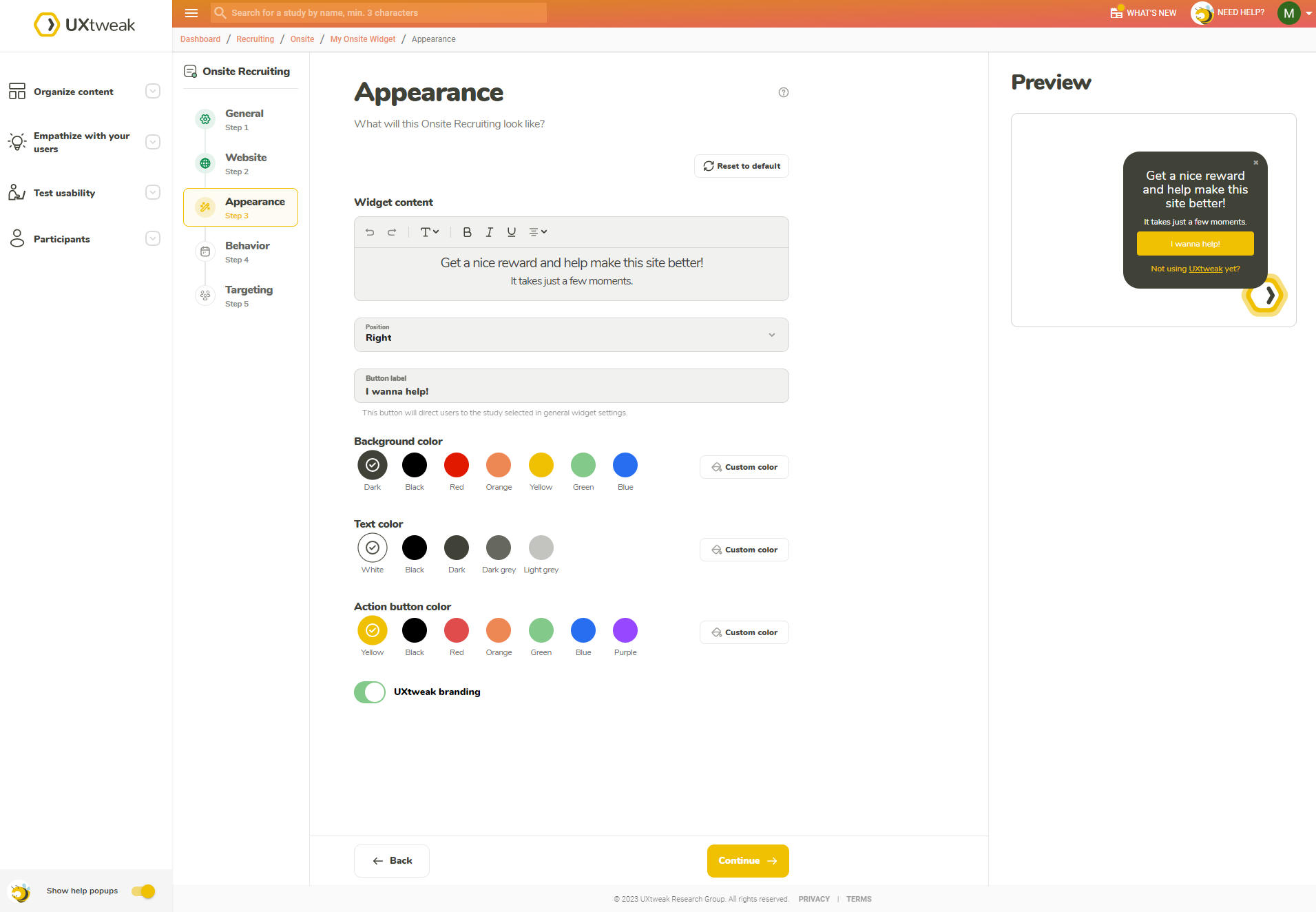
The best respondents are your customers. Insert the Recruiting Widget into your website to get data directly from your users.

Take the registration link for your interview and share it through your own channels (e.g. though email, CRM or social media).



 Mobile Testing