




Talk to Sales

Online Tree Testing Tool

Can users easily find information on your website?

Know where and why users get lost and fix it. Make your navigation intuitive.

Miro Logo
HP Logo
Deloitte Logo
Maverik Logo
Michelin Logo
Ipsos Logo
Decathlon Logo

How it works

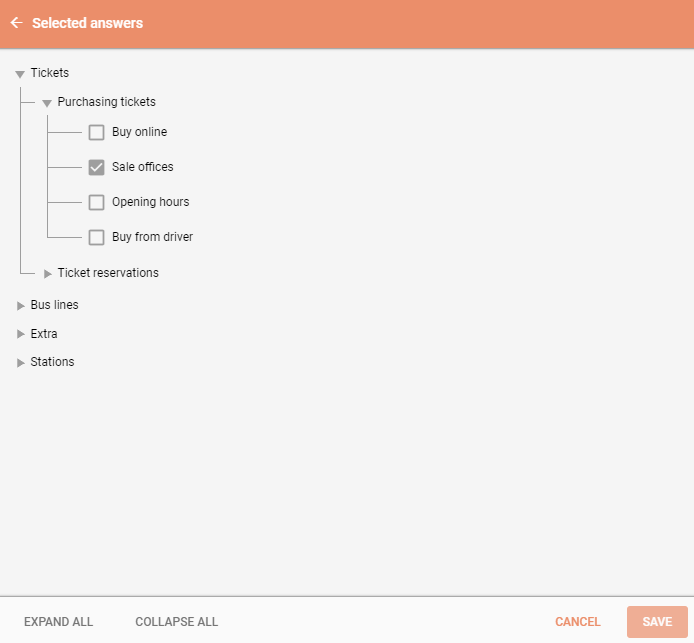
1. Define your tree and tasks

Think of the tree as a branching structure, a list of categories and subcategories. Ask the respondents to find an item in your tree and test your categories and labels.

2. Recruit your respondents

Share your study link to your audience directly or using our Own Database mailing system. Find testers on your own site with our special Onsite Recruiting Widget. Time-consuming? Order testers from our User Panel.

3. Analyze

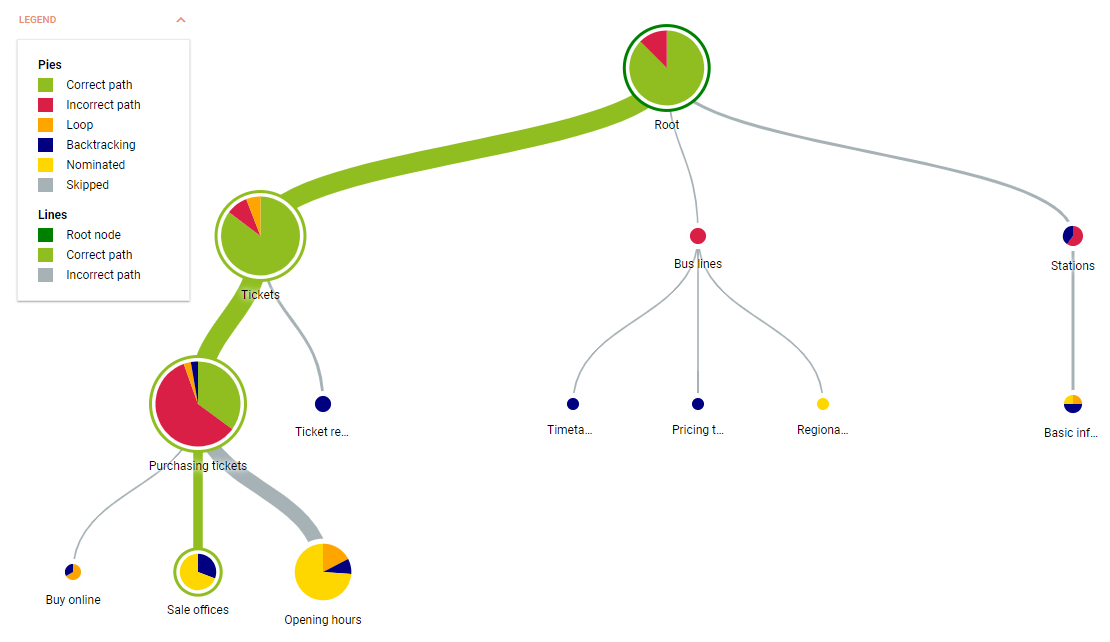
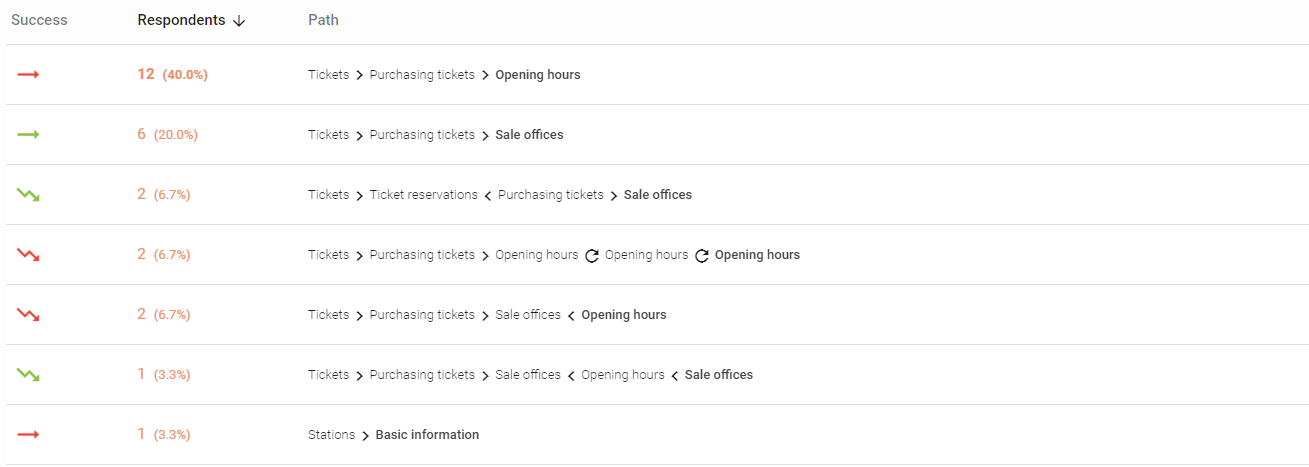
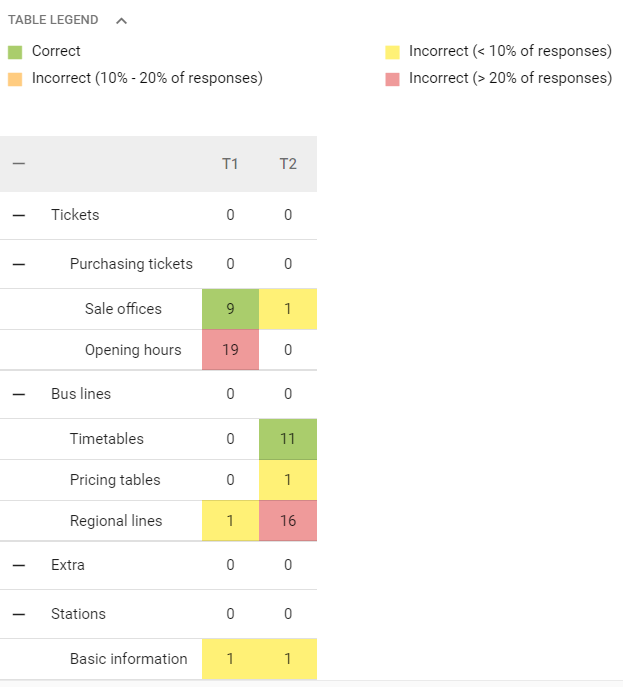
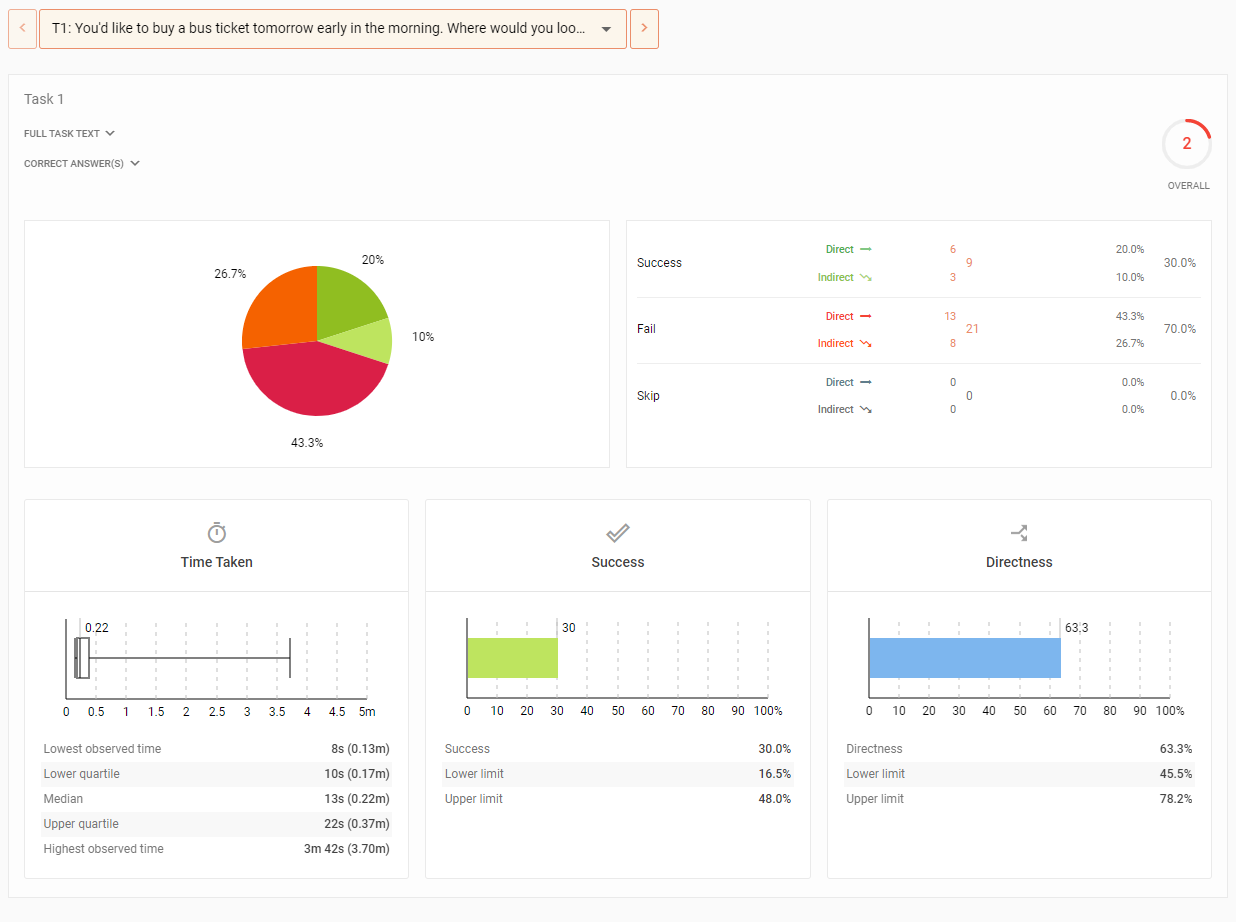
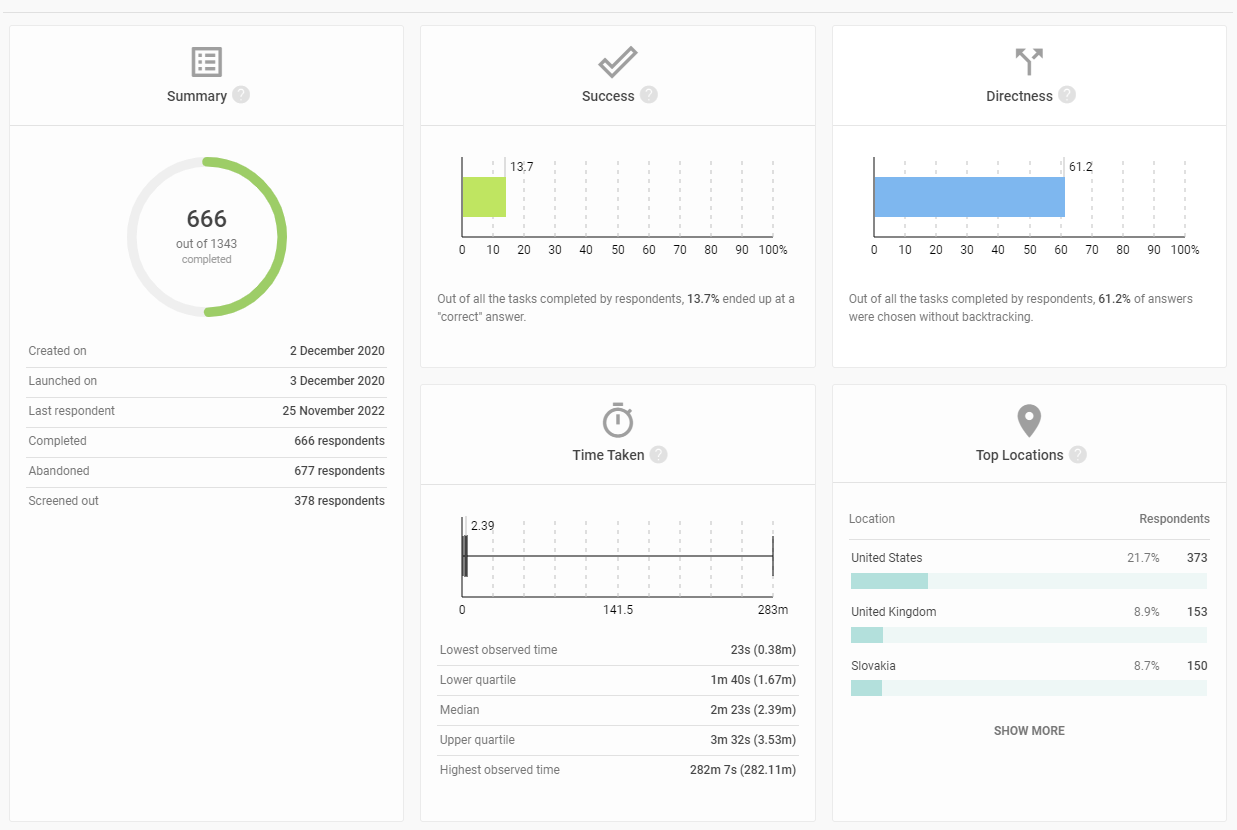
How many testers found the correct answers? See how testers move through your tree – and where they get stuck. The results are designed to give you quick, actionable and also deep insights.

How to define a tree for testing

  • Import the tree from a CSV file

    Import the tree from a CSV file

    Easily import your tree from spreadsheets. All you need is to upload a CSV file. Edit the imported tree within UXtweak in any way needed to reflect last-minute changes.

  • Use UXtweak Tree Testing editor

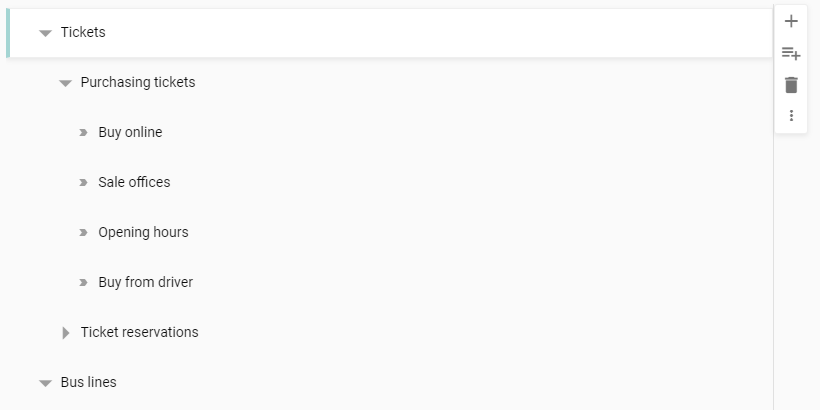
    Use UXtweak Tree Testing editor

    Build your tree from scratch inside UXtweak with our simple-to-use editor. Add as many sibling or child nodes with custom names as you want.

  • Load the tree from a live website

    Load the tree from a live website

    Automatically generate a tree based on your existing navigation. You just need a URL, CSS selector, and UXtweak will grab the tree structure for you in seconds.

Try Tree Testing online now

Validate your information architecture with our Tree Testing software.

Why choose our tool?

Simple tree building options

  • Easily import existing trees from CSV
  • Start from scratch within UXtweak
  • Download existing navigation structure from live web in seconds

Quick yet deep
analysis

  • Actionable statistics for each Task
  • Analyse the first clicks of your users
  • Paths and destinations - know exactly how and where your users end up

Enterprise
features

Screening of
respondents

  • Use a screening question to prevent respondents outside your target audience from participating
  • As many reject and accept options as you want

Information about respondents

  • Complete respondent list
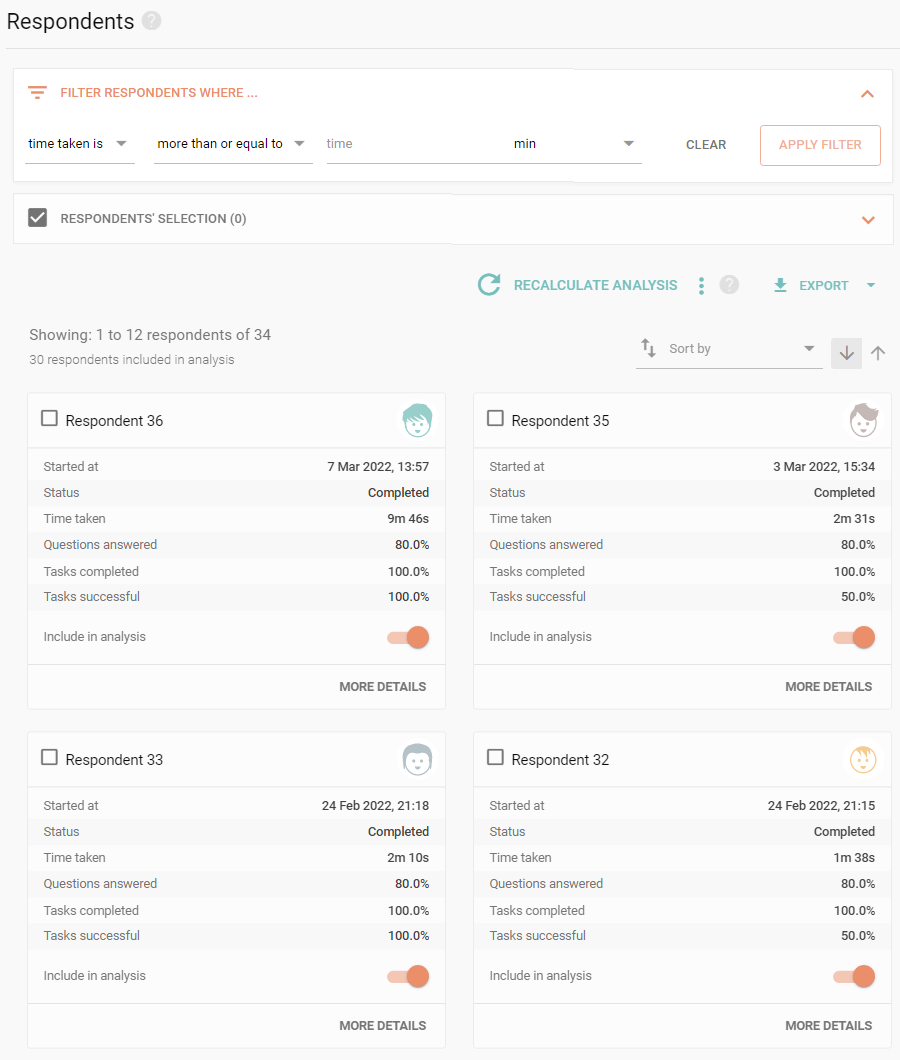
  • Every detail about your respondents (geographic, technical etc.)
  • Customizable filtering

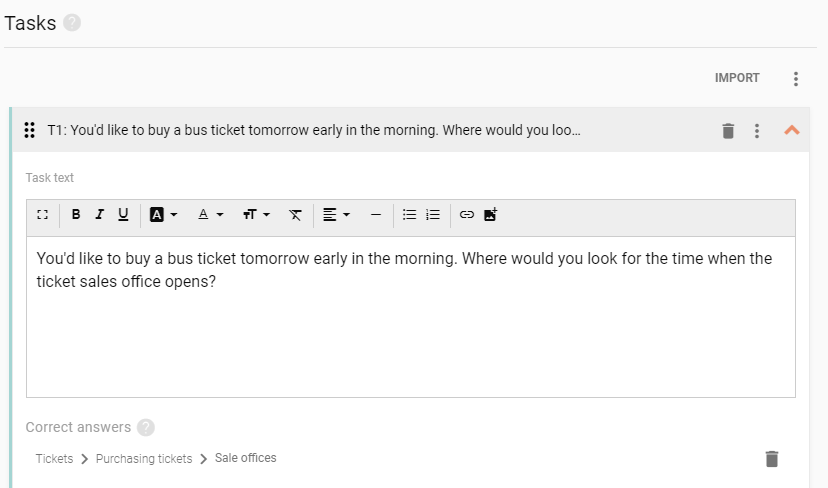
Task
customization

  • Rich text editor complete with images
  • Serve tasks in random or determined order
  • Choose how many tasks respondent sees

Follow-up questions
with skip logic

  • Gather additional information from your participants
  • Guide the participant to relevant questions based on their answers
  • All Survey question types available

No installation
needed

  • You can set up your tree testing studies in any modern browser
  • To access the study, respondents just need to click a link

Broad data
exports

  • Available CSV exports for your further analysis
  • Handy and presentable PDF reports and charts

Make your Tree Testing Moderated NEW

Registration and Timeslots

Registration and Timeslots

  • Intuitive calendar based timeslot organization
  • Choose when you are available, the length of a slot and more
  • Assign a team of experts from your team to each timeslot
  • Let participants register for vacant slots and reschedule

Calls with Participants

Calls with Participants

  • The participants don’t need to install any additional software to participate in the calls
  • Time stamped notes from you and your note taking colleagues
  • Stream the call using the observer link to democratize your research
All Results in One Place

All Results in One Place

  • No need to switch between several platforms
  • Survey analysis and call recordings in one place
  • Review the notes attached directly to call recording
  • Export the call recordings in a .mp4 format

How to get participants?

Own Database

Own Database

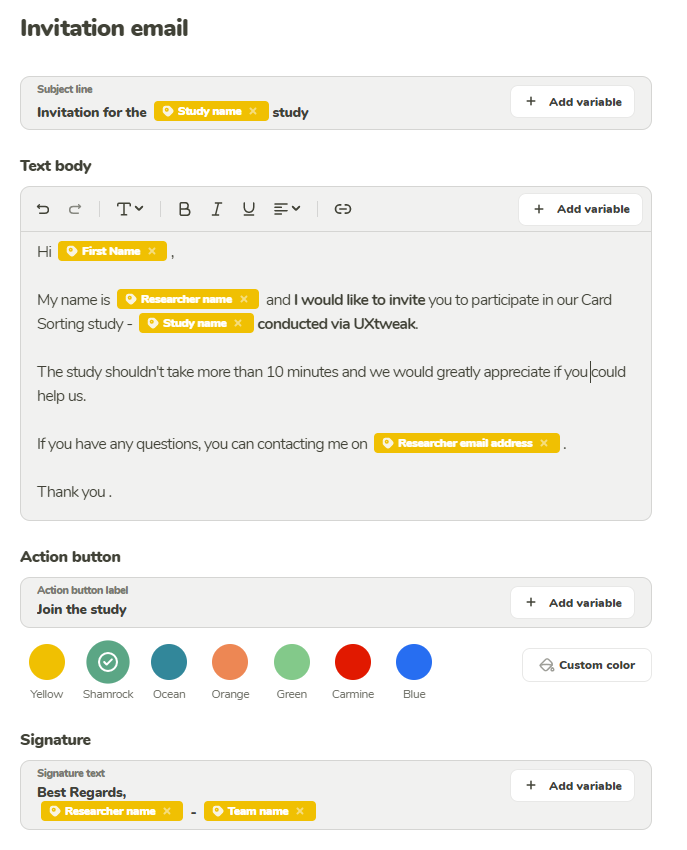
Use the Own Database and its mailing system to recruit participant from your own pool. Simply import them using a .csv or .xlsx file and start inviting them right away.

User Panel

User Panel

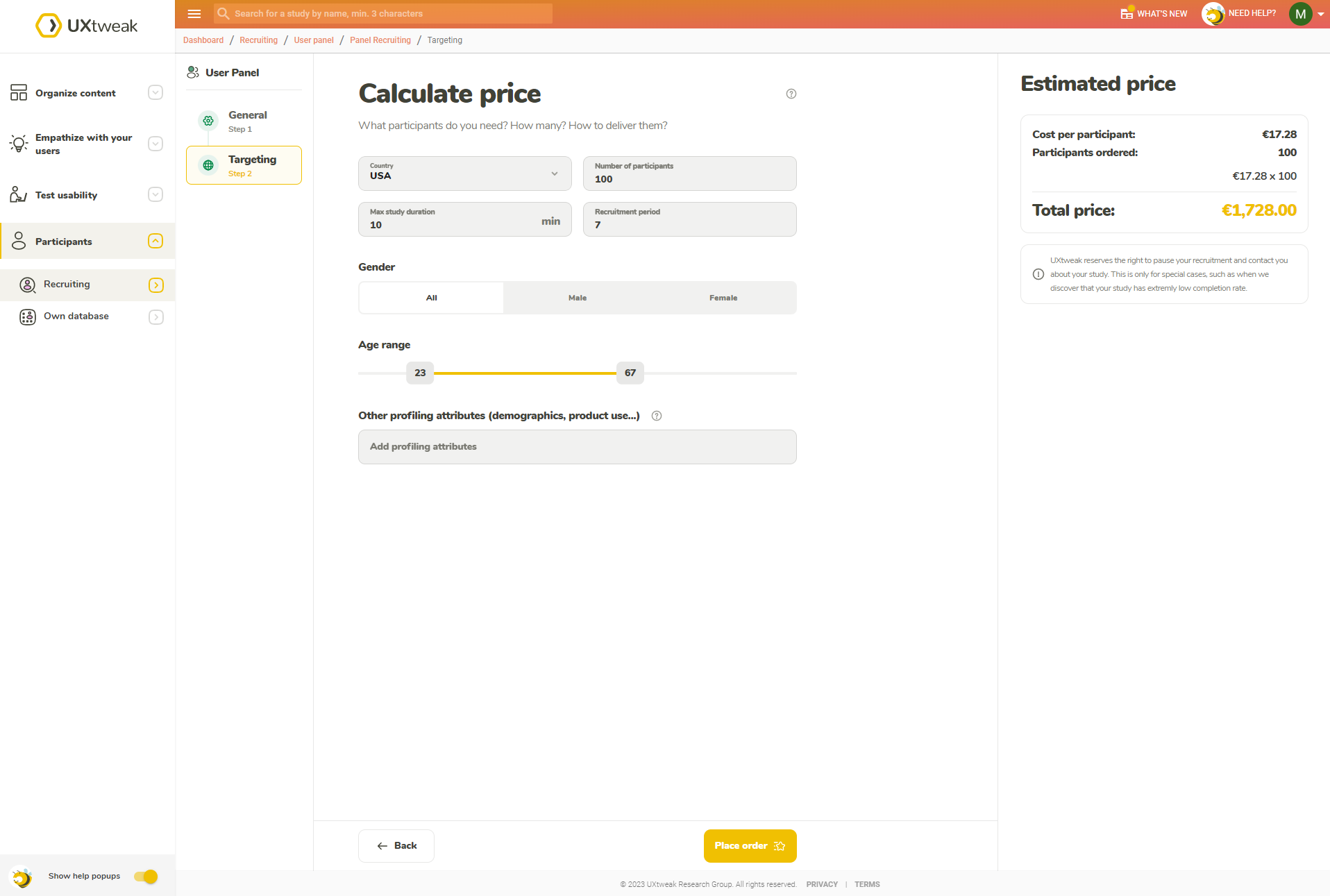
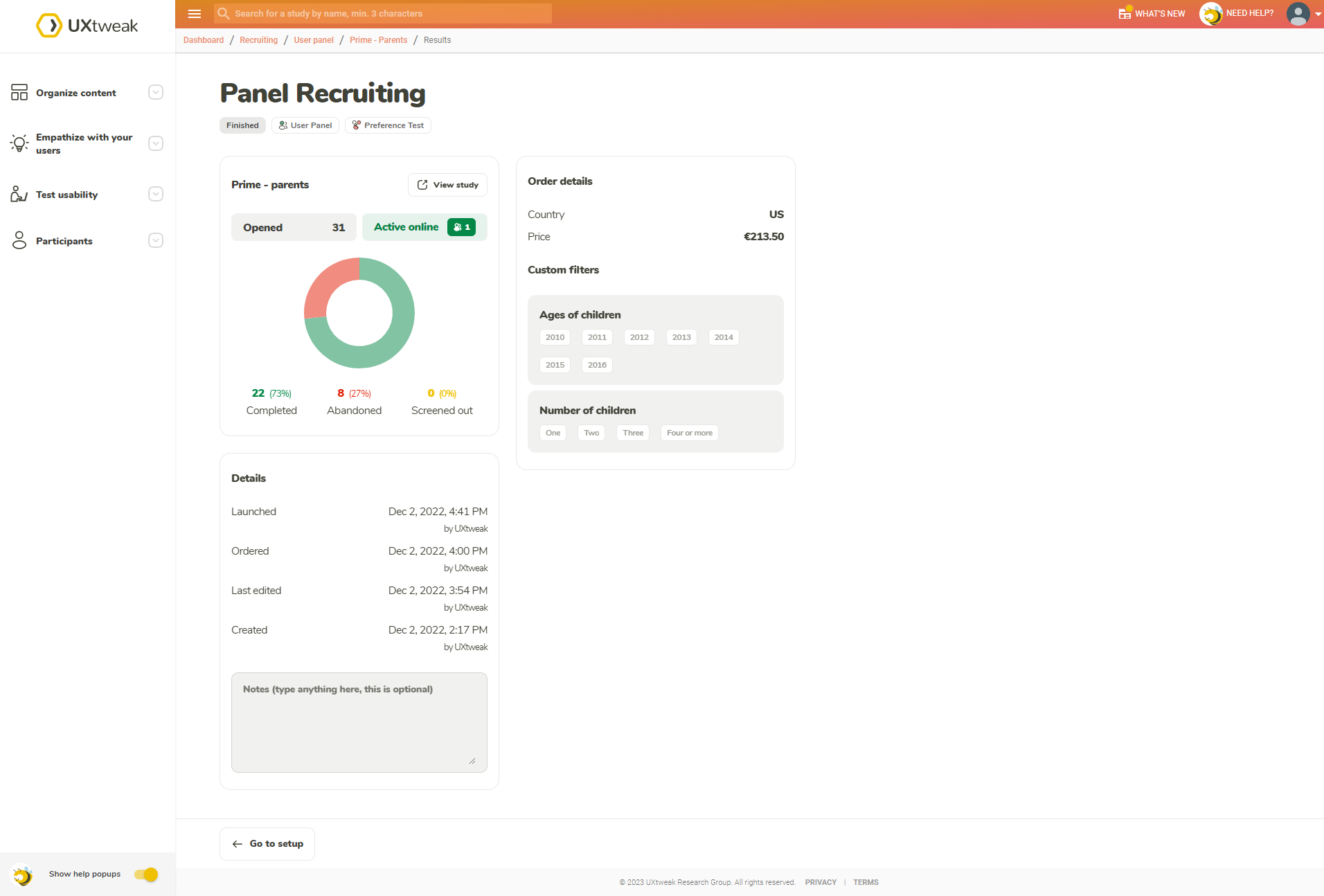
Pick what kind of respondent you’re looking for (by country, age, gender and plenty of other attributes) and have them delivered directly by using the User Panel tool.

Onsite Recruiting

Onsite Recruiting

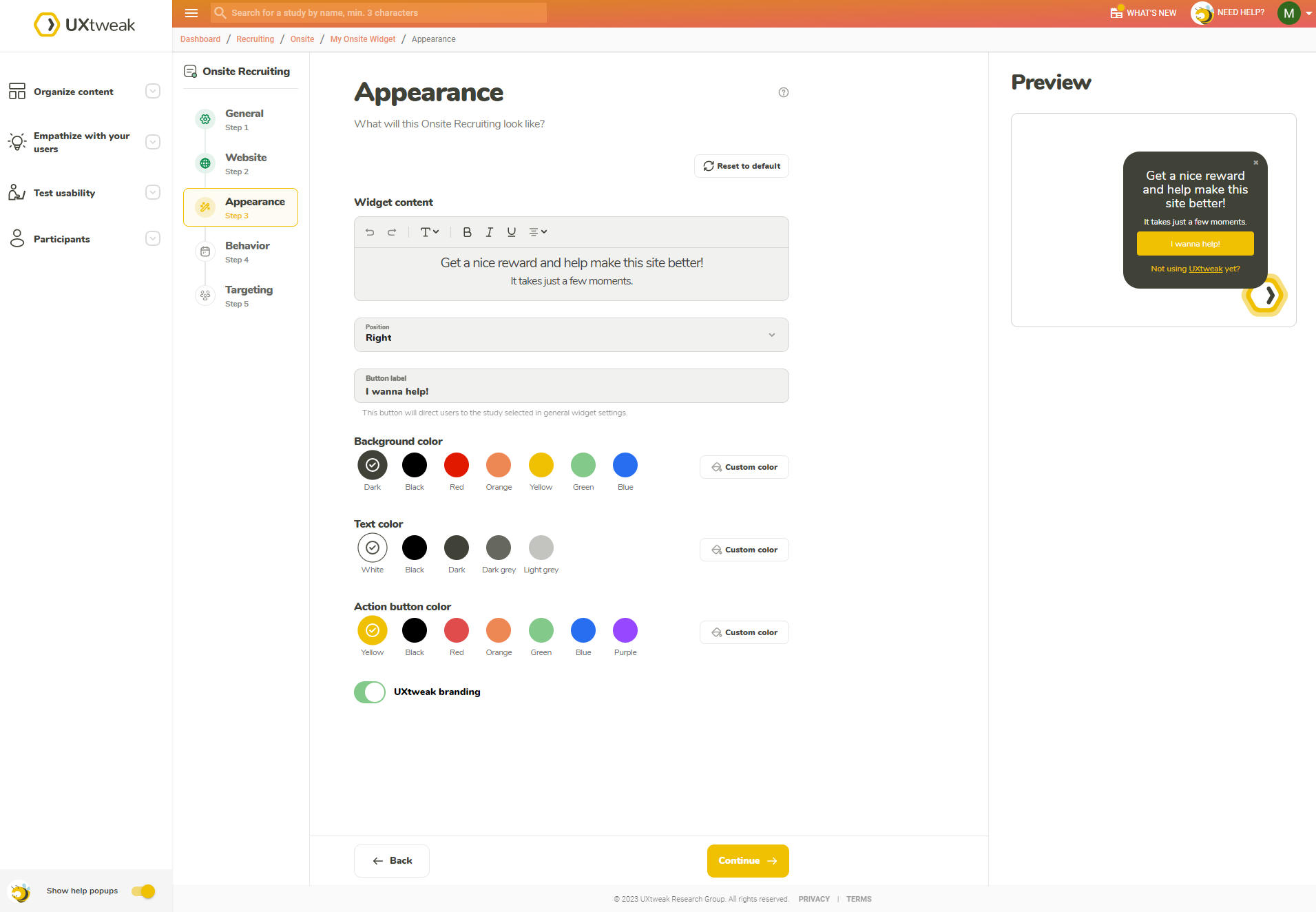
The best respondents are your customers. Insert the Recruiting Widget into your website to get data directly from your users.

Share a link

Share a link

Take the registration link for your interview and share it through your own channels (e.g. though email, CRM or social media).

Start with Free Tree Testing Tool now

Improve information architecture to drive optimal experiences.

FAQ

UXtweak is a brand trusted by customers

UXtweak in numbers

28k+
Active studies
630k+
Questions created
2M+
Responses gathered
Copyright © 2026 UXtweak®. All rights reserved.