





Recruitment creation
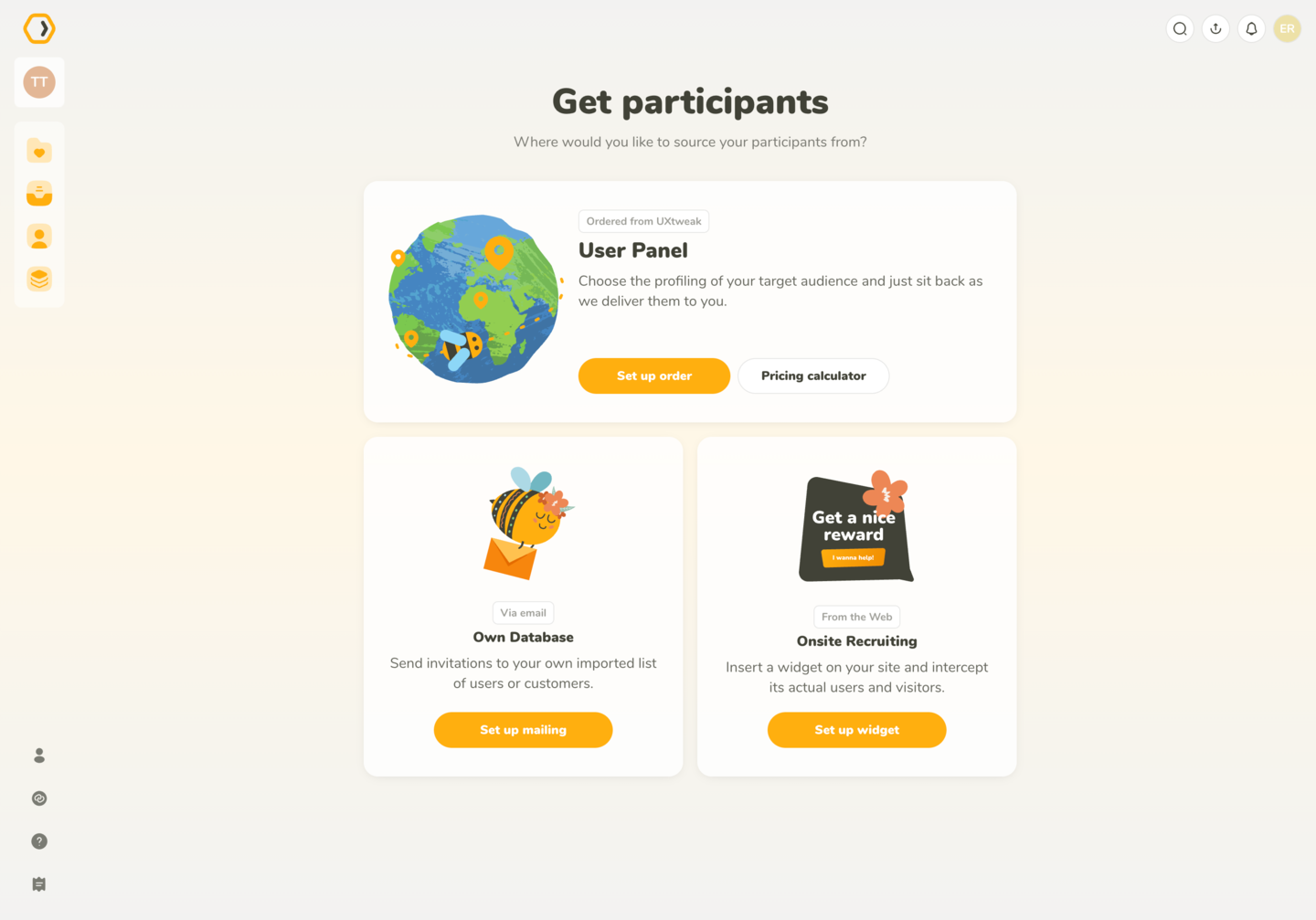
You can pick between User Panel, Own Database, or Onsite Recruiting, when creating a recruitment.
You can create a new recruitment from the New recruitment button on the recruitment list page or directly from the study itself. We offer three sourcing options:
Each option briefly explains where participants come from and how they join your study, so you can quickly decide what fits your needs.
Recruitment options are displayed as cards. Each card explains where participants come from and how they join your study. The available sources are:
Participants are delivered by UXtweak. You choose who you want through profiling (such as demographics or user attributes). If you want to estimate cost ahead of time, you can use the Pricing Calculator before ordering.
You can learn how to set up the User Panel here.
Invite participants from your own imported list via email. This option is ideal when you already have access to customers, testers, or internal users.
You can learn how to set up the recruitment using Own Database here.
Place a widget on your website and invite your actual visitors and customers into the study as they browse.
You can learn how to set up the Onsite Recruiting here.
You can pick between User Panel, Own Database, or Onsite Recruiting, when creating a recruitment.