





Creating interview from study
Click on any available study type and select the moderated study option when creating a new study.
This section covers how to set up the study bound to your Study Interview:
You can create a Study Interview in two main ways:
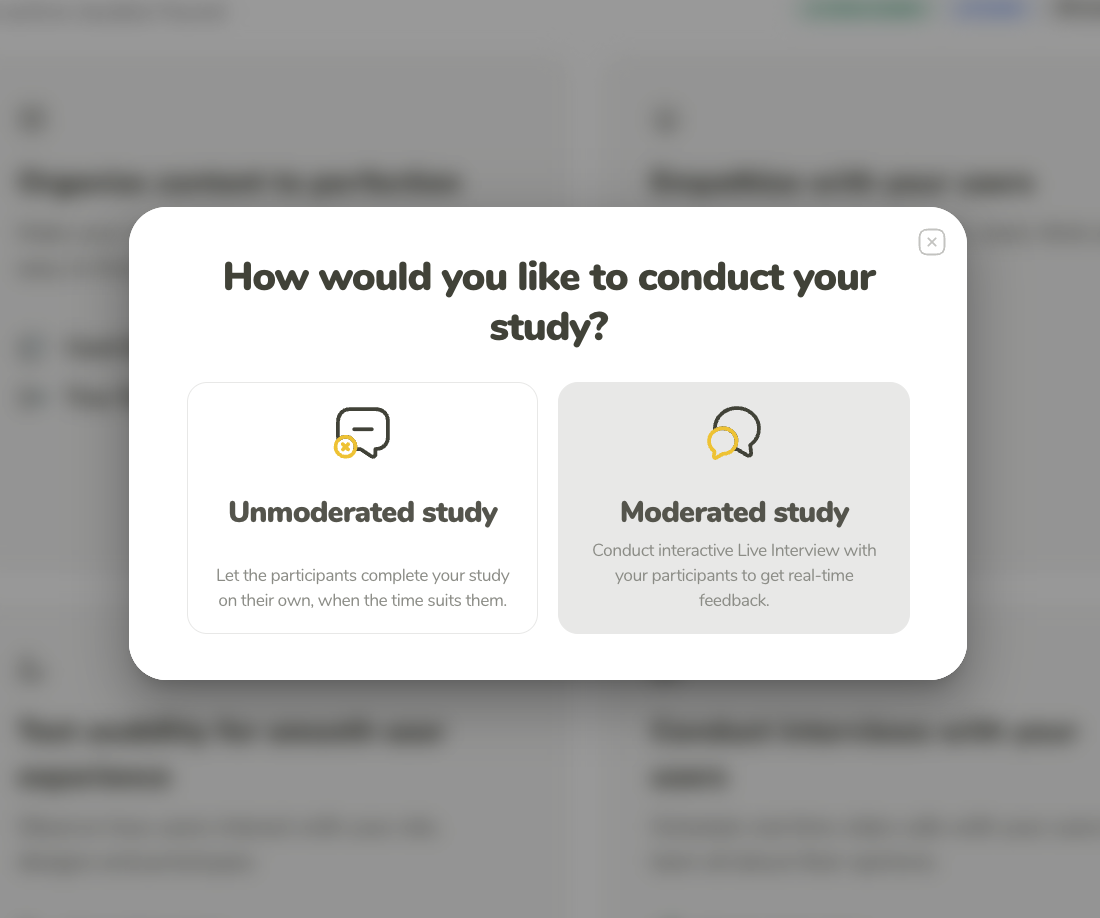
Click on any available study type and select the moderated study option when creating a new study.
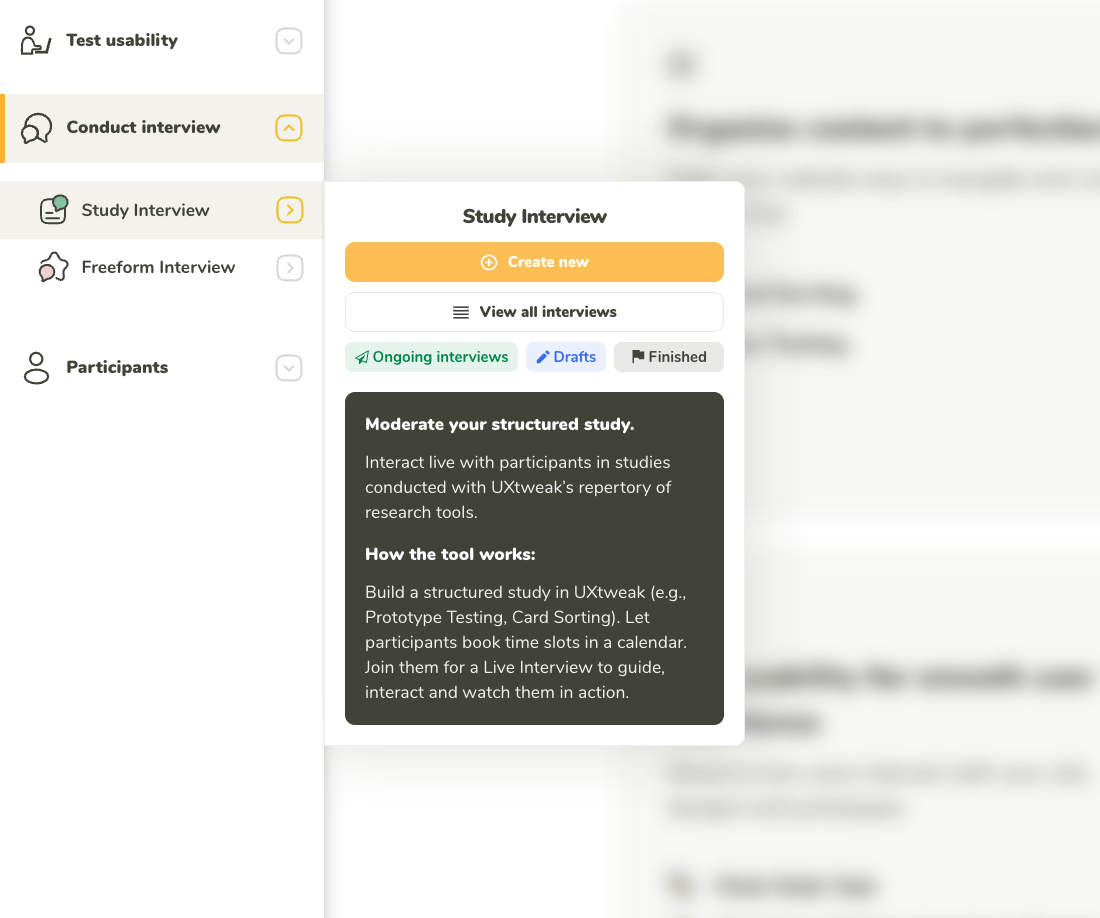
Navigate via the Study Interview option in the menu of studies to create a new interview.
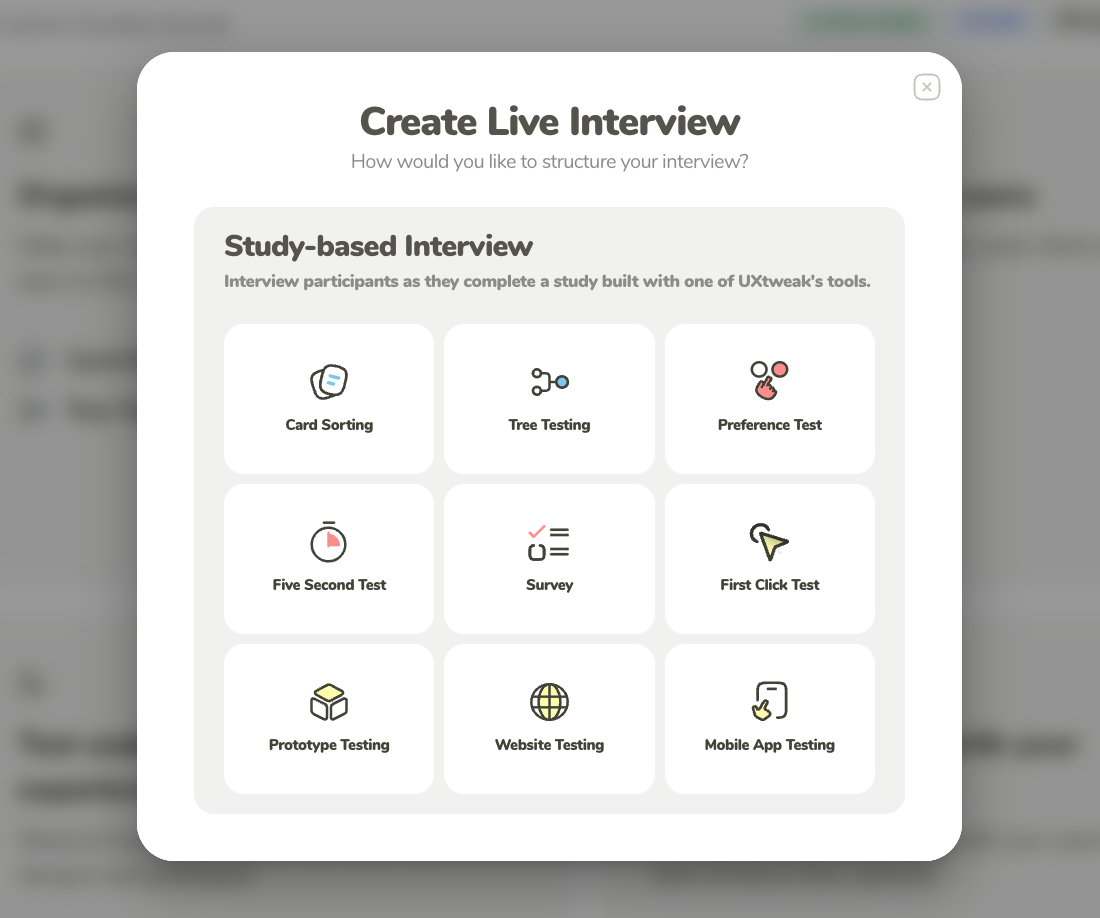
After creating a new Study Interview, you will need to select which study type you want to include in your interview.
There are some slight changes in the setup of a moderated version of a study compared to the unmoderated.
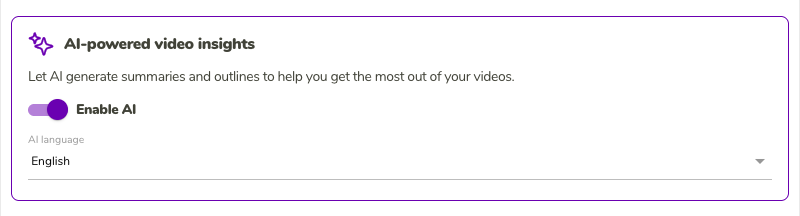
Opt in to AI-based summaries and outlines, and choose the AI language.
Each study type has different intricacies in the setup process. Use the links below to see in detail how to set up each study type: