Ever wondered how your favorite apps and websites seem to know exactly what you need? It’s not magic – it’s the result of meticulously conducted user interviews. By engaging with real users, companies can gain invaluable insights into pain points and preferences, creating experiences that truly resonate.
This guide explores the top 20 online user interview tools, detailing their features, pros and cons, and user reviews to help you make an informed choice.
Why user interviews matter
User interviews are crucial for understanding user behaviors, needs, and frustrations, making them fundamental to effective UX design. Studies by Arwen Bunce suggest that qualitative research reaches data saturation after approximately 12 interviews.
When data saturation occurs early, conducting more interviews will not yield any new findings. This further emphasizes the importance of strategic planning and execution of user interviews to maximize the quality and depth of feedback obtained, thereby informing more accurate and impactful UX design decisions.
How do you choose a user interview tool?
Picking the right online user interview tool can significantly impact the quality and depth of insights gained from your project engagements. The right tool streamlines the research process and gives you deep insights into your users’ behavior, giving you enough data to create products that users love.
Here are some tips for choosing the perfect tool:
🎯 Set research goals
Setting research goals throughout the entire interview process with the specific feedback you aim to collect from your users. Clearly defined goals ensure that every question and interaction serves a strategic purpose, ultimately guiding the direction of your project.
- Understanding user needs and behavior: Identify pain points and improvement areas in your product using tools like screen sharing and task recording. Watching real user interactions helps pinpoint confusion and optimize the experience.
- Testing new ideas: Gather feedback on prototypes with tools that support screen sharing, annotations, and whiteboarding, allowing users to share insights directly and refine designs before development.
📊 Analyze recruitment options
Depending on your research goals, target audience and budget, there is a bunch of different recruiting options you can choose from:
- Internal users: Are you interviewing existing customers or employees? Some tools offer built-in panels or integrations with existing customer relationship management (CRM) platforms for easy recruitment. This allows you to send interview invitations directly to users within the CRM system and boost participation rates.
- External participants: To reach a wider audience with specific demographics, you can: consider tools that partner with external recruiting platforms and offer a User Panel or use ones that allow you to incentivize users who perfectly match your target audience via external recruiting partners.
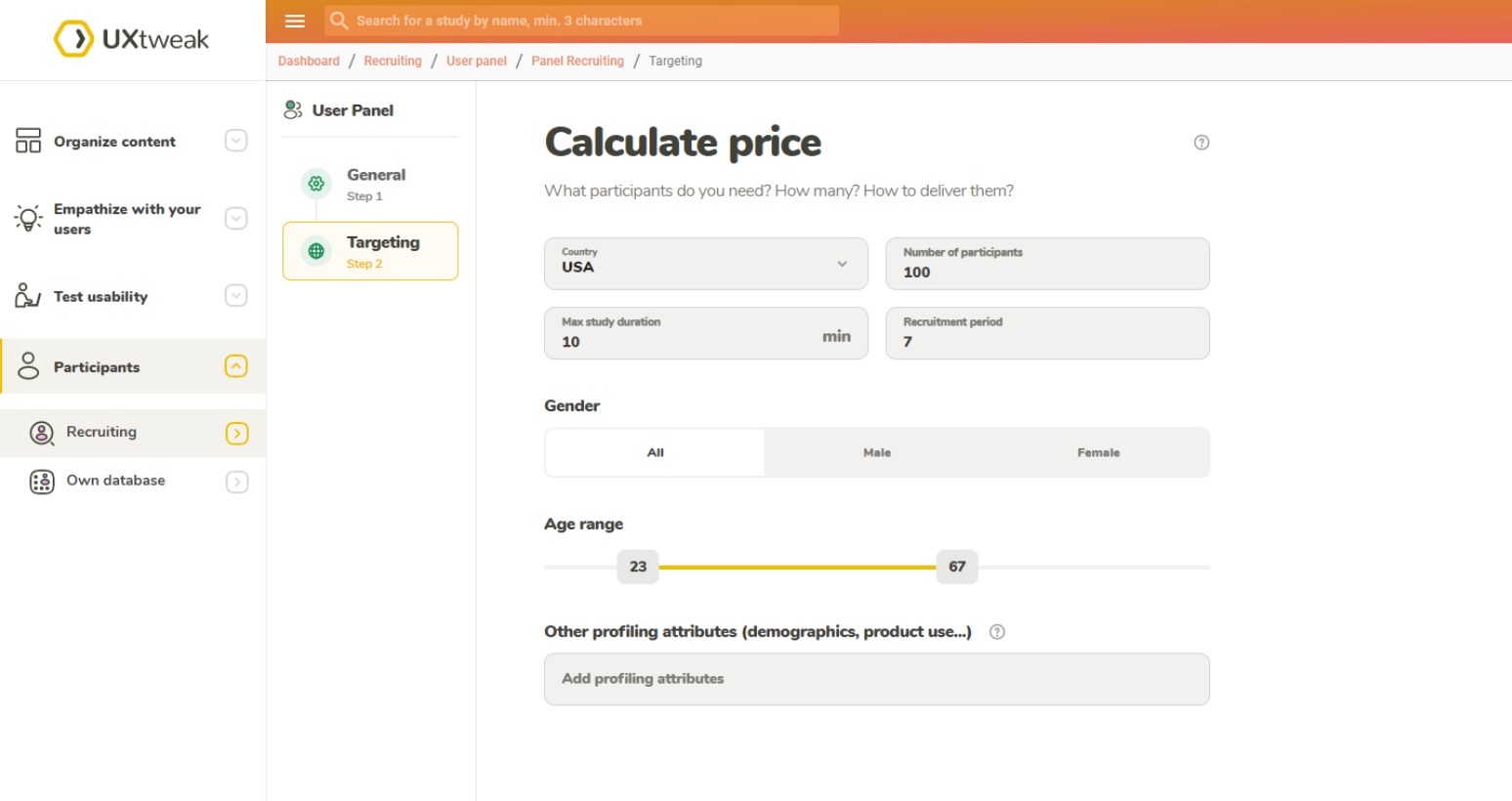
UXtweak provides you with everything you need for handy recruiting. You can order targeted participants from our User Panel which handles the process of finding and rewarding the participants for you, or use our Own Database CRM tool to manage and recruit internal participants🔥 ➡️ Learn more about recruiting with UXtweak 💡Pro Tip
🗓️ Analyse scheduling options
Evaluating scheduling options is necessary to optimize participant availability and smooth interview coordination. Efficient scheduling minimizes delays and ensures that interviews are conducted conveniently for both participants and interviewers.
- Streamlined scheduling: Look for tools with integrated calendars or scheduling functionalities that allow participants to book interview slots easily. Features like automated reminders and time zone adjustments can further streamline the process. Imagine eliminating the back-and-forth emails trying to coordinate interview times. Tools with integrated scheduling let participants see your availability and book a convenient time slot themselves, saving you valuable time and effort.
- Flexibility: Does your research require interviews across different time zones? Opt for tools that offer flexible scheduling options and clear communication tools to ensure smooth interview coordination. Imagine being able to interview participants from around the globe without any scheduling headaches. Tools with flexible scheduling options and clear communication features can ensure everyone is on the same page, regardless of location.

Example of scheduling in UXtweak Live Interviews Tool.
🎙️ Check note-taking and recording functionalities
This ensures that valuable insights gathered during interviews are accurately captured and preserved. Robust notetaking and recording tools facilitate thorough analysis post-interview. But there’s more:
- Comprehensive note-taking: Effective note-taking during interviews is crucial. Choose tools that offer user-friendly note-taking features, including timestamps, tags, and the ability to embed screenshots or recordings for better context.
- Recording options: High-quality audio and video recordings are crucialcan be invaluable for capturing user behavior and nonverbal cues. Look for tools that offer secure recording options with clear download and storage functionalities.
Top 20 online user interview tools & software
- UXtweak
- Lookback
- UserTesting
- PlaybookUX
- Zoom Workspace
- Google Meet
- dscout
- Useberry
- Qualtrics
- Lyssna (Formerly UsabilityHub)
- Userlytics
- Maze
- User Interviews
- Dovetail
- Respondent.io
- Sprig (Formerly Userleap)
- Looppanel
- Condens
- Ethnio
- EnjoyHQ
1. UXtweak

UXtweak offers a comprehensive UX research platform, combining various tools for user interviews, usability testing of websites and mobile apps, website testing, session recording, card sorting, tree testing, and other research tools mobile testing. It streamlines the entire user interview process by allowing you to recruit participants, schedule sessions, conduct interviews or moderated research studies, and analyze the results – all within a single platform.
Features
- Moderated Testing & User Interviews
- Tree Testing & Online Card Sort Tool (open, closed and hybrid)
- Prototype Testing (with Invision, Figma, and Axure integrations)
- Usability testing (for websites and mobile applications)
- Preference Testing, Five Second Testing, First Click Testing
- Session Recording & Heatmaps tool
- Survey tool
Pros
- Numerous tools for various kinds of digital assets testing – all that Maze offers and more
- According to several G2 reviews, UXtweak offers exceptional customer service and has a responsive support staff that can solve any issue in a matter of hours
- Own Database to manage your own testers (equivalent to Reach at Maze) and an onsite recruiting widget to recruit your real users
- Panel of 155M+ participants worldwide (testers from 130 countries, 2000+ profiling attributes) with advanced panel targeting criteria available in all plans
- There is a free plan with no time limit
- User-Friendly Interface
Cons
- The platform’s frequent addition of complex features may pose a challenge for users
- UXtweak note: To address this, new tutorial videos are being produced.
Reviews
Based on the information provided by Capterra:
- Overall score: 4.8/5
- Ease of use: 4.7/5
- Customer service: 5/5
- Value for money: 4.8/5
Pricing plans
UXtweak offers various pricing plans, each designed to suit different testing needs, including a no-cost option for smaller projects.
Free Plan (€0/month) – A great way to experiment with UX research tools at no cost. Includes access to all tools, 15 responses/month, 1 active study, and 14-day access to results.
Business Plan (€92/month, billed annually) – Ideal for teams that require essential UX research tools and features for their projects. Includes 50 responses/month (upgradable), 1 active study (upgradable), unlimited tasks per study, 12-month data retention, reports and video exports.
Custom Plan (Pricing upon request) – Tailored for organizations with advanced research needs, providing unlimited active studies, customizable responses, live interviews, access to a global user panel and much more.

2. Lookback
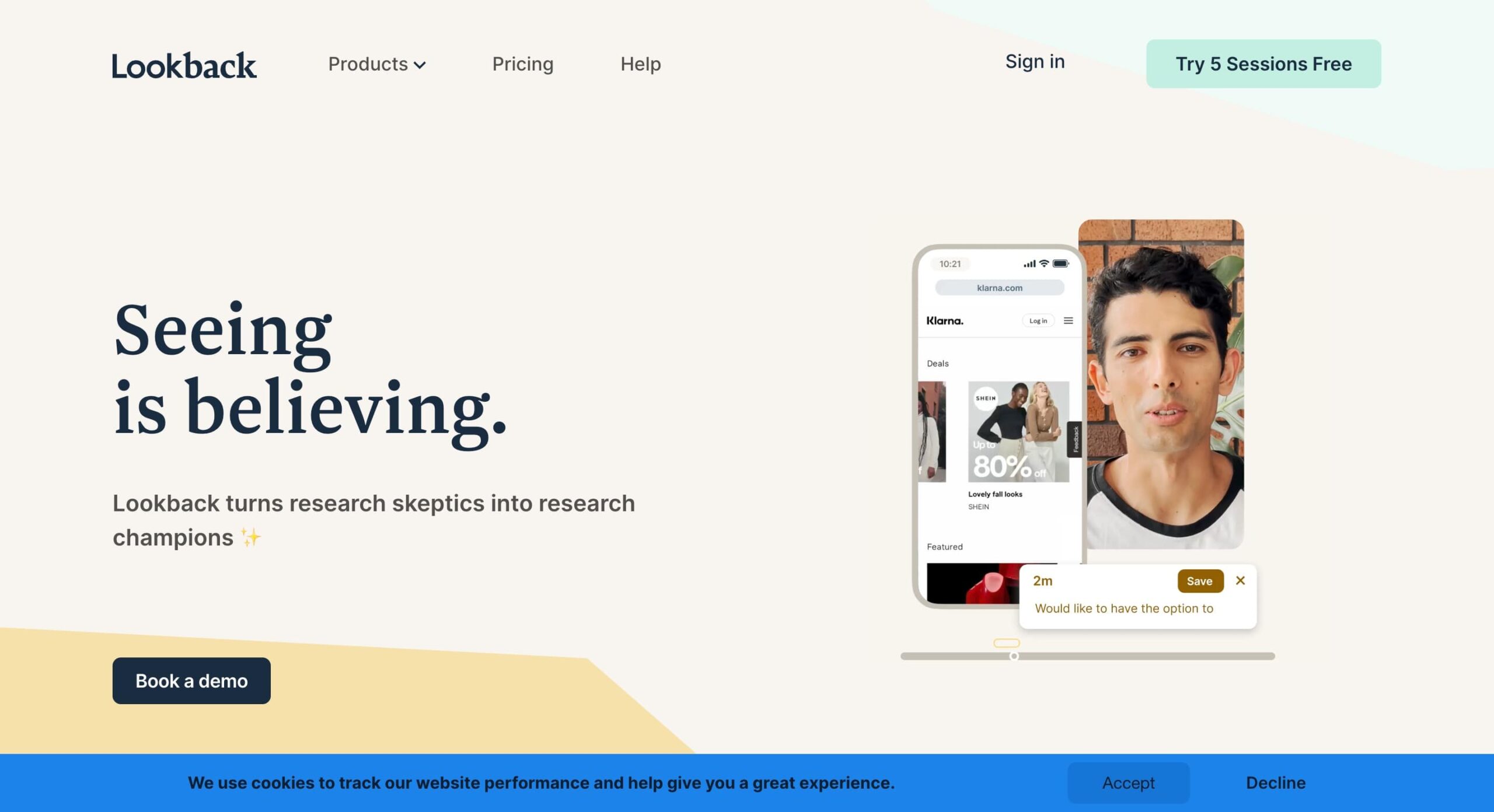
Lookback is a useful tool for collecting and examining customer reviews. This company offers a range of tools, including options for both moderated interviews and unmoderated examinations. You will benefit immensely from using these tools, which are cheaply priced, to create a clear information architecture and conduct usability testing.
Features
- Simple screen and webcam recording with audio capture captures the full user experience.
- Easy sharing of recordings for seamless collaboration with team members or stakeholders.
- Annotation tools for adding comments and feedback directly to recordings, facilitate clear communication.
- Integrates with popular project management tools like Slack and Trello, allowing for smooth workflow integration.
Pros
- Easy to use and intuitive interface, making it ideal for both researchers and participants.
- Affordable pricing options cater to various research budgets. (pricing not available)
- It is great for capturing in-context user behavior, providing valuable insights into how users interact with your product in their natural environment.
Cons
- It lacks some advanced analytics features like heat maps and click tracking offered by competitors.
- Limited recruiting functionalities may require researchers to source participants elsewhere.
User reviews
Overall rating: 3.4/5
Ease of use: 3.5/5
Customer service: 2.1/5
Pricing plans
- Freelance plan: $25/month (billed annually at $299). Includes 10 sessions/year, core features, and 24/7 Help Center access.
- Team plan: $149/month (billed annually at $1,782). Includes 100 sessions/year, unlimited collaborators, core features, and 24/7 Help Center access.
- Insights Hub plan: $344/month (billed annually at $4,122). Includes 300 sessions/year, security self-assessment, priority support, and core features.
- Enterprise plan: From $18.500/year. Includes unlimited sessions, unlimited observers, a dedicated customer success manager (CSM), and core features.
A free 60-day trial is available for Freelance, Team, and Insights Hub plans. Contact sales for Enterprise pricing details.
3. UserTesting

UserTesting is a well-known user testing platform that boasts an extensive pool of pre-recruited participants. This makes it an excellent choice for researchers who need to quickly find and test specific demographics. UserTesting provides a variety of testing methodologies, allowing for flexible and comprehensive research.
Features
- Quickly find participants that match your criteria from a vast pre-recruited pool.
- Conduct live or recorded interviews, depending on your research needs.
- Share your screen and record sessions to capture detailed user interactions.
- Provides basic analytics to help interpret user behavior and feedback.
Pros
- Easy to find and recruit participants for your research, saving valuable time and resources.
- Offers different testing methodologies (card sorting, tree testing) beyond standard user interviews, providing additional research flexibility.
- User-friendly platform makes it easy to set up and conduct user interviews.
Cons
- Can be expensive for large-scale studies, with pricing based on the number of tests conducted. (pricing not available)
- Limited customization options for recruiting participants. You may not have complete control over the demographics or backgrounds of participants within the pre-recruited pool.
- Basic analytics features compared to some competitors. UserTesting offers basic reporting tools, but may not provide the in-depth user behavior insights available with other platforms.
User reviews
Overall rating: 4.5/5
Ease of use: 4.4/5
Customer service: 4.4/5
Pricing and plans
Upon request, starting at around $40,000/year. Free trial/freemium is also available upon request.
4. PlaybookUX
PlaybookUX is a user research platform that helps teams gather insights through usability testing, surveys, and interviews. It simplifies participant recruitment and data analysis, enabling better design and product decisions.
Features
Pros
- Unlimited Participants: Collect feedback from an unlimited number of users through unmoderated tests.
- Flexible Plans: Offers pay-as-you-go and subscription options.
- Comprehensive Features: Supports recruitment, moderated and unmoderated studies, card sorting, and tree tests.
Cons
- Lack of In-Tool Analysis: PlaybookUX needs in-tool charts for post-study analysis, like customer sentiment analysis.
- Analytic Details: Requires more detailed analytics and comparison with previous tests.
- Technical Issues: Users have faced non-working prototype links and communication difficulties.
- Platform Bugs: Many bugs reported, causing frustration and extra time troubleshooting.
User reviews
- Overall rating: 4.5/5
- Ease of use: 4.5/5
- Customer service: 4.8/5
Pricing plans
- Pay as You Go: No subscription needed, starting at $59 per participant.
- Grow Plan: $267 per month (billed annually) or $290 per month (billed monthly).
- Scale Plan: $450 per month (billed annually) or $490 per month (billed monthly).
- Enterprise Plan: Custom pricing available.
5. Zoom Workspace
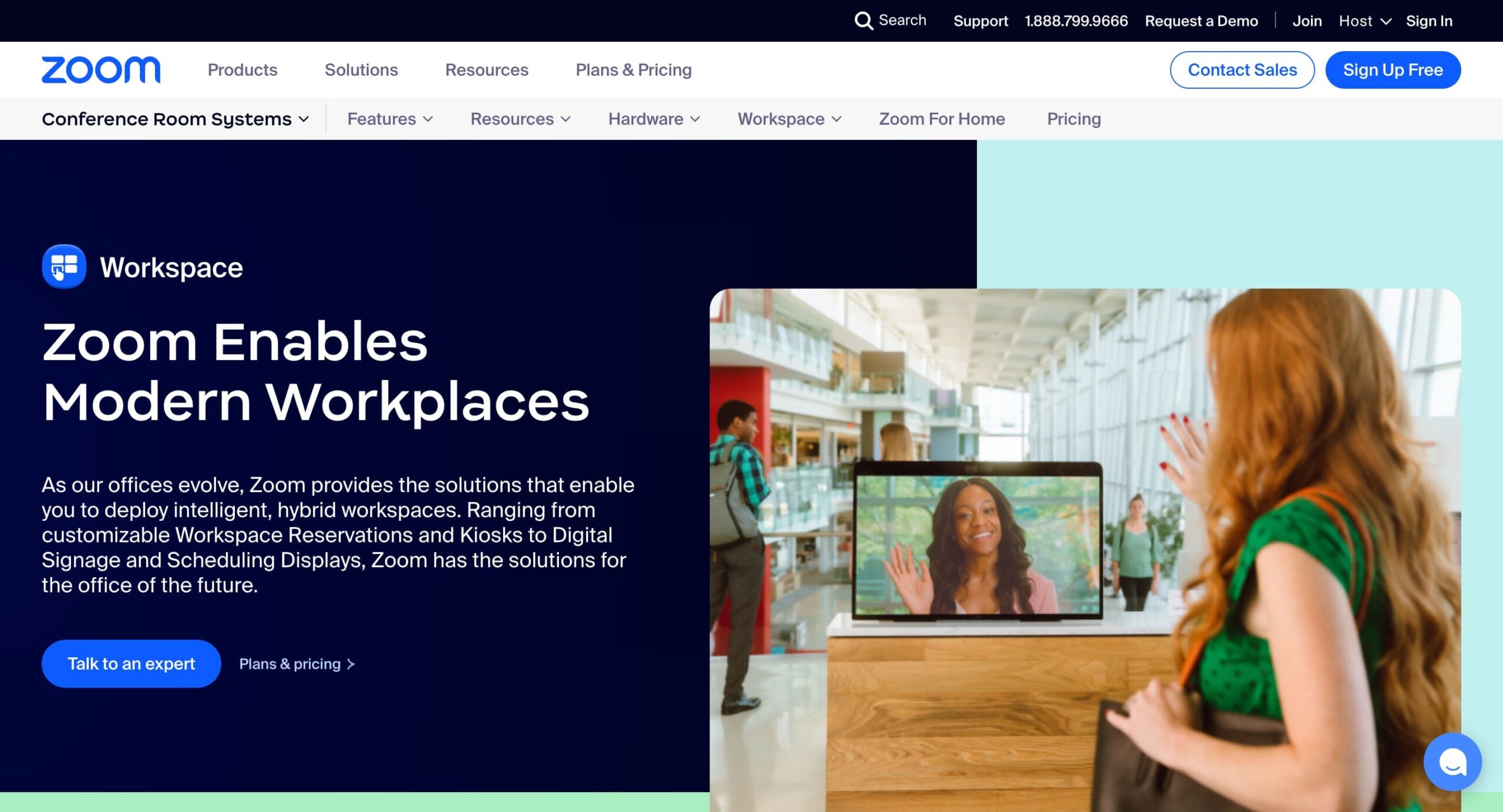
Zoom, a household name in video conferencing, can also be a valuable tool for conducting online user interviews. Its ease of use and familiarity for many users make it a convenient option. Zoom offers screen-sharing capabilities, allowing you to share your prototype or design with participants and observe their interactions.
Features:
- Video Conferencing: High-quality video calls with participants.
- Screen Sharing: Share your screen to walk through prototypes and gather user feedback.
- Recording: Record sessions for later analysis and reference.
- Breakout Rooms: Facilitate group discussions or separate interview sessions.
Pros
- User-friendly interface with a minimal learning curve for both researchers and participants.
- A free plan is available for basic user interviews, making it a budget-friendly option.
- Screen sharing and recording capabilities provide valuable functionalities for user research.
Cons:
- Lacks some advanced features specifically designed for user interviews, such as built-in recruitment tools or detailed analytics.
- May not be ideal for complex research projects requiring extensive functionalities.
User Reviews
Overall rating: 4.6/5
Ease of use: 4.6/5
Customer service: 4.4/5
Pricing and plans
Free plan, pro (1-9 users) $12.49, business (10-15 users) $18.32. Custom orders for larger corporations.
6. Google Meet
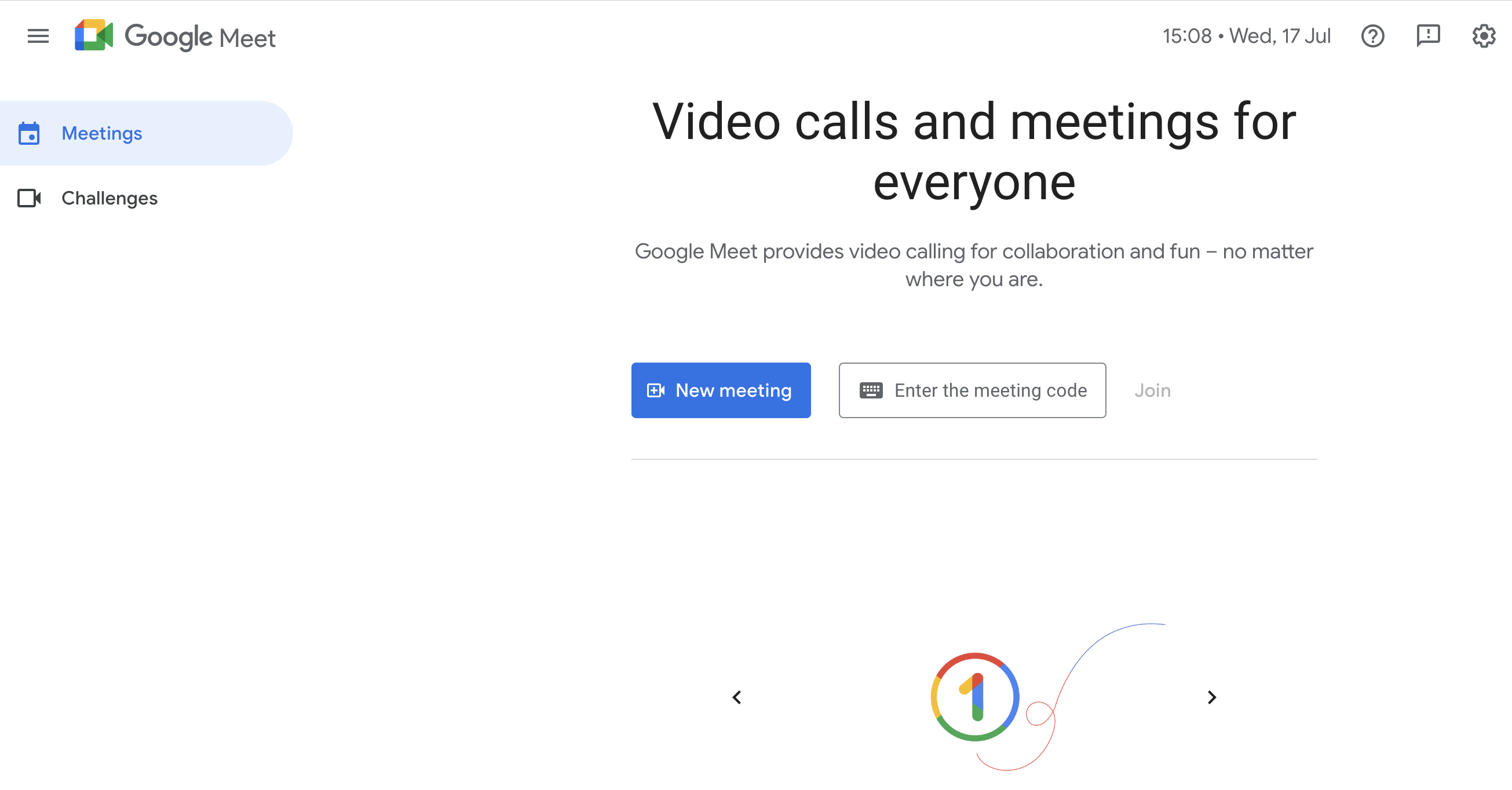
Similar to Zoom, Google Meet is another popular video conferencing platform that can be used for online user interviews. It offers free video conferencing for up to 100 participants, making it a budget-friendly option for small-scale research projects. Google Meet also integrates seamlessly with other Google Workspace tools, allowing for easy collaboration and file sharing within research teams.
Features:
- Video Conferencing: Conduct user interviews using high-quality video.
- Screen Sharing: Share your screen to review prototypes and gather feedback.
- Recording: Record interviews for later analysis (limited in free plan).
- Integration: Seamlessly integrates with Google Workspace tools like Google Calendar and Google Drive.
Pros:
- Free plan available for basic user interviews, making it accessible for researchers on a budget.
- Familiar interface for many users, promoting ease of use.
- Integrates with Google Workspace tools for smooth collaboration within research teams.
Cons:
- Lacks advanced user interview functionalities like built-in recruitment tools or detailed analytics.
- Recording capabilities may be limited in the free plan, requiring paid upgrades for extended recording.
User reviews
Overall rating: 4.5/5
Ease of use: 4.6/5
Customer service: 4.3/5
Pricing and Plans
- Free: Up to 100 participants, 60-minute limit (no limit for 1:1 calls).
- Paid: Starts at $6 per user/month with Google Workspace plans.
7. dscout
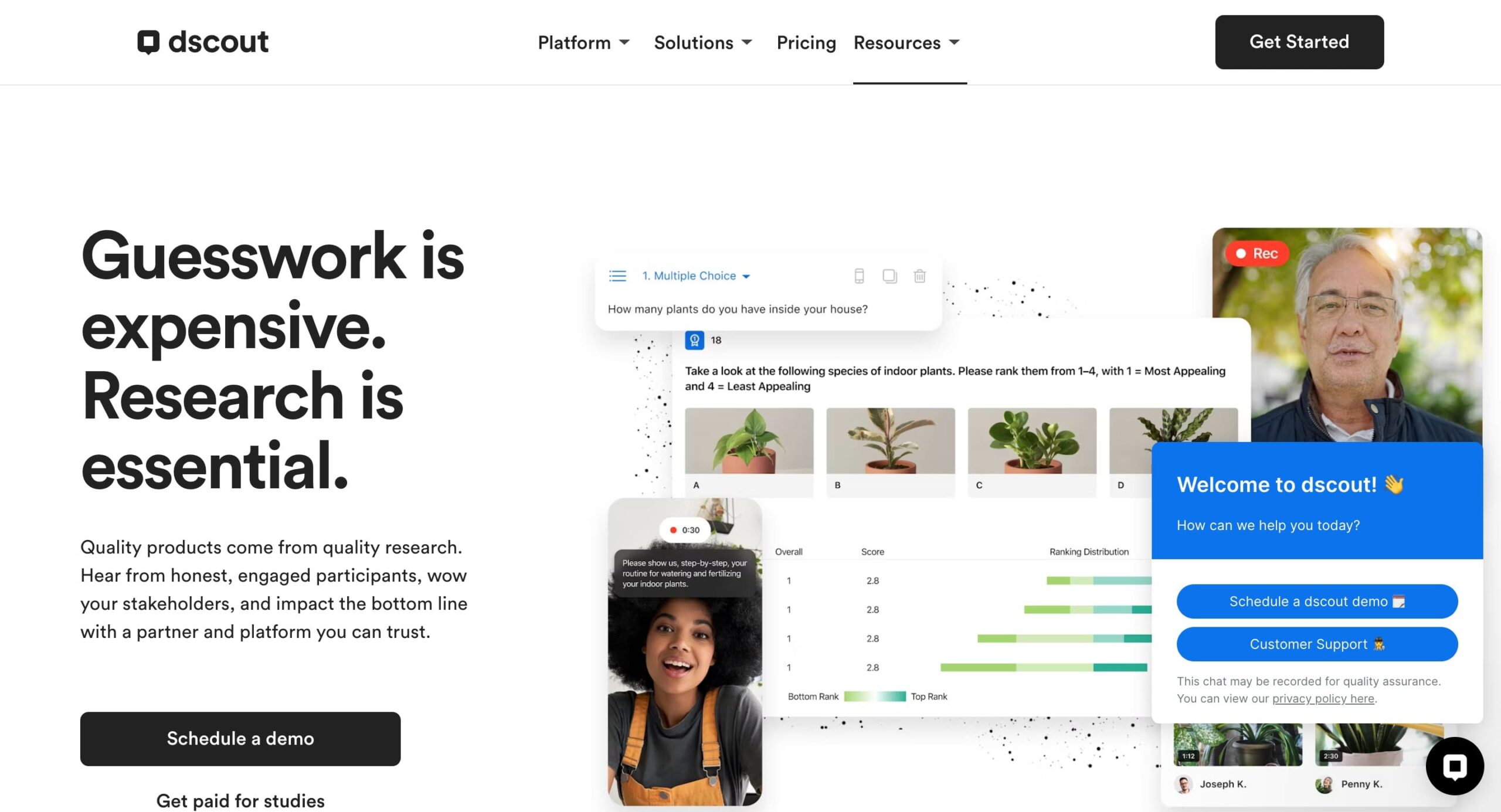
dscout is a remote qualitative research platform designed to capture user behavior in their natural environment. It goes beyond traditional user interviews by offering tools for conducting in-context user research through diary studies, card sorting, and remote testing.
Features:
- In-Context Research: Capture user behavior in real-world settings.
- Diary Studies: Collect ongoing user feedback through diary entries.
- Card Sorting: Understand how users categorise information.
- Remote Testing: Conduct usability tests using screen recording and webcam capture.
Pros:
- Offers diverse research methodologies beyond standard user interviews.
- Captures user behavior in context, providing valuable insights into real-world usage.
- Built-in recruiting tools (on some plans) streamline participant recruitment.
Cons:
- Can be pricier than some basic user interview tools (pricing not available).
- The learning curve associated with the platform’s various functionalities.
- May be overkill for simple user interviews focused on direct feedback.
User Reviews
Overall rating: 4.4/5
Ease of use: 4.5/5
Customer service: 4.3/5
Pricing and Plans
Start around $49 per screener interview, with custom quotes for larger projects.
8. Useberry

Useberry is a user-testing platform specifically optimized for the design phase, allowing teams to turn static prototypes into clickable, data-rich studies. It bridges the gap between design and development by providing visual insights like heatmaps and user flows before a product is even built. Its seamless integration with major design software makes it a go-to for teams following an agile, iterative design process.
Features
- Direct Prototyping Integrations (Figma, Adobe XD, Sketch, ProtoPie)
- Visual Behavioral Analytics (Heatmaps and Click Tracking)
- Comprehensive Testing Suite (5-second tests, First Click, Card Sorting, and Tree Testing)
- Session Recordings & Video Feedback
- Targeted Participant Recruitment
Pros
- Seamless design tool sync that updates prototypes in the test environment instantly.
- Highly visual reporting including detailed heatmaps and clickmaps for every screen.
- Large global panel with over 100 targeting characteristics for quick recruitment.
- User-friendly interface that allows for very fast study setup and launch.
Cons
- Pricing can be steep for smaller teams or freelancers compared to basic survey tools.
- Moderate learning curve to master complex logic jumps and advanced test structures.
- Limited qualitative depth for long-form moderated interviews compared to specialized platforms.
- No “save as draft” feature for test scenarios, which can lead to lost work during setup.
User reviews
- Overall rating: 4.5/5
- Ease of use: 4.6/5
- Customer service: 4.6/5
Pricing plans
Starts around $67 per month (billed annually) for individual and growth tiers; includes a free-forever version for a single project. Enterprise plans are available upon request.
9. Qualtrics
Qualtrics is a powerful research platform that provides tools for surveys, feedback, and data analysis. Organizations worldwide use it to gather insights and make data-driven decisions. It is known for its robust features and flexibility, making it suitable for both simple and complex research projects.
Features:
- Advanced Surveys: Create detailed and complex surveys with various question types.
- Feedback Collection: Collect feedback through multiple channels, including email, web, and mobile.
- Data Analysis: Analyse data with powerful analytics tools and generate detailed reports.
- Integration: Integrate with other tools and platforms for a seamless workflow.
Pros:
- Comprehensive Features: Offers a wide range of survey creation, distribution, and analysis tools.
- Flexible: Suitable for various research needs, from simple surveys to complex studies.
- Robust Analytics: Powerful data analysis and reporting capabilities.
Cons:
- Complexity: May have a steep learning curve for new users.
- Cost: Can be expensive, especially for smaller organisations.
User reviews
Overall rating: 4.7/5
Ease of use: 4.4/5
Customer service: 4.7/5
Pricing
Custom pricing based on features and usage. Contact for details.
10. Lyssna (Formerly UsabilityHub)
UsabilityHub, now Lyssna, is a remote user research platform that employs a variety of research methodologies to deliver immediate input on the customer experience of your digital products.
Features:
- User interviews
- Heatmaps and click tracking
- Participant recruitment
- Surveys and polls
Pros:
- Versatile platform offering user interviews alongside other user research methodologies.
- Heatmaps and click-tracking tools provide additional insights into user behavior.
- Built-in participant recruitment tools (on some plans) simplify finding participants.
Cons:
- There are no video answers of unmoderated tests available
- Poor diversity of respondents – Customers have complained that it is difficult to find qualified testers in non-English-speaking countries
- Returning to multiple setup processes and finding that information you have already entered is missing
User reviews
Overall rating: 4.7/5
Ease of use: 4.6/5
Customer service: 4.6/5
Pricing and plans
- Free Plan: $0/month (3 seats, 2-min tests, 15 self-recruited responses).
- Basic Plan: $75/month (3 seats included, 10-seat max, 5-min tests).
- Pro Plan: $175/month (5 seats included, 15-seat max, unlimited test lengths).
- Enterprise Plan: Custom pricing with unlimited seats and features (contact sales).
11. Userlytics
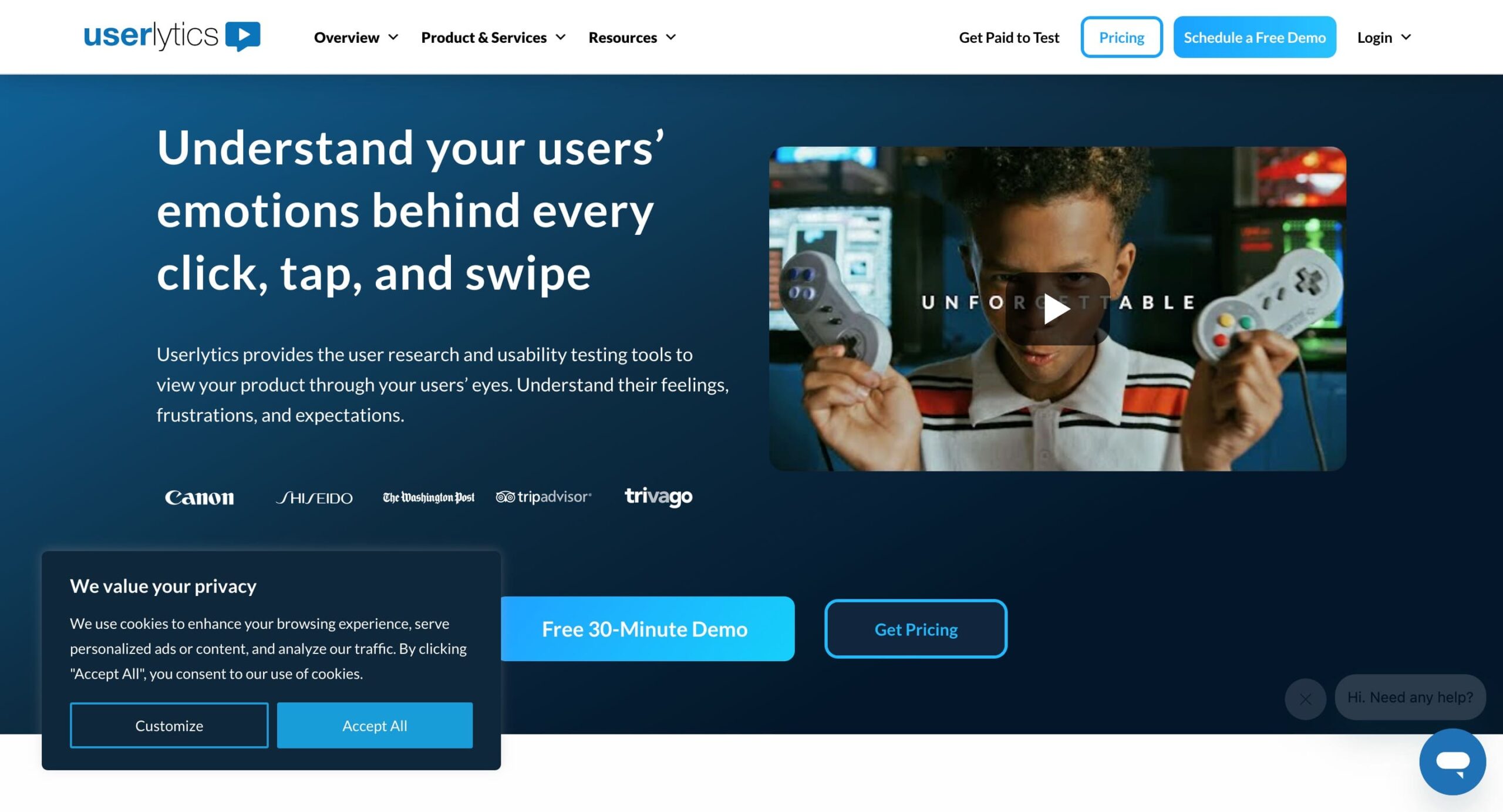
Userlytics is a platform for remote user experience testing and usability testing. It allows researchers to conduct both moderated and unmoderated tests, gathering insights from participants around the world.
Features:
- Remote Testing
- Moderated and unmoderated usability tests
- Screen recording
- Participant recruiting
Pros:
- Global reach
- Flexible testing options
- Detailed insights and advanced analytics
Cons:
- Several customers voiced their discontent due to audio issues and the testing process being a little too slow
- The PDF format is not available for reports
- There isn’t much demographic information provided by Userlytics about the participants
User reviews
Overall rating: 4.7/5
Ease of use: 4.6/5
Customer service: 4.9/5
Pricing plans
- Project-Based: Starts at $99 per session (minimum purchase of 5 sessions).
- Enterprise: As low as $34 per session (requires an annual plan with volume discounts).
- Limitless: Custom pricing for unlimited accounts and tests (contact sales).
12. Maze
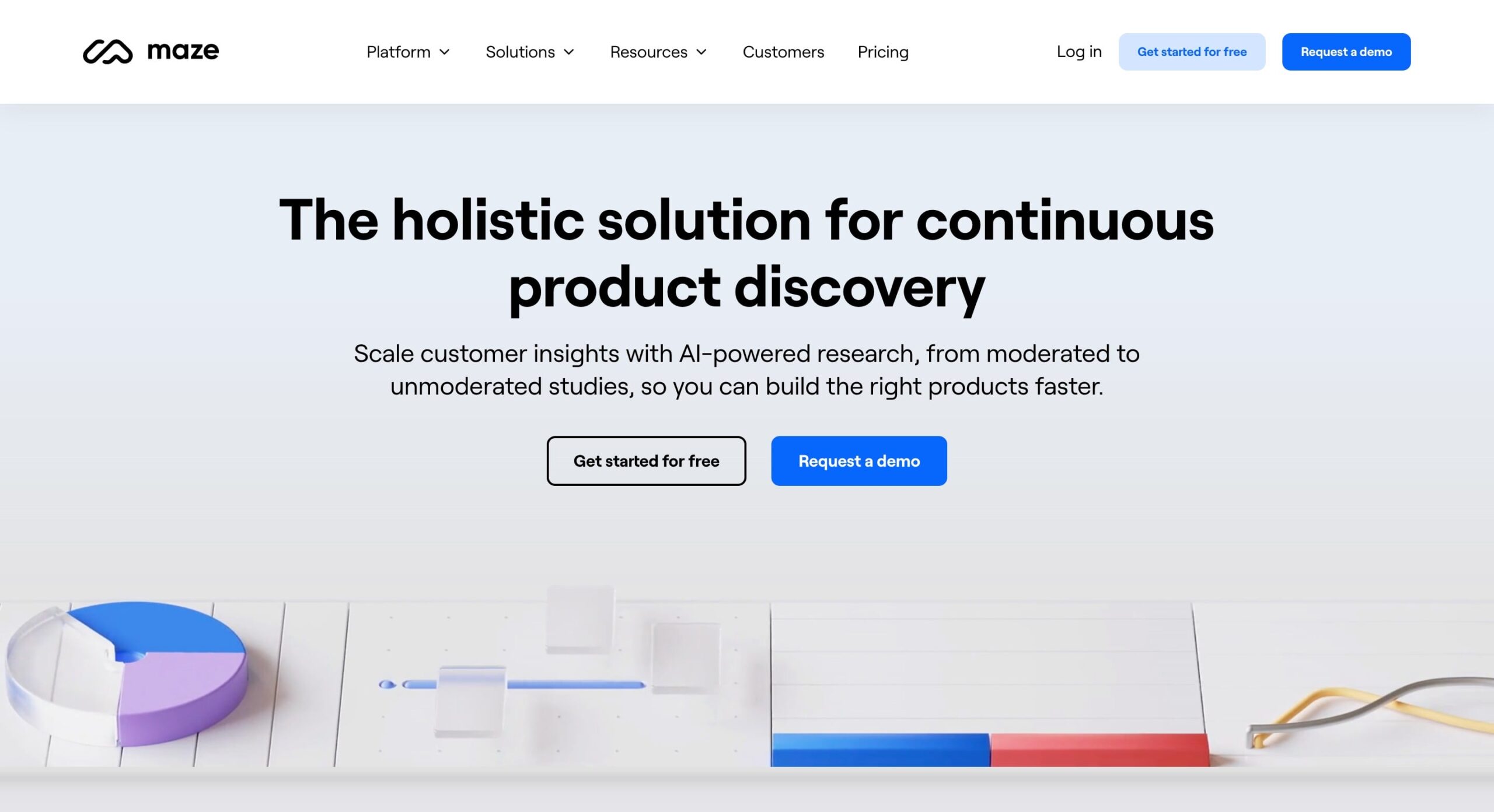
Maze is a user experience (UX) design platform that offers functionalities for conducting usability testing and gathering user feedback. While not strictly focused on user interviews, researchers can create user flows and prototypes, conduct remote usability testing sessions with screen recording, and collect user feedback through surveys and interviews.
Features
- Prototype Testing
- Survey
- 5 Second Testing
- Card Sorting
- Tree testing
- Screen recording
- Interviews
Pros
- Easy Integration with Design Tools: Users appreciate how Maze integrates seamlessly with tools like Figma, making prototype testing straightforward.
- Diverse Question Types: The platform offers a variety of qualitative and quantitative questions.
- Effective Prototype Testing: Maze is highly regarded for its prototype testing capabilities, allowing quick setup and execution.
- User-Friendly Survey Creation: Maze makes survey construction easy, offering users both control and simplicity.
- Data Organization: Responses can be easily converted into an Excel format, aiding in better data management and tracking.
Cons
- Learning Curve: New users, especially those unfamiliar with user testing platforms, may find Maze challenging to learn and navigate.
- Prototype Stability Issues: Users have reported frequent crashes, particularly with mobile prototypes, affecting the reliability of test results.
- Limited Conditional Logic: There’s a desire for more sophisticated question logic to build detailed tests without overwhelming participants.
- Report Customization: Users wish for more flexibility in editing and combining reports, finding the current options limiting.
- Email Campaign Manager: The tool is considered clunky, with emails often landing in spam folders, reducing the effectiveness of participant recruitment efforts.
- Test Participant Reliability: There are instances of test participants not fully committing to tests, with a notable number dropping out or exiting the test prematurely, despite compensation.
User reviews
Overall rating: 4.5/5
Ease of use: 4.3/5
Customer service: 3.8/5
Pricing and plans
- Free Plan: Basic features with limited functionality.
- Starter Plan: $99/month ($1,188/year).
- Organization Plan: Custom pricing for larger teams with extensive research needs.
13. User Interviews

User Interviews is a user research platform that allows you to recruit for moderated or unmoderated studies. You can conduct remote or in-person studies with streamlined and targeted user panels that can help you test new features and offer insights that can improve your business and product. They also have an advanced management database that can get you fast access to quality participants who can earn money by participating in your research studies.
Features
- Moderated research
- Surveys
- Recruiting
- Incentives
- Scheduling
Pros
- Intuitive UI
- Effective and quick recruitment
- Great customer service
Cons
- This tool can be costly for smaller research projects
- Primarily focuses on recruitment and initial feedback and not the studies themselves
User reviews
Overall rating: 4.4/5
Ease of use: 4.1/5
Customer service: 4.8/5
Pricing and plans
User Interviews has a pay-as-you-go plan available at $49/session, an Essential plan starting at $36/session, and a custom enterprise plan.
14. Dovetail

Dovetail is a widely used research repository built for organizing, tagging, and synthesizing qualitative data at scale. It combines transcription, highlights, and insight management in one place, making it easier for teams to turn interviews and notes into shareable findings. Dovetail works best for research-heavy teams that need a central system to manage large volumes of qualitative data across projects.
Features:
- Customer calls
- Usability tests
- Research repository
- In-context feedback
- Screen recording
- Comments and surveys
- Analytics
Pros:
- Focuses on capturing in-context user feedback within the prototype environment.
- Offers a variety of feedback collection methods (recordings, comments, surveys).
- Integrations with other tools streamline the research process.
Cons:
- May not be ideal for traditional user interviews requiring direct interaction with participants.
- Interview functionalities may be integrated within the prototype testing process.
User Reviews
Overall rating: 4.4/5
Ease of use: 4.3/5
Customer service: 4.6/5
Pricing and Plans
Dovetail offers a free plan with core features available, along with a custom Enterprise plan for larger teams that need advanced controls, security, and scalability.
15. Respondent.io

Respondent.io is an online user recruitment platform that connects researchers with potential participants for their studies. You can use it as a valuable tool for finding the right participants for your user interviews, regardless of location or background.
Features
- Global participant pool
- Screener surveys
- Communication tools
Pros
- Simplifies participant recruitment with a large pool and targeted surveys.
- Integrates with other research tools for a complete workflow solution.
- Streamlines communication and scheduling with participants.
Cons
- Limited functionalities for conducting user interviews themselves (pricing not available). Respondent.io focuses on recruitment, and interviews may need to be conducted on a separate platform.
User reviews
9/10 on TrustRadius.
Pricing and plans
Pay-per-respondent model. Prices vary depending on screener criteria and demographics.
16. Sprig (Formerly Userleap)

Sprig is a user research platform designed for conducting remote usability testing and user interviews. Researchers can create user flows and prototypes, conduct remote testing sessions with screen recording and audio capture, and moderate interviews in real-time. Sprig is ideal for those looking for a comprehensive tool to cover all aspects of usability testing and user feedback collection.
Features
- Session replays
- User feedback
- Heatmaps
- AI analysis
- User research
Pros
- All-in-one platform for user testing, interviewing, and analysis.
- Real-time interview moderation allows for dynamic interaction with participants.
- Built-in recruitment tools (on some plans) streamline participant sourcing.
Cons
- May be pricier than some basic user interview tools (pricing not available).
- The comprehensive feature set might be overwhelming for researchers who only need basic interview functionalities.
User reviews
4.6/5 on G2.
Pricing and plans
A freemium model with limited tests and features. Paid plans start around $49 per month.
17. Looppanel

Looppanel combines a research repository with AI‑enabled features such as automatic transcription, theme detection, and smart search across recorded interviews and feedback. It supports live note‑taking and shareable insights.
Features
- Auto transcription and tagging
- Smart AI‑assisted search and summaries
- Live note capture during research sessions
- Clip creation for evidence‑based insights
- Unlimited viewers and collaborators on higher plans
Pros
- Fast, AI-driven analysis significantly reduces manual work
- Clean and modern user interface compared to older tools
- Automatically generates summaries, tags, and key insights
- Great for organizing and centralizing research data
- Works well with interviews conducted via Zoom and other tools
Cons
- No built-in participant panel (you must recruit users separately)
- Not a full usability testing platform (no native task-based testing like competitors)
- AI insights may still require manual validation
- Limited quantitative metrics compared to traditional UX testing tools
User reviews
- Overall: 4.6/5
- Ease of use: 4.7/5
- Customer service: 4.8/5
Pricing
Pro plan starts at $395/month, and a custom Enterprise plan is available.
18. Condens

Condens is one of the most frequently mentioned Dovetail competitors among experienced UX researchers. It focuses heavily on turning raw research into reusable insights through structured coding, synthesis boards, and evidence-backed findings.
Teams appreciate Condens for its clarity, transparency, and flexibility across different research methods. It is especially strong for organizations running continuous research programs.
Features
- Qualitative coding and synthesis
- Insight libraries with evidence linking
- Collaboration and stakeholder sharing
- Strong ResearchOps support
Pros
- Strong repository functionality helps create a “single source of truth” for research
- Intuitive and clean interface appreciated by many users
- Automatic transcription and qualitative analysis tools save time
- Great for collaboration and sharing insights across teams
- Fast and responsive customer support according to user reviews
Cons
- Not a full usability testing platform (no built-in participant recruitment or task-based testing)
- Limited support for quantitative research and metrics
- Transcription accuracy can sometimes require manual correction
- Tagging and organization can become complex in large projects
- Pricing may be high for larger teams or scaling organizations
User reviews
Overall: 4.8/5
Ease of use: 4.7/5
Customer service: 4.8/5
Pricing
Condens offers a Lite Plan for €15 per month, a Business Plan starting at €500 per month, and a custom Enterprise Plan.
19. Ethnio
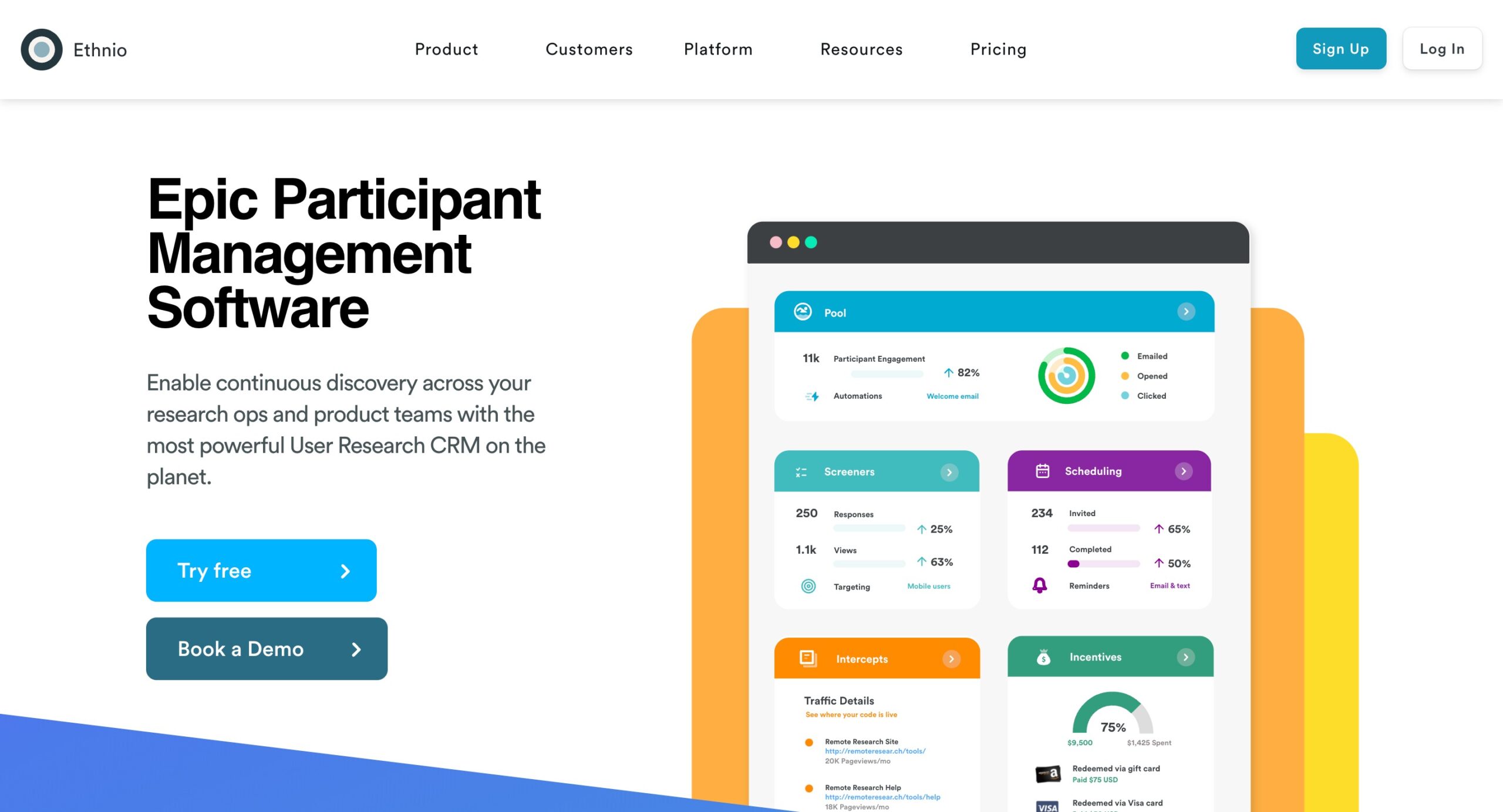
Ethnio is a tool for recruiting participants for user research studies. It simplifies the process of finding and scheduling participants, making it easier to gather insights from the right users. Ethnio is particularly useful for sourcing participants who meet specific criteria.
Features
- Participant recruitment
- Screeners
- Scheduling
- Incentives
Pros
- Easy scheduling
- Incentive management
Cons
- Cost
- Learning Curve
User reviews
- Overall rating: 4.6/5
- Ease of use: 4.5/5
- Customer service: 4.4/5
Pricing plans
Custom pricing based on features and usage. Contact for details.
20. EnjoyHQ

EnjoyHQ is a research repository designed to help teams centralize customer insights and make them accessible beyond the research team. It focuses on turning raw feedback into structured insights that product, design, and leadership teams can easily explore and reuse. EnjoyHQ is particularly well suited for organizations that want research findings to inform roadmaps, strategy, and ongoing decision making across departments.
Features
- Insight libraries
- Stakeholder-friendly dashboards
- Integrations with research tools
Pros
- Strong repository functionality helps create a single source of truth for research
- Supports integration with many tools, allowing data from multiple channels to be centralized
- Enables teams to discover patterns and connections across research data
- Highly rated customer support and overall satisfaction in reviews
Cons
- No built-in usability testing or participant recruitment (analysis-focused tool)
- Can feel complex and harder to learn for new users
- Interface and workflows may not be as intuitive as newer AI-driven tools
- Pricing is relatively high compared to similar tools
- Some users report difficulty navigating projects and notifications
User reviews
- Overall rating: 4.8/5
- Ease of use: 4.3/5
- Customer service: 5.0/5
Pricing plans
- Free Trial: available, but no free plan
- Starter/Basic: starts around $200/month
- Enterprise: custom pricing depending on team size and integrations
Curious about how to improve your user interview process? This video shares practical tips to help you get started! 🔽
Ready to start conducting user interviews? Try UXtweak.
With UXtweak’s Live Interviews, you can seamlessly schedule, recruit, conduct, and analyze your all user interviews.
Run your user interviews end-to-end—from recruiting the right participants and scheduling sessions to recording conversations and instantly turning them into actionable insights.
Learn more about the tool and try it yourself! 🐝